AI Poster Generator
Posters combine a strong image with a headline, and until recently AI models could do the first but not the second. GPT Image changed that: it renders short titles, dates and venue lines legibly, so you can prompt for a complete concept such as a minimalist jazz night poster, deep blue, a saxophone silhouette, title JAZZ AT NINE in bold serif, date at the bottom. Use it for event flyers, gig posters, film-style key art, product launch teasers, school and community notices, and mood boards for a print designer. FLUX Pro 1.1 and Seedream 4 are better choices when you want the artwork only and will add text yourself in Canva or Figma, which remains the safest route for long copy. Choose 3:4 for A-series and US letter proportions, 4:5 for Instagram and 9:16 for Stories or digital signage. Describe the era and printing style if you want a specific feel: Swiss modernist, 1970s screen print, Soviet constructivist, risograph two-colour. Upscale 4x afterwards for an A2 print at 150 dpi or A3 at 300 dpi. Always proofread generated text before printing and keep copyrighted film titles or logos out of prompts for commercial jobs.
- GPT Image renders titles, dates and venue lines legibly
- 3:4 print, 4:5 Instagram, 9:16 Stories and signage
- Era and print-style cues: screen print, risograph, Swiss
- Upscale 4x for A2/A3 print
- No signup required
from 1 credits · Uploads are deleted automatically after 24 hours.
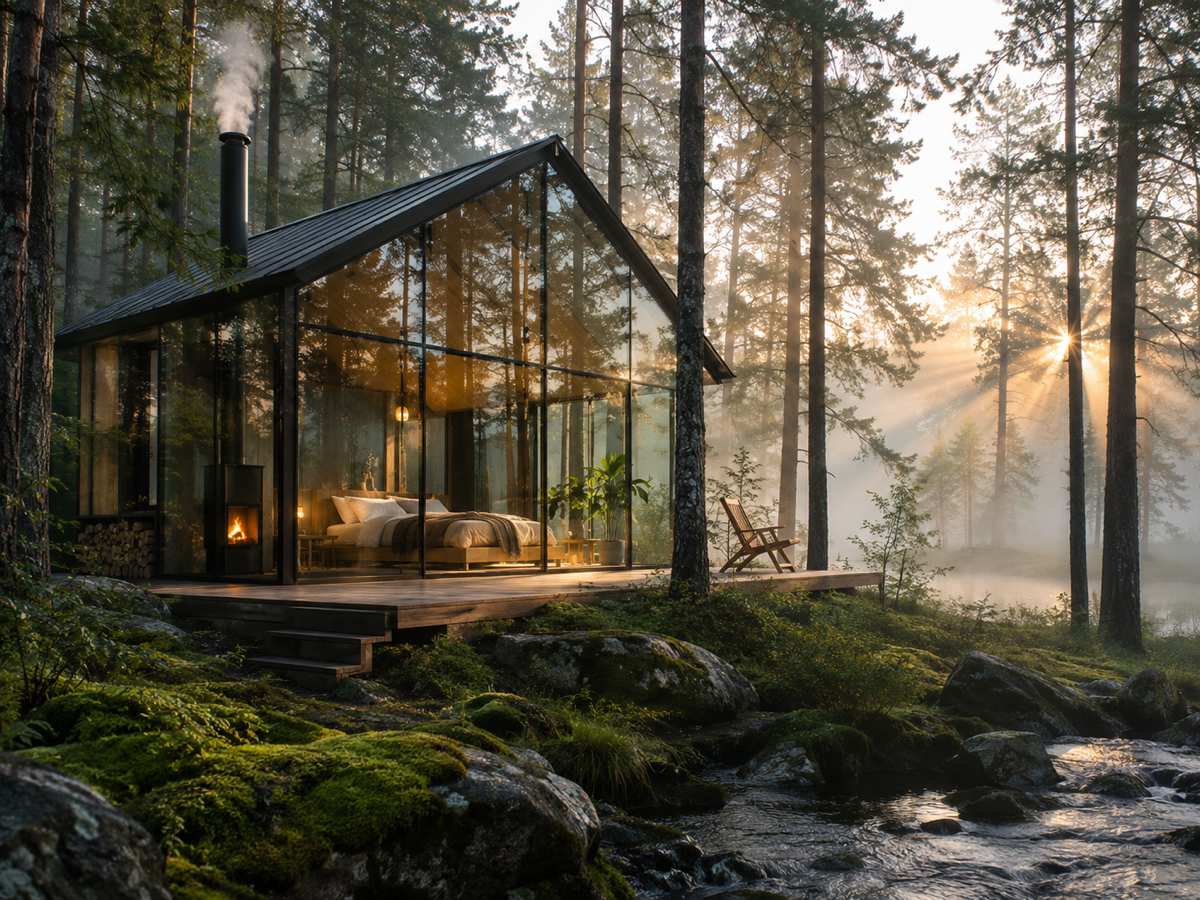
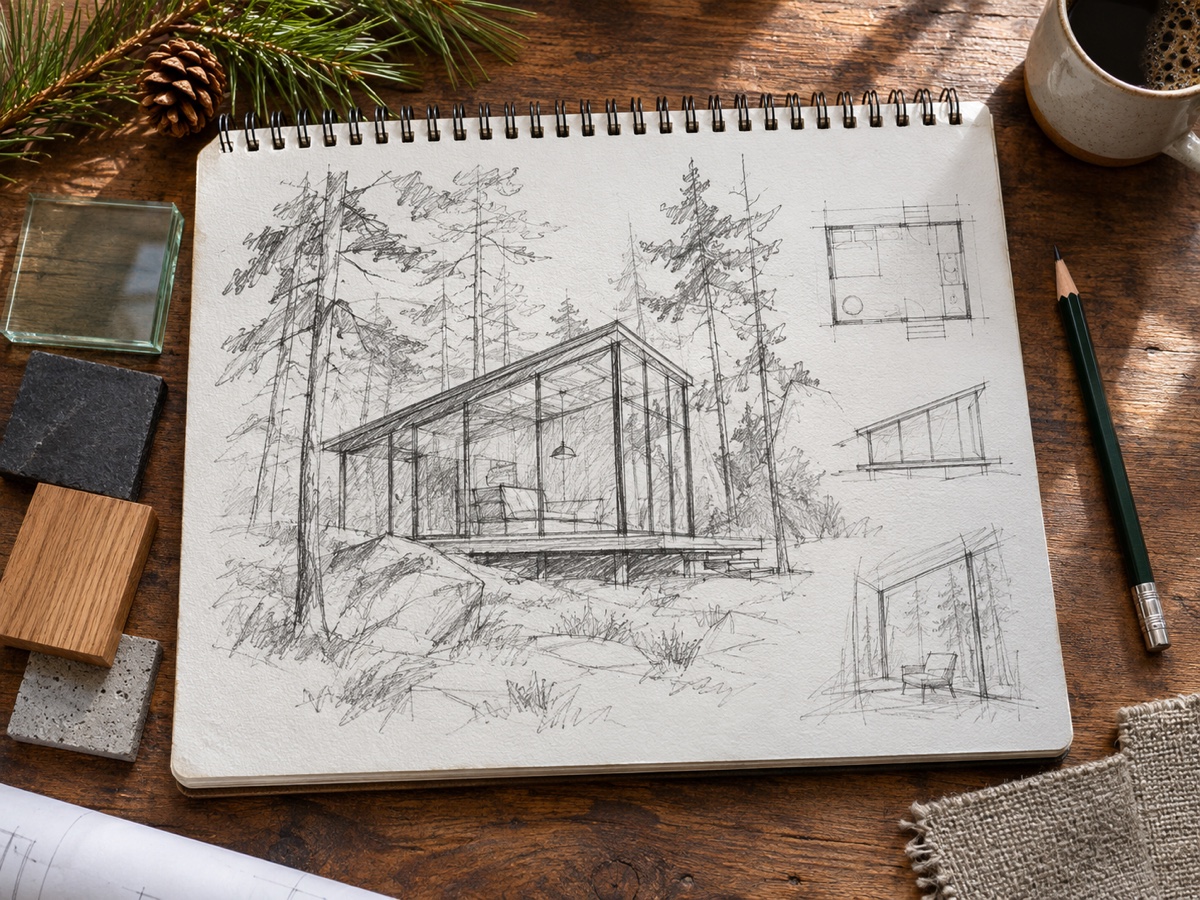
Other variants
Modes
How it works
Step 1
Write a prompt
Describe subject, setting, lighting and style. Use Prompt Enhance for help.
Step 2
Pick a model and ratio
Start with FLUX Schnell for drafts, switch to a premium model for the final.
Step 3
Generate and refine
Get up to 4 images, then upscale, expand or edit them in one click.
Works great for
Why youcut.ai
Best models side by side
FLUX Schnell, FLUX Pro 1.1, Seedream 4, Nano Banana and GPT Image without five subscriptions.
Prompt enhance
One click expands a short idea into a detailed prompt.
Transparent pricing
Credits per image are shown on the button before you generate.
Edit after generating
Send any result to the AI Photo Editor, Expander or Upscaler.
Style presets
Anime, 3D, watercolor, pixel art, cyberpunk and more.
Commercial license
Pro and Business plans include commercial rights for generated images.
youcut.ai vs cutout.pro
| Feature | youcut.ai | cutout.pro |
|---|---|---|
| Cheapest image | 1 credit (~$0.03 on Pro) | 3–12 credits |
| Models available | FLUX, Seedream 4, Nano Banana, GPT Image | Multiple, similar set |
| Free daily credits without account | ✓ | — |
| Subscription entry price | $9.99 / 250 credits | $5 / 80 credits |
Loved by creators and teams
“Draft with Schnell, finish with Seedream. Cheap iteration.”
“Nano Banana keeps our mascot consistent across posts.”
“GPT Image gets typography right on the first try.”
“Wallpaper and poster designs I actually sell.”
“Illustrations for worksheets in minutes.”
“One API for all the models instead of four vendor accounts.”
Frequently asked questions
How much text can the poster contain?+
A title, one subtitle and a short date or venue line are reliable with GPT Image. Add paragraphs in a design tool.
Which model for artwork without text?+
FLUX Pro 1.1 for photographic or painterly art, Seedream 4 for illustrated and graphic styles.
What size is needed for an A3 print?+
3508 x 4961 pixels at 300 dpi; generate at 3:4 and upscale 4x.
Ready to try AI Image Generator?
Free preview in seconds. HD download from 1 credits.
Try it freePowered by: FLUX.1 [schnell] · FLUX 1.1 [pro] · Seedream 4.0 · Nano Banana (Gemini 2.5 Flash Image) · GPT Image