Free AI People Remover – Remove Unwanted People from Photos
Remove strangers, tourists and photobombers from any photo in one click.
- Fully automatic detection
- Keep the person you tap
- Natural background reconstruction
- No signup required
from 1 credits · Uploads are deleted automatically after 24 hours.

How it works
Step 1
Upload the photo
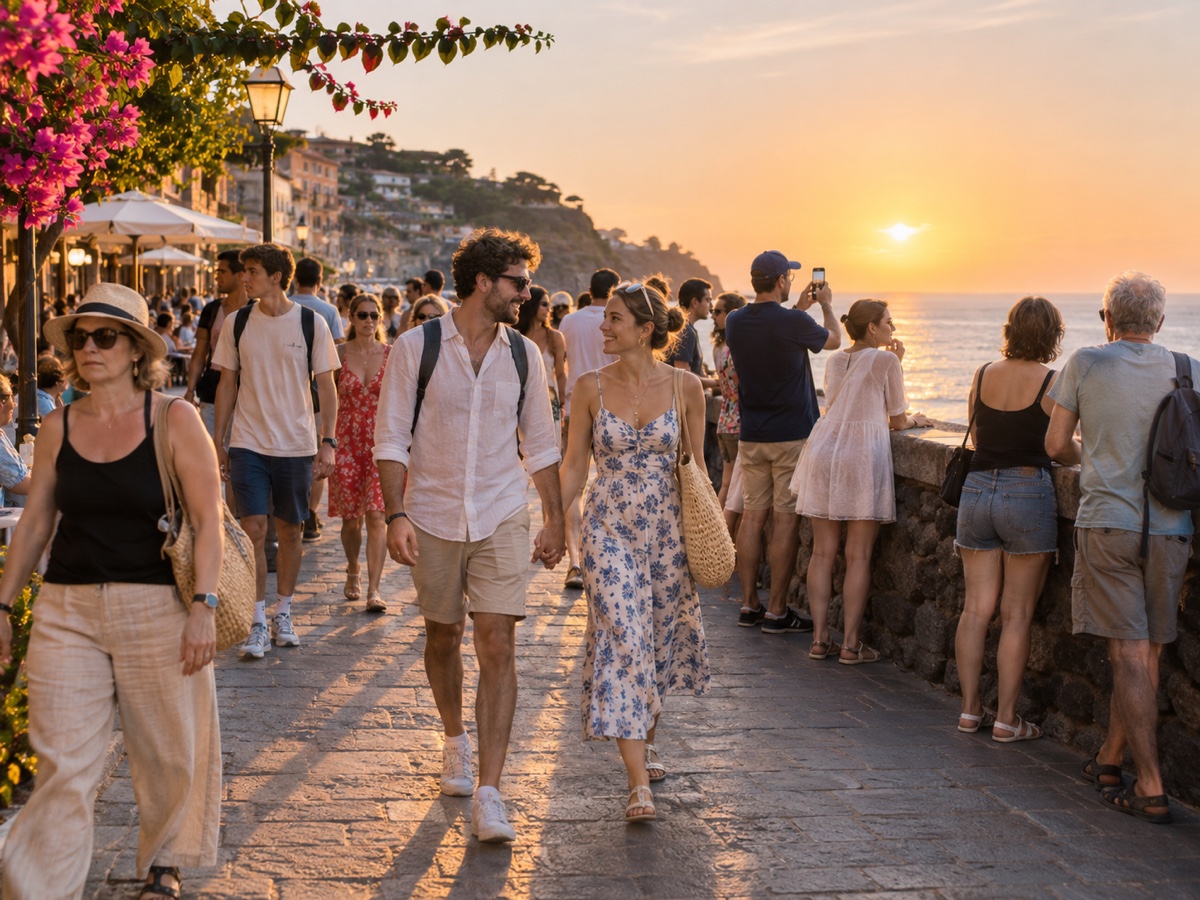
Crowded landmark, busy street or a group shot with an extra guest.
Step 2
Choose who stays
AI outlines every person. Tap the ones you want to keep; everyone else is marked for removal.
Step 3
Remove and download
The background is rebuilt behind them. Download full resolution or refine with the Object Remover brush.
Works great for
Why youcut.ai
Person detection built in
No brushing. Every person is found automatically, including partial figures at the frame edge.
Selective keep
Keep one, two or a whole group and remove the rest.
Shadows handled
The mask is expanded to include shadows and reflections so nothing is left behind.
Refine with the brush
Send the result to the Object Remover for touch-ups on bags, tripods or leftover feet.
youcut.ai vs Adobe Photoshop
| Feature | youcut.ai | Adobe Photoshop |
|---|---|---|
| Automatic person detection | ✓ | — |
| Time per photo | ~10 seconds | 5–20 minutes of manual work |
| Price | Free preview, 1 credit HD | Monthly subscription |
| Runs in browser | ✓ | — |
Loved by creators and teams
“Santorini at noon, zero tourists. Clients think I woke up at 5am.”
“Neighbors walking through the shot are no longer a reshoot.”
“Removed a waiter from the first-kiss photo. Bride cried, happy tears.”
“Free credits were enough to fix all my exchange-semester photos.”
“Backgrounds look untouched, not smudged. That is the difference.”
“We clean event photos before posting so no attendee consent issues.”
Frequently asked questions
How does the people remover know who to keep?+
It detects every person and shows each one with an outline. You tap the people to keep; everyone else is removed. By default the largest, most central person is kept.
Is it free?+
Preview is free with no signup. Full-resolution download costs 1 credit, and visitors get 3 free credits daily.
What if the person covers something important?+
AI reconstructs a plausible background from surrounding context. For architecture and repetitive patterns this is usually seamless; for unique objects behind a person, expect an approximation.
Can it remove people from group photos?+
Yes. Deselect the person to remove; the tool works best when they are at the edge or not overlapping others.
Does it also remove shadows?+
Yes, the mask is automatically expanded to cover shadows and reflections on floors and water.
What is the maximum image size?+
25 MB and 4K on the long edge. Larger images are processed at 4K.
Can I remove people from videos?+
Not yet. Video object removal is on our roadmap; the Video Background Remover can already isolate a single subject from everything else.
How is this different from the Object Remover?+
The People Remover is fully automatic for humans. The Object Remover gives you a brush for anything else, and also has an Auto people mode.
Ready to try People Remover?
Free preview in seconds. HD download from 1 credits.
Try it freePowered by: Bria Eraser · FLUX.1 Fill [pro]