Free AI Image Expander – Outpaint Photos to Any Aspect Ratio
Extend any image beyond its borders to a new aspect ratio.
- Any aspect ratio
- Seamless generated edges
- Optional prompt for what to add
- No signup required
from 2 credits · Uploads are deleted automatically after 24 hours.
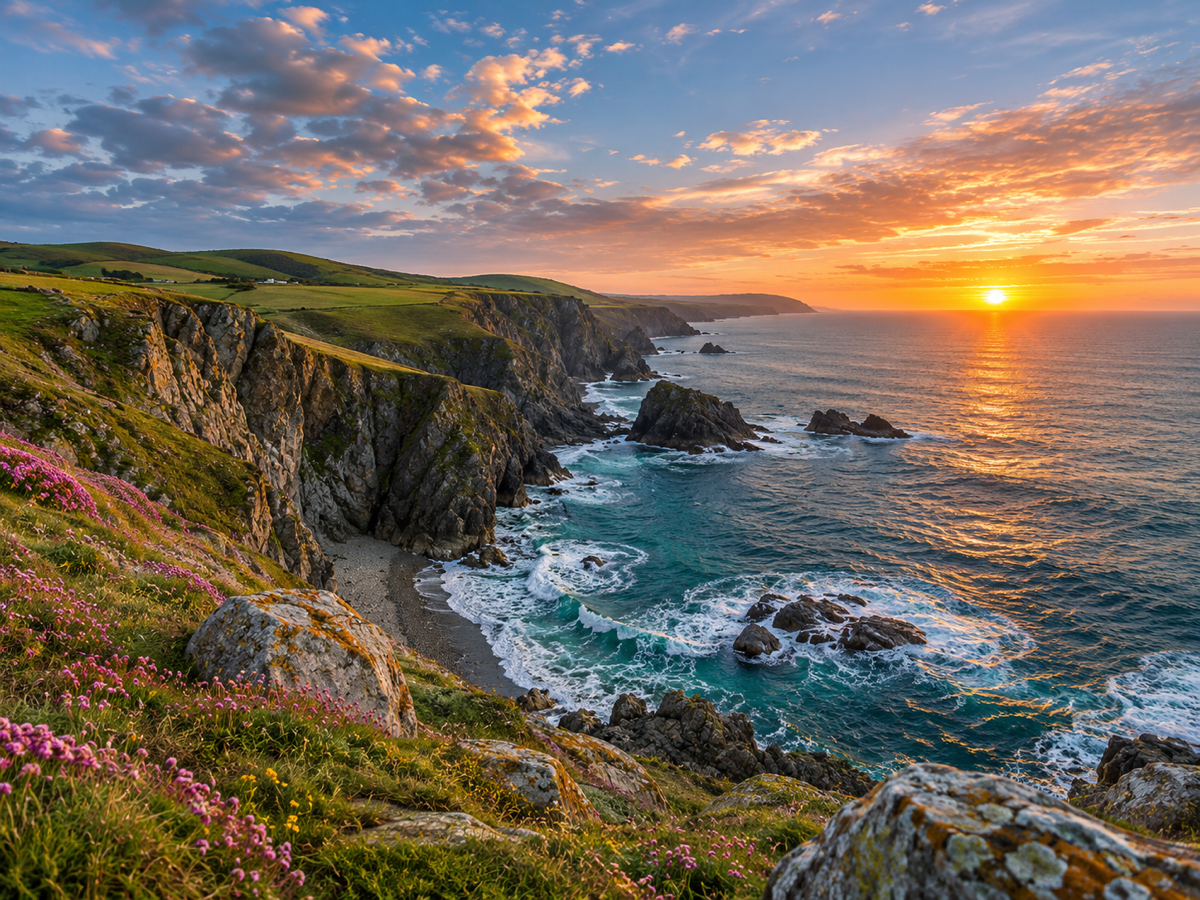
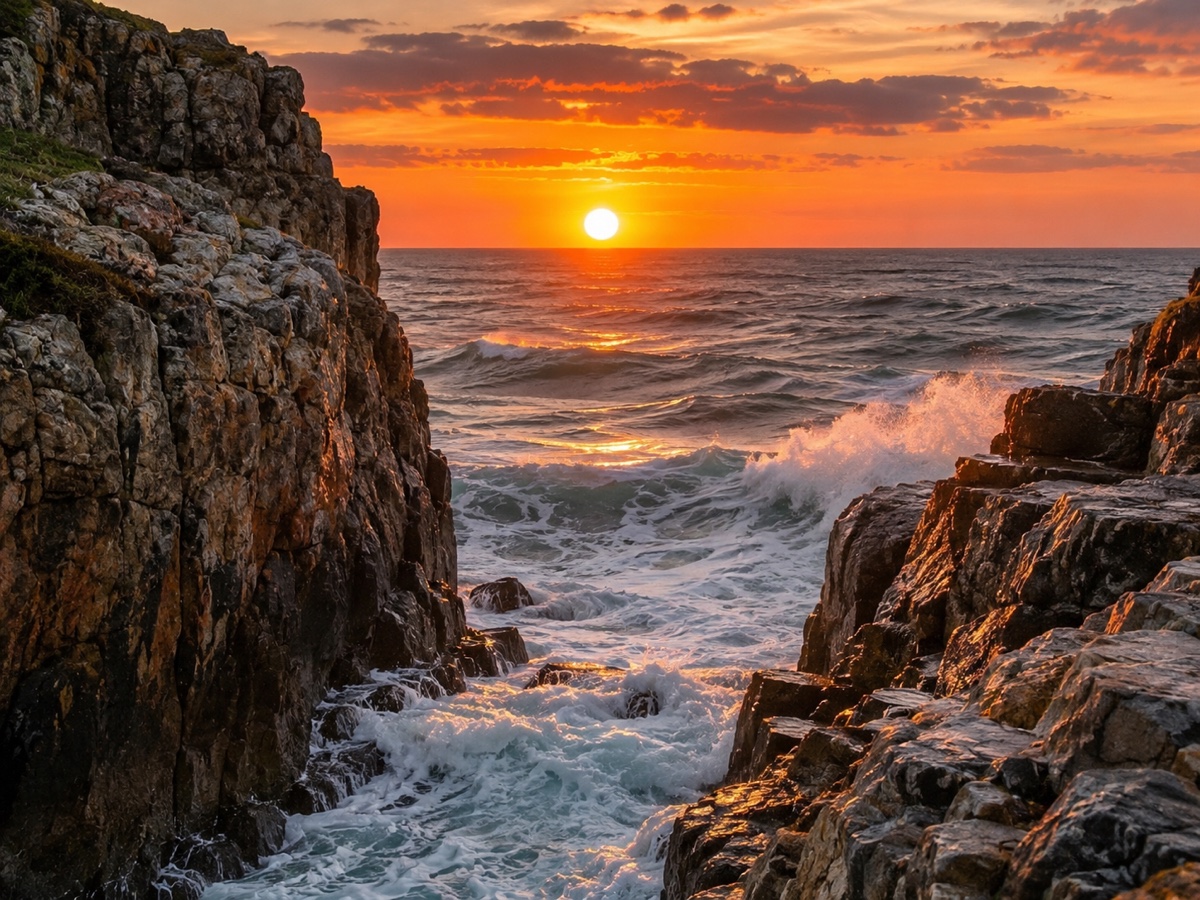
How it works
Step 1
Upload and pick a ratio
Choose the target frame, or drag the canvas handles freely.
Step 2
AI paints the new area
Content continues naturally from the original edges. Add a prompt to guide it.
Step 3
Download
Get the expanded image at full resolution; regenerate if you want a different variation.
Works great for
Why youcut.ai
Preset ratios
One click for 1:1, 4:5, 16:9, 9:16 and 21:9.
Free canvas
Drag any edge to expand only where you need.
Prompt guidance
Tell the model what should appear in the new space.
Style continuity
Lighting, grain and color are matched to the original.
Original pixels untouched
Only the new area is generated.
youcut.ai vs Adobe Photoshop
| Feature | youcut.ai | Adobe Photoshop |
|---|---|---|
| Generative expand | ✓ | ✓ |
| Price | Free preview, 2 credits HD | Subscription + generative credits |
| Runs in browser, no install | ✓ | — |
| Social ratio presets | ✓ | — |
Loved by creators and teams
“One hero image now fits every placement. Huge time saver.”
“Client photos are always the wrong ratio for banners. Solved.”
“Extended sky and sand look like I shot wider.”
“Vertical clips to 16:9 thumbnails without ugly bars.”
“Adds breathing room around products for lifestyle banners.”
“Turned my phone wallpaper into a desktop one. Free preview did it.”
Frequently asked questions
What is AI image expansion (outpainting)?+
The model generates new content outside the original borders that continues the scene, letting you change aspect ratio without cropping.
Is it free?+
Preview is free with no signup. HD download costs 2 credits; visitors get 3 free credits per day.
How much can I expand?+
Up to 2x the original width and height per pass. For more, run a second expansion on the result.
Will people or products be distorted?+
No. Original pixels are never modified. Only the new region is generated, and the model avoids inventing extra limbs or duplicated products in most cases.
Can I control what appears in the expanded area?+
Yes, add a short prompt such as "empty wall" or "more ocean". Leave it blank to let the model continue the scene automatically.
What resolution is the output?+
Up to 4K on the long edge. Upscale afterwards if you need more.
Does it work for text-heavy images or screenshots?+
Expanded regions may contain garbled text. It works best on photos, illustrations and backgrounds.
Which models power it?+
FLUX Fill for photographic outpainting and Seedream 4 edit for stylized images.
Ready to try AI Image Expander?
Free preview in seconds. HD download from 2 credits.
Try it freePowered by: FLUX.1 Fill [pro] · Seedream 4.0