Expand Photos to Instagram Sizes with AI
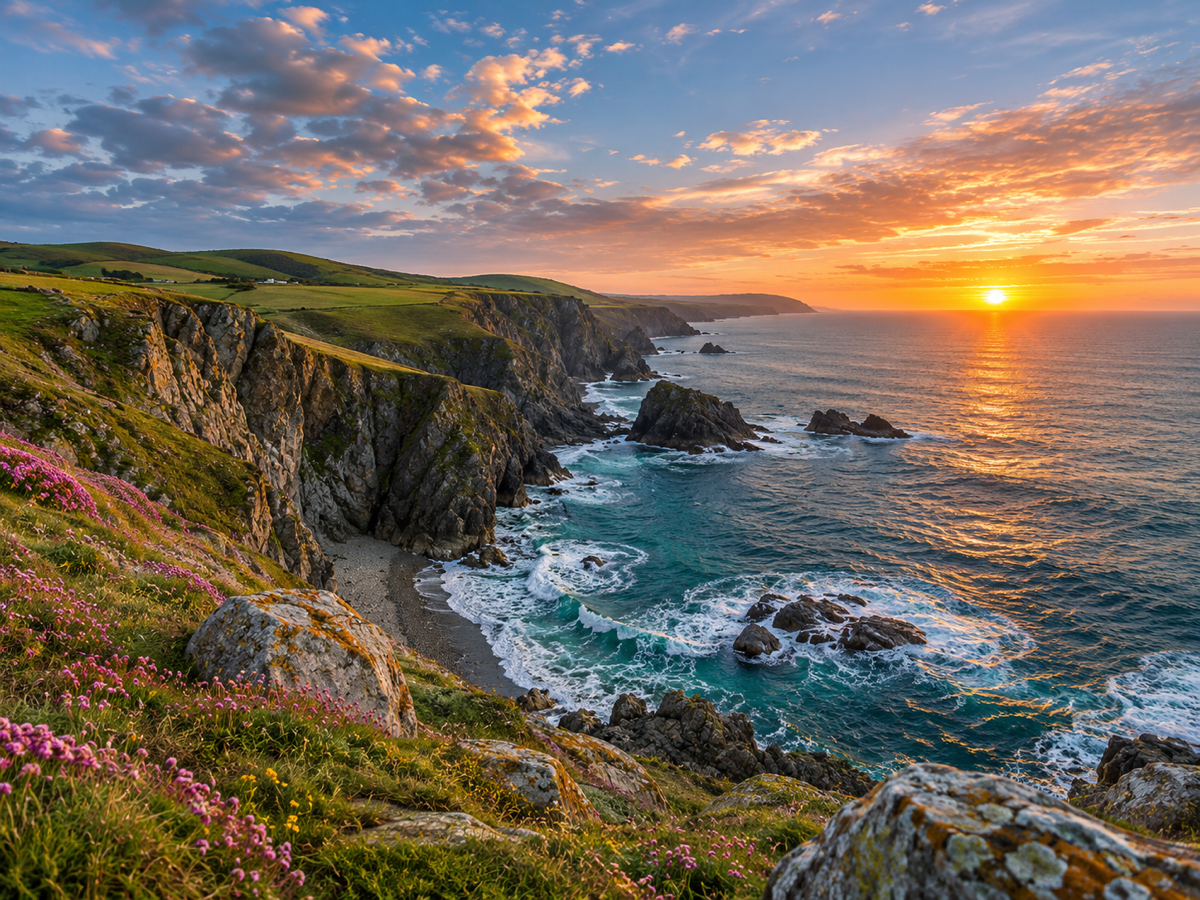
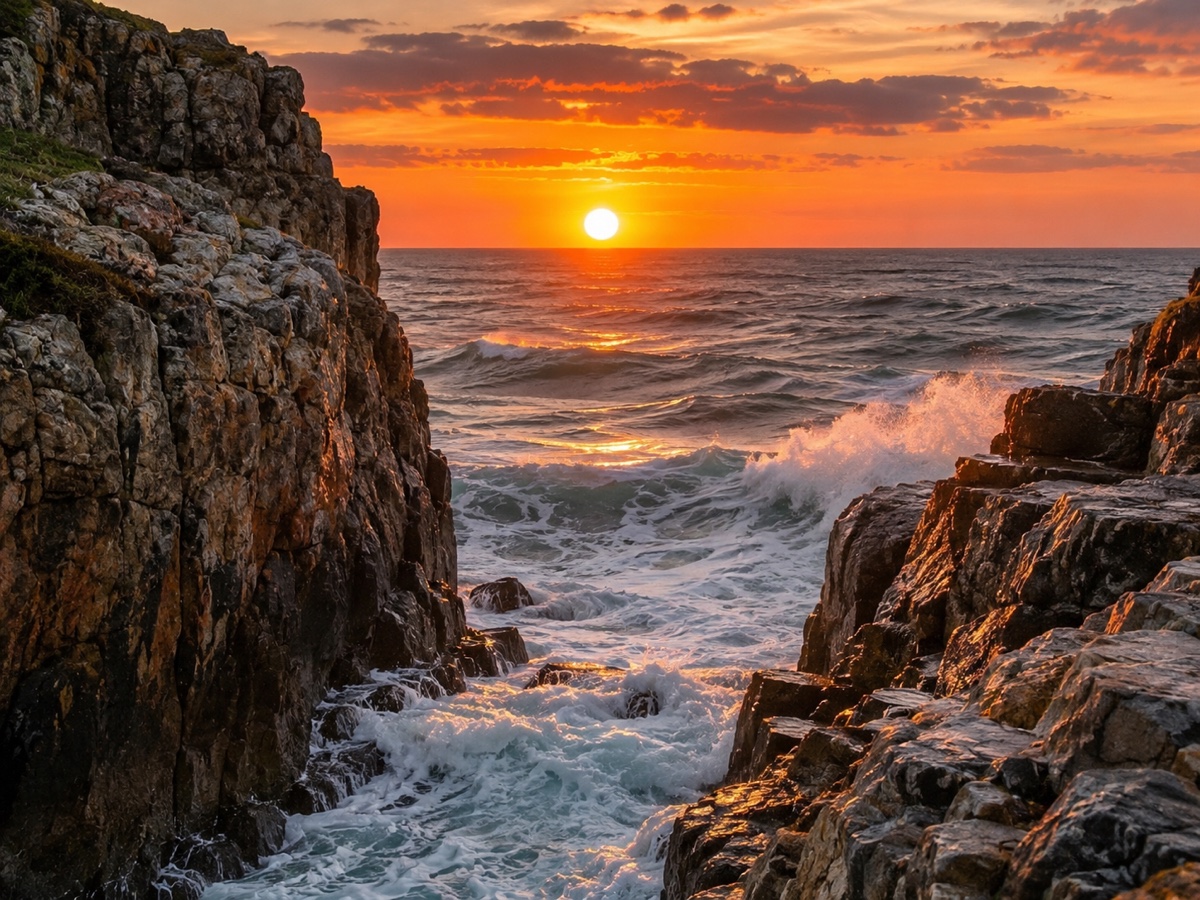
Instagram rewards vertical formats: 4:5 posts take up more of the feed than squares, Stories and Reels are 9:16 at 1080 by 1920, and a landscape photo shrunk to fit either looks lost. Cropping throws away the composition you chose. The Image Expander instead extends the canvas up and down, generating sky, floor, wall or water that matches the original in perspective, lighting and grain, so a wide beach shot becomes a full-height Story with more sand and sky rather than a letterboxed strip. Pick 4:5 for feed posts, 9:16 for Stories and Reels covers, or 1:1 for a classic square from a slightly off-ratio photo. Add a short prompt only if you want something specific in the new area, such as more clouds or a continuation of the floor tiles. It works with people at the edges too; the model keeps them intact and extends only the surroundings. Creators use it to repurpose one shoot across every format, brands to adapt campaign imagery without a second retouching round, and photographers to rescue tight crops. Preview is free and each expansion costs two credits.
- 4:5 for feed, 9:16 for Stories and Reels, 1:1 for square
- Perspective, lighting and grain matched in the new area
- People at the edges stay intact
- Repurpose one shoot across every format
- No signup required
from 2 credits · Uploads are deleted automatically after 24 hours.
Other variants
How it works
Step 1
Upload and pick a ratio
Choose the target frame, or drag the canvas handles freely.
Step 2
AI paints the new area
Content continues naturally from the original edges. Add a prompt to guide it.
Step 3
Download
Get the expanded image at full resolution; regenerate if you want a different variation.
Works great for
Why youcut.ai
Preset ratios
One click for 1:1, 4:5, 16:9, 9:16 and 21:9.
Free canvas
Drag any edge to expand only where you need.
Prompt guidance
Tell the model what should appear in the new space.
Style continuity
Lighting, grain and color are matched to the original.
Original pixels untouched
Only the new area is generated.
youcut.ai vs Adobe Photoshop
| Feature | youcut.ai | Adobe Photoshop |
|---|---|---|
| Generative expand | ✓ | ✓ |
| Price | Free preview, 2 credits HD | Subscription + generative credits |
| Runs in browser, no install | ✓ | — |
| Social ratio presets | ✓ | — |
Loved by creators and teams
“One hero image now fits every placement. Huge time saver.”
“Client photos are always the wrong ratio for banners. Solved.”
“Extended sky and sand look like I shot wider.”
“Vertical clips to 16:9 thumbnails without ugly bars.”
“Adds breathing room around products for lifestyle banners.”
“Turned my phone wallpaper into a desktop one. Free preview did it.”
Frequently asked questions
What resolution is exported?+
The original pixel density is kept, so a 1080-pixel-wide photo becomes 1080 x 1350 at 4:5 or 1080 x 1920 at 9:16.
Can it extend a photo with a person cut off at the edge?+
The model will invent the missing part of the person. It works for shoulders and clothing; faces and hands are less reliable.
Does expansion look obviously AI-generated?+
For skies, floors, walls, water and foliage the seam is invisible. Complex architecture may need a second pass or a prompt.
Ready to try AI Image Expander?
Free preview in seconds. HD download from 2 credits.
Try it freePowered by: FLUX.1 Fill [pro] · Seedream 4.0