Turn Any Photo into a Desktop or Phone Wallpaper
Screens come in shapes photos were never taken in. An ultrawide 21:9 monitor needs 3440 by 1440 or 5120 by 2160 pixels, a laptop is 16:9 or 16:10, a phone is a tall 9:16 or 19.5:9, and your favourite photo, painting or generated artwork was probably square or 3:2. Stretching distorts it and cropping loses the parts you like. The Image Expander outpaints the missing width or height, continuing skies, landscapes, gradients, textures and abstract patterns so the image fills the screen edge to edge with the original subject sitting where you want it. Choose 16:9 for laptops and TVs, 21:9 for ultrawide monitors and 9:16 for phones and lock screens; add a short prompt like more stars or continue the mountains if you want to steer the new area. Because wallpapers are viewed at full size, upscale the result with the Image Upscaler afterwards if the source is small, and pick an image with the subject away from the edges for the most natural expansion. Gamers, designers and anyone with a multi-monitor setup use this to make one image span every display.
- 16:9 laptops and TVs, 21:9 ultrawide, 9:16 phones
- Skies, landscapes, gradients and patterns continued seamlessly
- Prompt to steer the new area, e.g. "more stars"
- Upscale afterwards for 4K and 5K displays
- No signup required
from 2 credits · Uploads are deleted automatically after 24 hours.
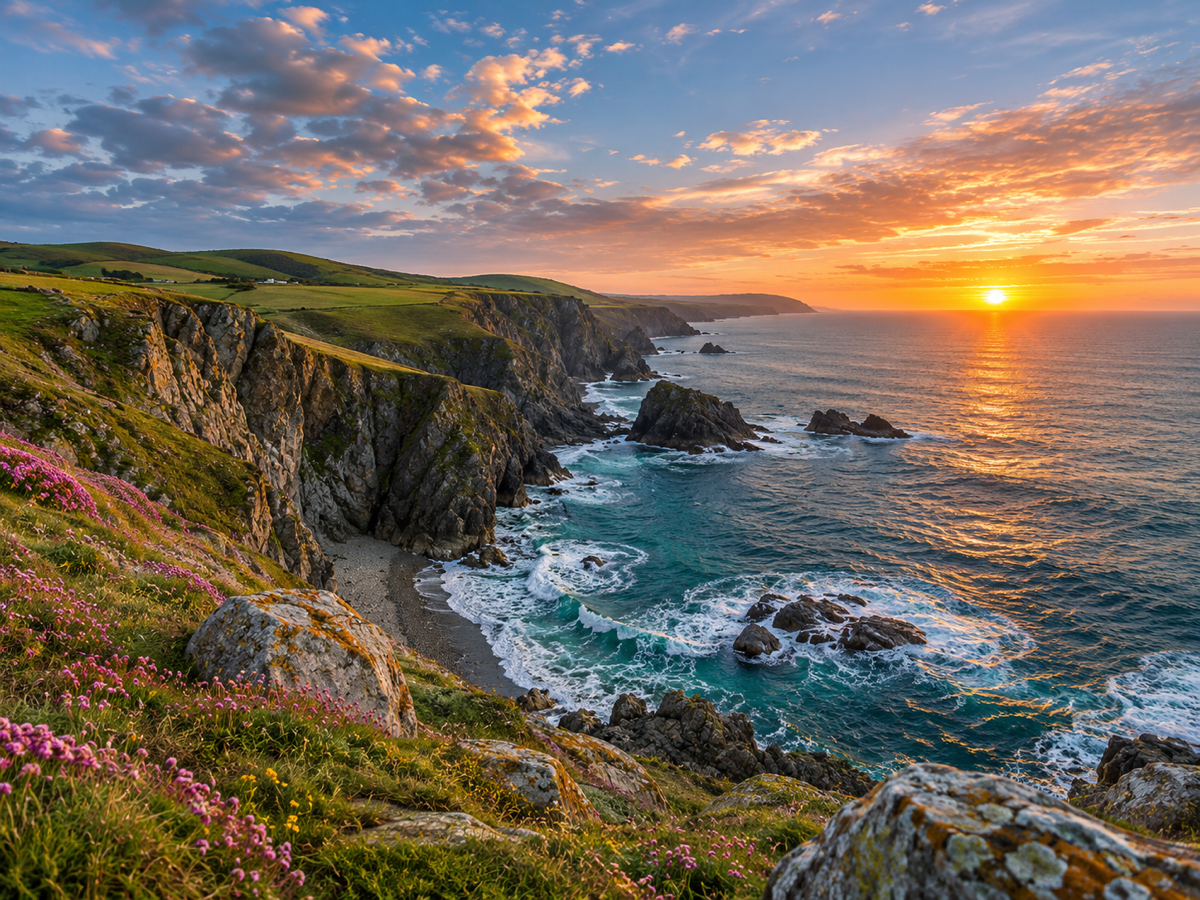
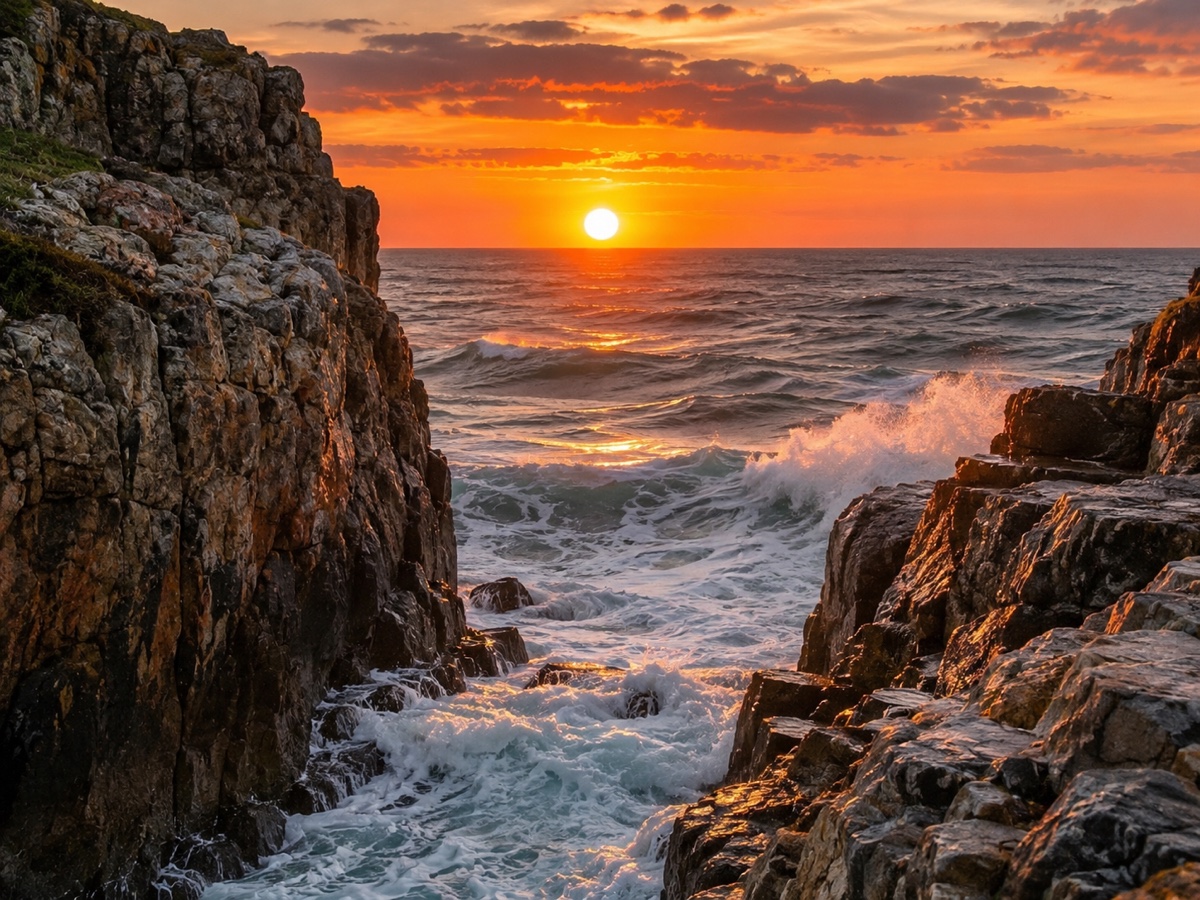
Other variants
How it works
Step 1
Upload and pick a ratio
Choose the target frame, or drag the canvas handles freely.
Step 2
AI paints the new area
Content continues naturally from the original edges. Add a prompt to guide it.
Step 3
Download
Get the expanded image at full resolution; regenerate if you want a different variation.
Works great for
Why youcut.ai
Preset ratios
One click for 1:1, 4:5, 16:9, 9:16 and 21:9.
Free canvas
Drag any edge to expand only where you need.
Prompt guidance
Tell the model what should appear in the new space.
Style continuity
Lighting, grain and color are matched to the original.
Original pixels untouched
Only the new area is generated.
youcut.ai vs Adobe Photoshop
| Feature | youcut.ai | Adobe Photoshop |
|---|---|---|
| Generative expand | ✓ | ✓ |
| Price | Free preview, 2 credits HD | Subscription + generative credits |
| Runs in browser, no install | ✓ | — |
| Social ratio presets | ✓ | — |
Loved by creators and teams
“One hero image now fits every placement. Huge time saver.”
“Client photos are always the wrong ratio for banners. Solved.”
“Extended sky and sand look like I shot wider.”
“Vertical clips to 16:9 thumbnails without ugly bars.”
“Adds breathing room around products for lifestyle banners.”
“Turned my phone wallpaper into a desktop one. Free preview did it.”
Frequently asked questions
What size do I need for a 4K monitor?+
3840 x 2160. Expand to 16:9 first, then upscale 2x or 4x as needed.
Can it expand AI-generated art?+
Yes, it works especially well on illustrations and abstract images because there is no real-world geometry to match.
Does 21:9 need a lot of invented content?+
From a 3:2 photo, roughly a third of the final image is generated. Choose images with simple edges for the best result.
Ready to try AI Image Expander?
Free preview in seconds. HD download from 2 credits.
Try it freePowered by: FLUX.1 Fill [pro] · Seedream 4.0