Free AI Background Generator – Replace Photo Backgrounds with AI
Cut out your subject and place it in any scene you describe.
- Describe any scene in words
- Matched lighting and shadows
- 20+ style presets
- No signup required
from 2 credits · Uploads are deleted automatically after 24 hours.
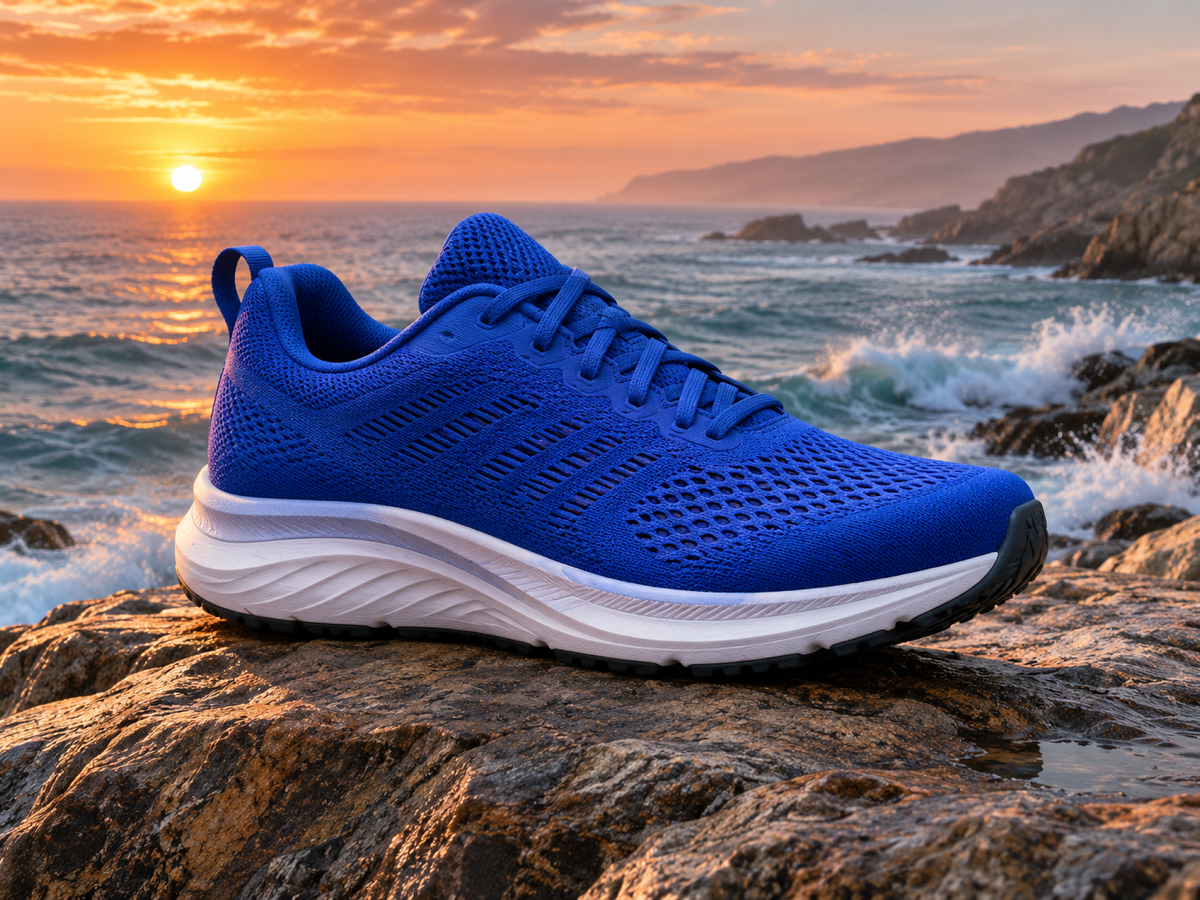
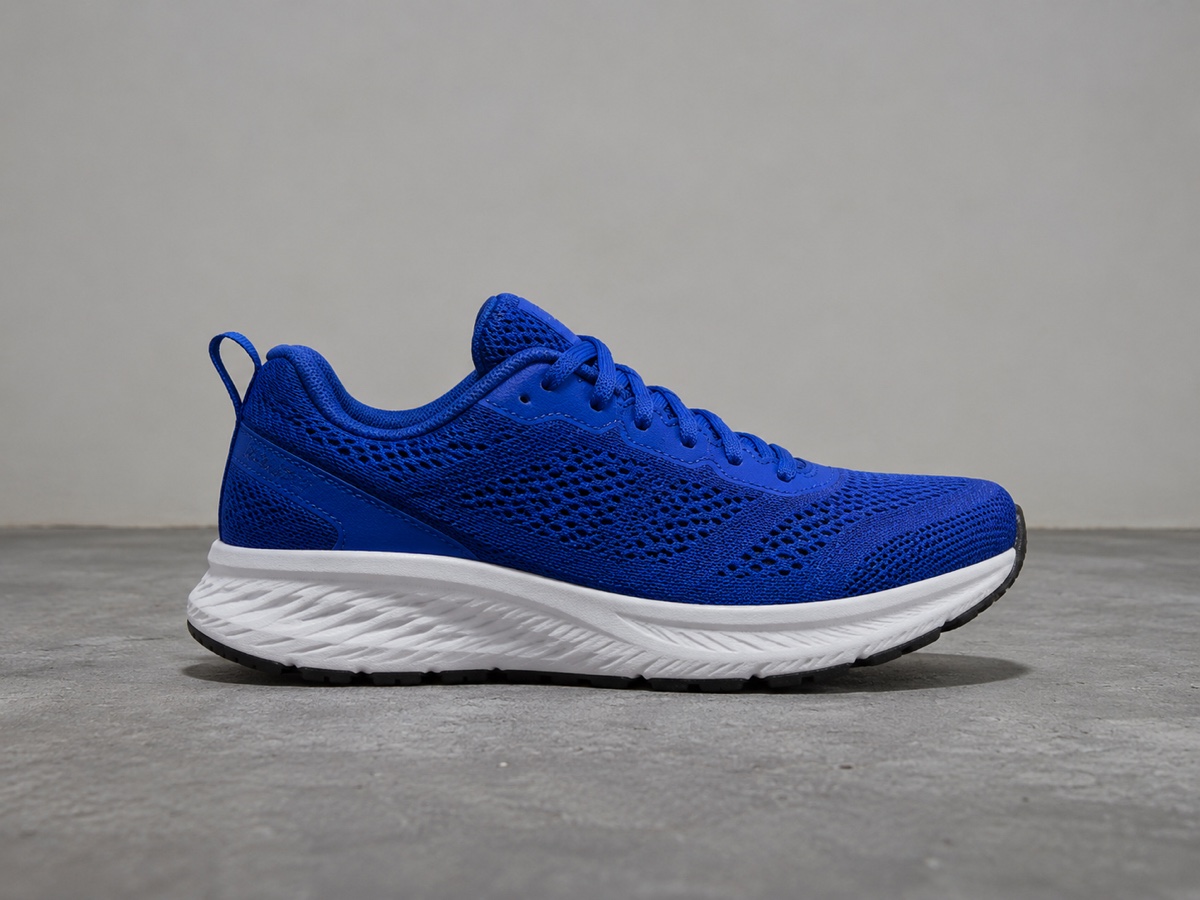
How it works
Step 1
Upload a photo
The subject is cut out automatically with hair-level precision.
Step 2
Describe the scene
Type a prompt or pick a preset like Studio, Nature or Festive.
Step 3
Generate and download
Get four variations with matched lighting; download the one you like.
Works great for
Why youcut.ai
Cutout + scene in one step
No separate background removal needed.
Relighting
Shadows and color temperature are adapted to the new scene so the subject looks placed, not pasted.
Four variations per run
Pick the best composition.
Subject stays pixel-accurate
Products and faces are never redrawn.
Prompt library
Proven prompts for e-commerce, real estate and social.
youcut.ai vs Photoroom
| Feature | youcut.ai | Photoroom |
|---|---|---|
| Free preview without account | ✓ | — |
| Price per image | 2 credits (~$0.06 on Pro) | Pro subscription required |
| Prompt-based scenes | ✓ | ✓ |
| API | $0.02/image cutout, generation at cost x2 | $0.02/image |
Loved by creators and teams
“Same candle, twelve seasonal scenes, no photographer.”
“Every listing now looks like a showroom shoot.”
“Clients' selfies become office-backdrop headshots in seconds.”
“The shadows match. That is the part other tools get wrong.”
“Minimal preset is perfect for jewelry listings.”
“Four variations means I always have options for A/B tests.”
Frequently asked questions
How does the AI background generator work?+
It first removes your original background, then generates a new scene from your prompt around the untouched subject, and finally harmonizes lighting and shadows so the composite looks photographed.
Is it free?+
Preview is free without signup. HD download costs 2 credits; visitors get 3 free credits daily.
Will my product look different?+
No. The subject is masked and preserved pixel for pixel; only the surroundings and cast shadow are generated.
What makes a good prompt?+
Name the surface, the environment and the light: "white oak table, bright kitchen, soft window light". Avoid describing the product itself.
Can I generate a plain white or colored background?+
For solid colors use the Background Remover, which is cheaper at 1 credit. Use this tool for realistic scenes and gradients.
Can I reuse the same scene for many products?+
Yes. Save a prompt as a preset and apply it in batch to keep your catalog consistent.
What resolution is the output?+
Up to 2048 px on the long edge, upscalable to 4K with the Image Upscaler.
Is the result commercially usable?+
Yes. You own the output and can use it for listings and ads under our terms; Pro and above include an explicit commercial license.
Ready to try AI Background Generator?
Free preview in seconds. HD download from 2 credits.
Try it freePowered by: Nano Banana (Gemini 2.5 Flash Image) · FLUX.1 Fill [pro] · BiRefNet v2