AI Product Staging – Put Products in Real-Looking Scenes
Place your product into curated scene templates, pixel-perfect.
- 50+ curated scene templates
- Perspective and scale matched
- Product pixels locked
- No signup required
from 3 credits · Uploads are deleted automatically after 24 hours.

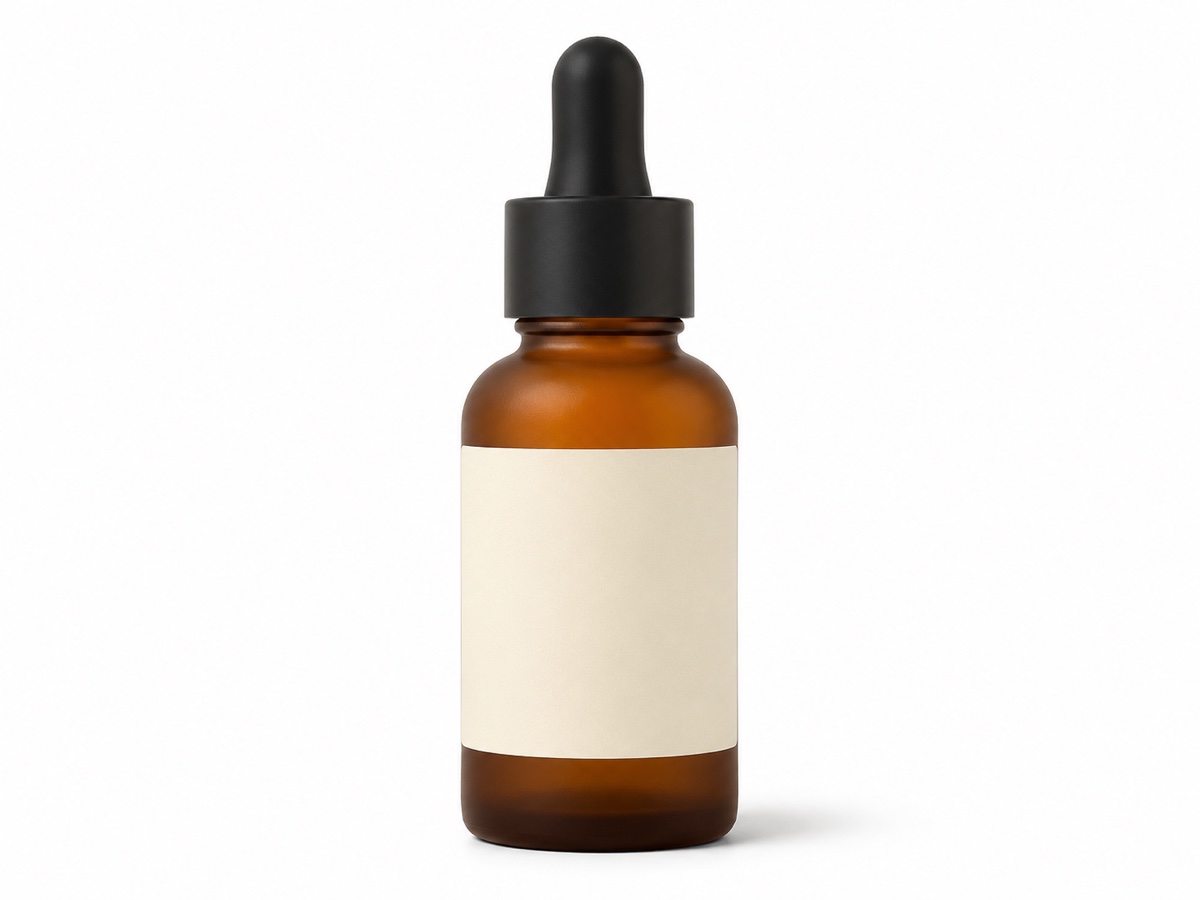
How it works
Step 1
Upload the product
Cutout is automatic. Works with existing white-background images too.
Step 2
Pick a template
Browse scenes by category: kitchen, bath, desk, outdoor, studio.
Step 3
Position and generate
Drag to place and scale the product; AI blends shadows and reflections.
Works great for
Why youcut.ai
Curated templates
Scenes designed by product photographers with correct camera height and lens.
Drag to place
Move and scale the product; perspective is corrected automatically.
True-to-product
No hallucinated labels or altered colors.
Shadow and reflection synthesis
Contact shadows, soft ambient occlusion and surface reflections.
Consistent series
Stage a whole product line in the same template for a cohesive catalog.
youcut.ai vs Photoroom
| Feature | youcut.ai | Photoroom |
|---|---|---|
| Price per staged image | 3 credits (~$0.09 on Pro) | Pro subscription |
| Curated scene templates | ✓ | ✓ |
| Manual placement and scale | ✓ | ✓ |
| Prompt adjustments on templates | ✓ | Limited |
| Free credits without account | ✓ | — |
Loved by creators and teams
“Bathroom-shelf template looks like our $2k shoot from last year.”
“Same lamp in five rooms; customers can picture it at home.”
“The velvet podium scenes made my Etsy shop look premium.”
“Cafe table shots for every flavor without shipping samples to a studio.”
“Western-style kitchens for my US listings, done in China.”
“Drag-to-place saves me from fixing perspective by hand.”
Frequently asked questions
What is the difference between staging and the Product Photo Generator?+
Staging uses fixed, photographer-designed templates where you place the product precisely, ideal for consistent catalogs. The Product Photo Generator creates scenes from presets and prompts with more variation.
Will my product be altered?+
No. The product layer is locked; only surroundings, shadows and reflections are generated.
How much does it cost?+
3 credits per staged image, roughly $0.09 on the Pro plan.
Can I use my own scene photo as a template?+
Yes. Upload a background photo, place the product, and AI harmonizes lighting and adds shadows.
Does perspective look right for tall or flat products?+
Templates carry camera metadata, so bottles, boxes and flat items are projected correctly. You can fine-tune scale by dragging.
What output size do I get?+
Up to 2048 px on the long edge, upscalable to 4K.
Can I stage multiple products in one scene?+
Yes, up to 4 products per scene, each placed independently.
Is commercial use allowed?+
Yes. Templates are licensed for commercial use by youcut.ai customers.
Ready to try AI Product Staging?
Free preview in seconds. HD download from 3 credits.
Try it freePowered by: Nano Banana (Gemini 2.5 Flash Image) · FLUX.1 Fill [pro] · BiRefNet v2