AI Virtual Model – Garment Try-On for Fashion Listings
Put flat-lay garments on realistic AI models.
- Diverse model library
- Prints and fabric preserved
- No samples shipped, no shoot booked
- No signup required
from 5 credits · Uploads are deleted automatically after 24 hours.
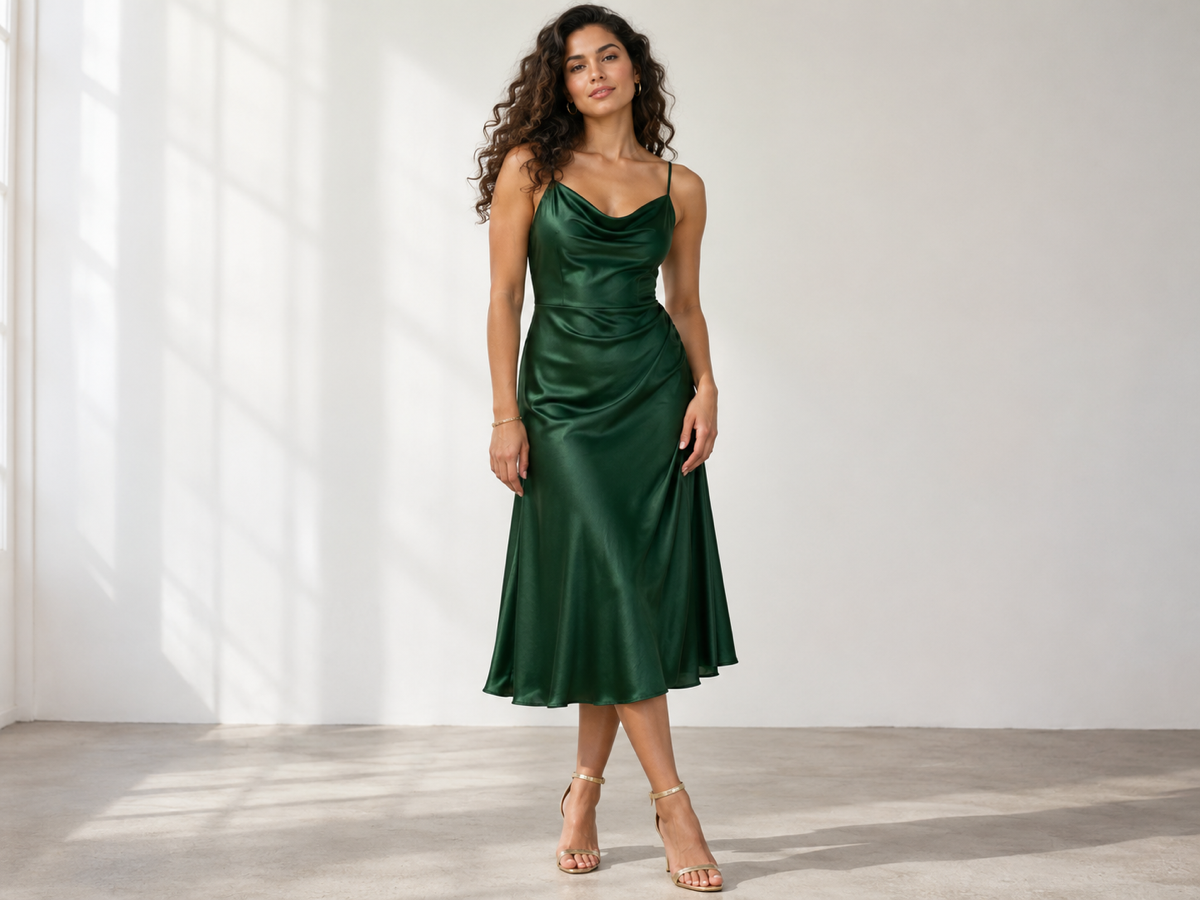
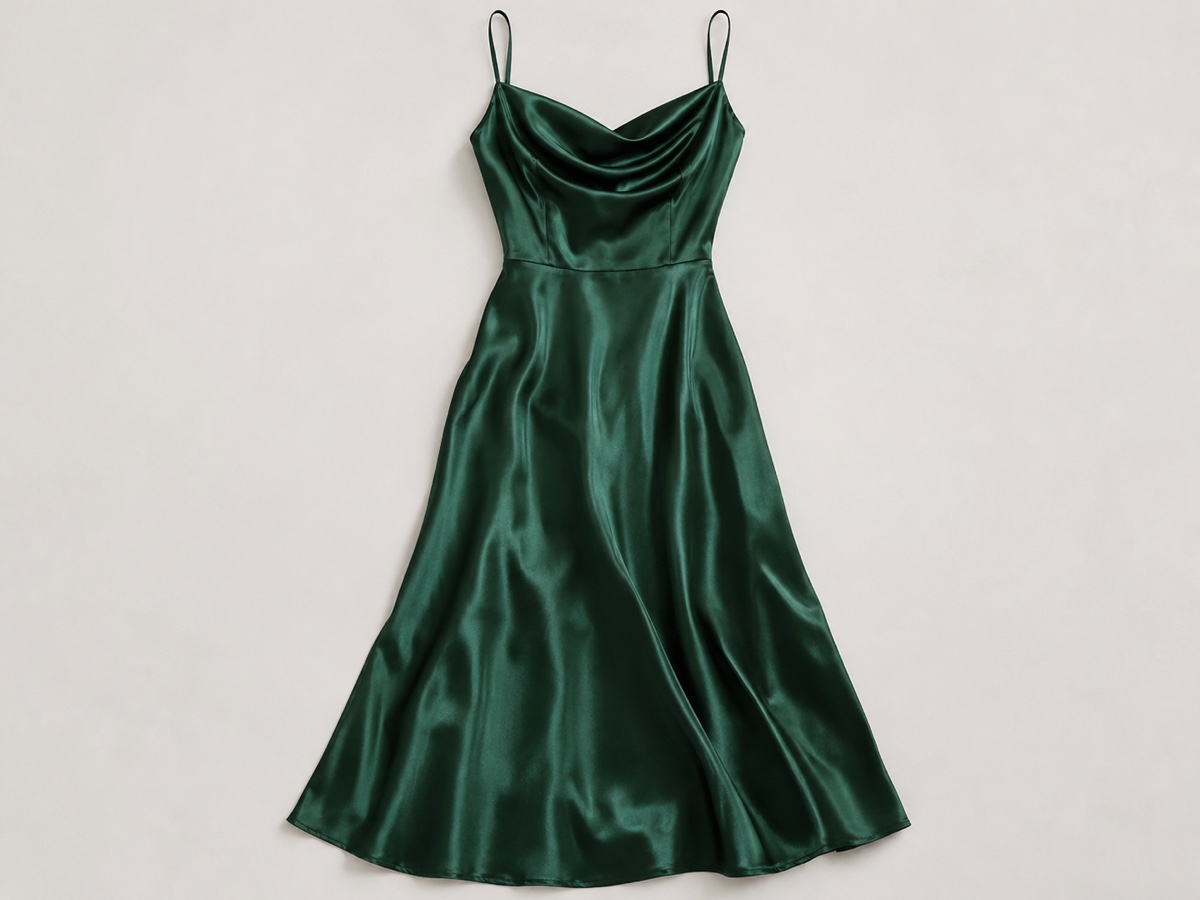
How it works
Step 1
Upload the garment
Flat lay, hanger or mannequin shot, front view.
Step 2
Choose a model
Pick gender, body type and skin tone. Select the garment category.
Step 3
Generate
Get an on-model image with natural drape. Regenerate for a different pose.
Works great for
Why youcut.ai
Fabric fidelity
Prints, logos, seams and textures transfer without distortion.
Inclusive model library
Multiple body types, skin tones and ages.
Consistent model across SKUs
Use the same model preset for the whole collection.
Cheaper than a shoot
5 credits per image versus hundreds of dollars per look.
Beta with refunds
Failed or low-quality generations are refunded during beta.
youcut.ai vs Photoroom
| Feature | youcut.ai | Photoroom |
|---|---|---|
| Garment try-on on human models | ✓ | — |
| Price per image | 5 credits (~$0.16 on Pro) | Not offered |
| Body type and skin tone options | ✓ | — |
| Flat-lay and mannequin input | ✓ | — |
Loved by creators and teams
“New arrivals go live the day they land, on a model.”
“Different models for EU and US stores from the same flat lays.”
“My T-shirt graphics stay crisp. Mockup generators never did that.”
“We show every size on a matching body type now.”
“Returns dropped because fit is shown realistically.”
“I use it for previews before deciding what to shoot for real.”
Frequently asked questions
What is a virtual model?+
An AI-generated person wearing your actual garment. You upload a flat-lay or mannequin photo and choose a model preset; the tool renders the clothing on that body with realistic drape.
Will the print and fit be accurate?+
Prints, colors and seams are transferred from your photo. Fit is realistic for the chosen body type but is a visualization, not a substitute for a size chart.
How much does it cost?+
5 credits per generated image, about $0.16 on the Pro plan.
Why is it in beta?+
Complex garments such as layered outfits and sheer fabrics are still being improved. Failed generations are refunded.
Can I upload my own model photo?+
Yes. Upload a photo of your model or mannequin as the person image and the garment will be fitted to them.
What garment photos work best?+
Front view, evenly lit, garment fully visible and unfolded. Flat lays on plain backgrounds give the best results.
Are the models real people?+
No. All presets are synthetic and licensed for commercial use, so there are no model-release issues.
Can I do shoes, bags or accessories?+
Not yet. Currently tops, bottoms and dresses are supported. Use Product Staging for accessories.
Ready to try Virtual Model / Try-On?
Free preview in seconds. HD download from 5 credits.
Try it freePowered by: Kolors Virtual Try-On · Nano Banana (Gemini 2.5 Flash Image)