AI Virtual Try-On – Try Clothes on Your Own Photo
Upload your photo and a garment to see how it looks on you.
- Your photo + any garment
- Keeps your face and pose
- Tops, dresses, outerwear
- No signup required
from 5 credits · Uploads are deleted automatically after 24 hours.
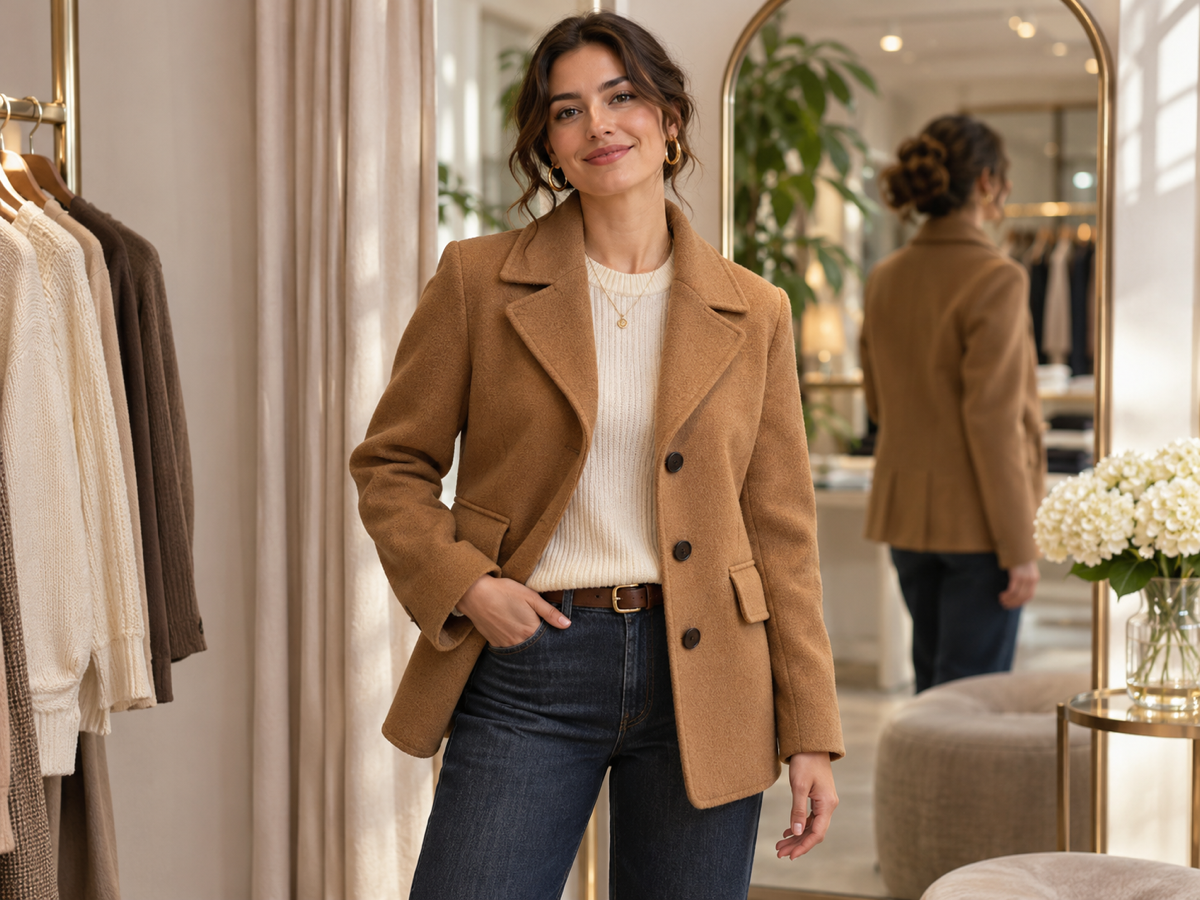

How it works
Step 1
Upload a photo
Upload a front-facing, full or half-body photo of yourself.
Step 2
Choose options
Add a photo of the garment — a product shot or flat lay works best.
Step 3
Download
See the try-on result and download.
Why youcut.ai
Shop with confidence
Fewer returns: check fit and color on yourself first.
For stores too
Let shoppers try your catalog on their own photo.
youcut.ai vs Fitting room
| Feature | youcut.ai | Fitting room |
|---|---|---|
| Try 10 outfits | Minutes, at home | Trip to the store |
| Exact fit / size | — | ✓ |
Frequently asked questions
Does it show whether the size fits?+
No — it shows style and color, not exact fit. Check the size chart before buying.
How is this different from Virtual Model?+
Virtual Model dresses an AI model for product listings; Virtual Try-On dresses you.
Are my photos stored?+
Guest uploads are deleted automatically after 24 hours. Logged-in users can delete files at any time.
Ready to try Virtual Try-On?
Free preview in seconds. HD download from 5 credits.
Try it freePowered by: Kolors Virtual Try-On