AI Headshot Generator – Professional Headshots from Selfies
Professional headshots from a selfie, no studio needed.
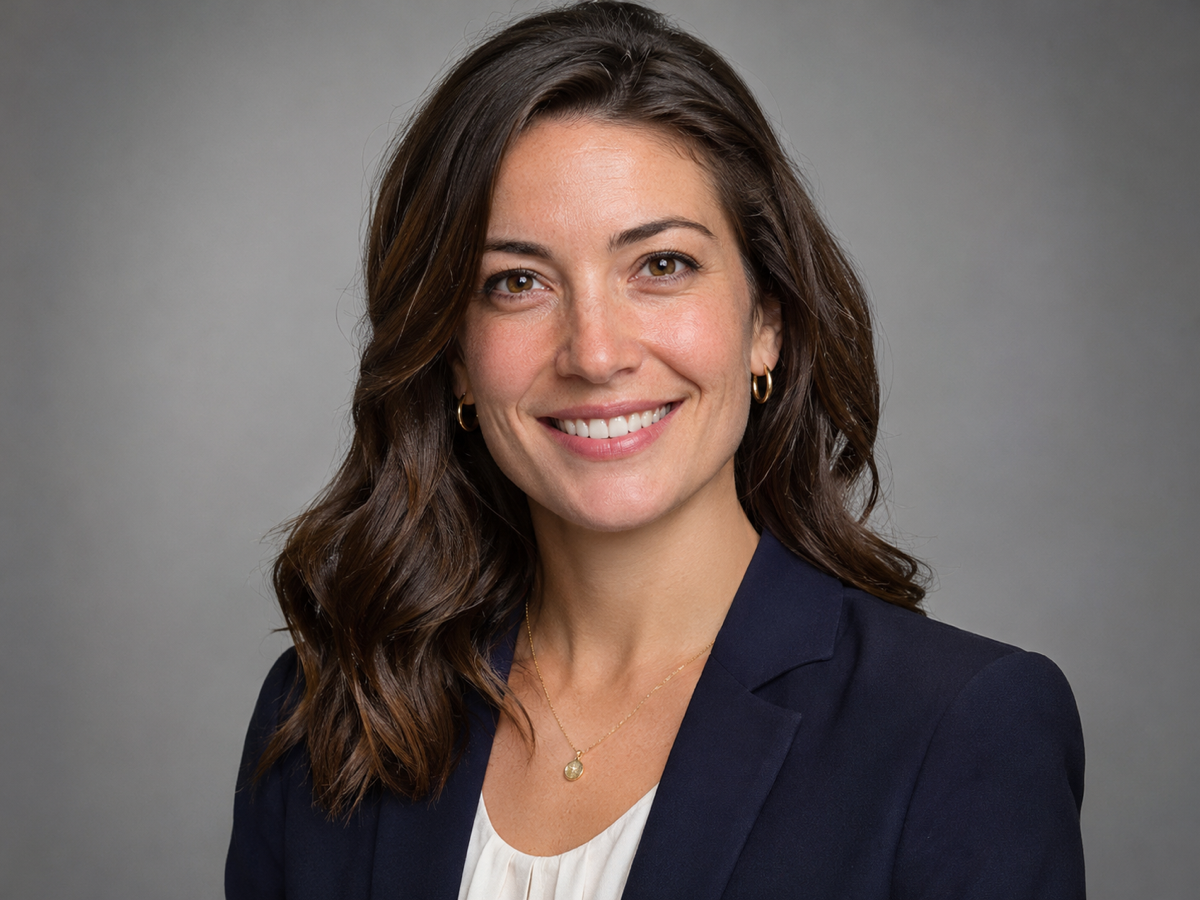
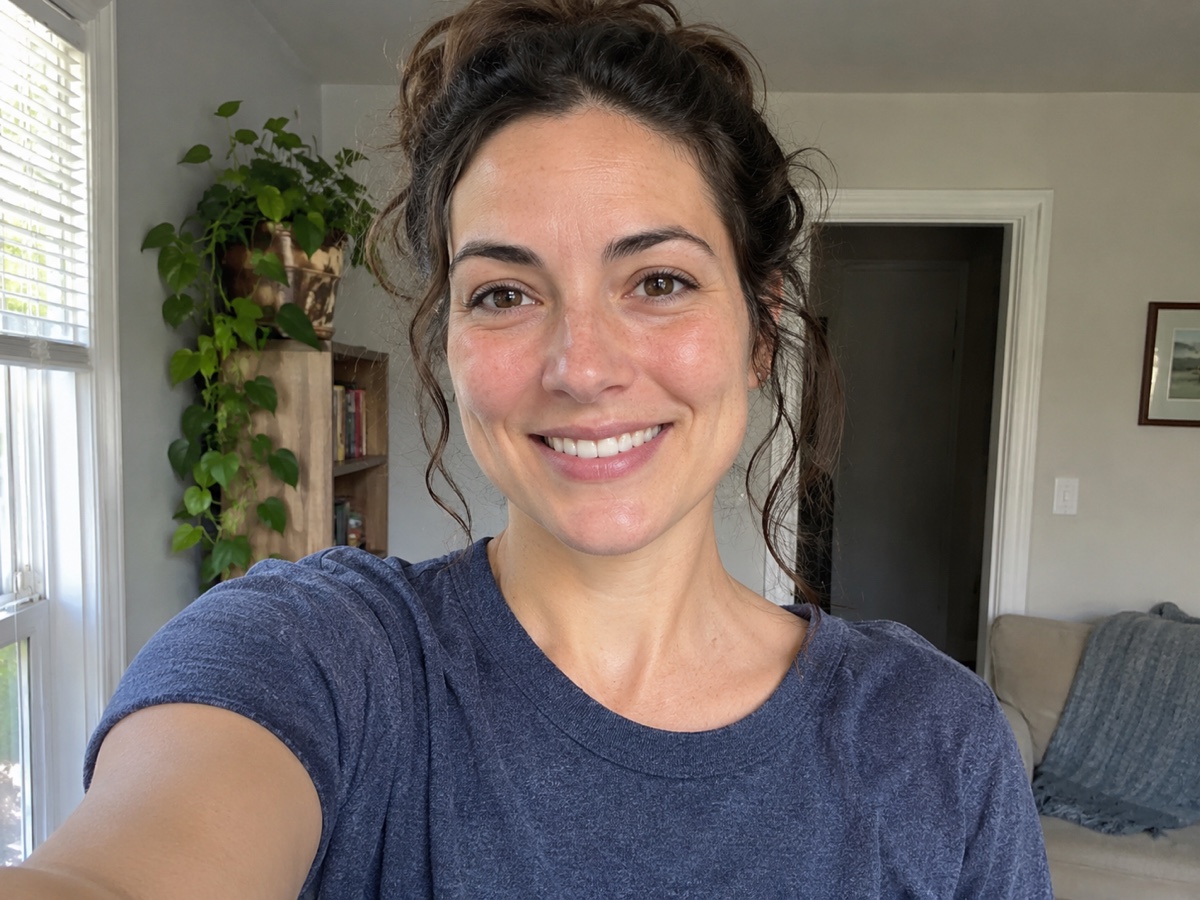
- One selfie in, four headshots out
- Corporate, creative or LinkedIn style
- Your face, unchanged
- No signup required
from 4 credits · Uploads are deleted automatically after 24 hours.
How it works
Step 1
Upload a clear selfie
Face the camera in good light. No sunglasses or heavy filters.
Step 2
Pick a style
Corporate, Creative or LinkedIn. Attire and background change; your face does not.
Step 3
Download your set
Four variations at 2048 px. Upscale or crop for any platform.
Works great for
Why youcut.ai
Identity-safe
Face geometry is preserved; only clothing, lighting and background change.
Under a minute
No 2-hour training wait like LoRA-based services.
Four looks per run
Different poses and backgrounds within the chosen style.
Print and web ready
2048 px output, upscalable to 4K.
Affordable for teams
4 credits per person versus $30+ per head at typical headshot services.
youcut.ai vs Photoroom
| Feature | youcut.ai | Photoroom |
|---|---|---|
| Price per headshot set | 4 credits (~$0.12 on Pro) | Pro subscription |
| Style presets (Corporate / Creative / LinkedIn) | ✓ | Generic background swap |
| Attire change | ✓ | — |
| Generation time | < 1 minute | Seconds (background only) |
Loved by creators and teams
“Recruiter messages doubled after I swapped my LinkedIn photo.”
“Whole team got matching headshots for the website in one afternoon.”
“It still looks like me. That was my worry with AI headshots.”
“New agent photo on all my listings without a $300 session.”
“Creative style fits my portfolio better than a stiff suit.”
“Onboarding now includes a headshot in five minutes.”
Frequently asked questions
How does the AI headshot generator work?+
The model keeps your facial features and regenerates clothing, lighting and background in the chosen style. Unlike older services, there is no per-person model training, so results arrive in under a minute.
How many photos do I need to upload?+
One clear, front-facing photo is enough. Uploading 2–3 more from slightly different angles can improve consistency.
How much does it cost?+
4 credits for a set of four headshots, about $0.12 on the Pro plan. New accounts receive 20 free credits.
Will it change how I look?+
No. Facial structure, skin tone and features are preserved. Glasses are kept if present. If anything drifts, regenerate; every set is different.
Can I choose my outfit?+
Each style has a defined wardrobe: suit for Corporate, blazer for LinkedIn, smart casual for Creative. For specific outfits use the AI Photo Editor with a reference image.
What resolution are the headshots?+
2048 x 2048 px, suitable for LinkedIn, websites and print up to 7 inches. Upscale to 4K for larger prints.
Are my photos used to train AI?+
Never. Uploads are used only to produce your headshots and can be deleted at any time.
Can I make headshots for someone else?+
Yes with their consent, for example for your team. Creating images of people without permission is prohibited.
Ready to try AI Headshot Generator?
Free preview in seconds. HD download from 4 credits.
Try it freePowered by: Nano Banana (Gemini 2.5 Flash Image) · FLUX 1.1 [pro]