Free Passport Photo Maker – Compliant ID Photos Online
Compliant passport, visa and ID photos from any selfie.
- 100+ country specs
- Automatic face alignment & compliance check
- Digital file + 4x6 print sheet
- No signup required
from 2 credits · Uploads are deleted automatically after 24 hours.
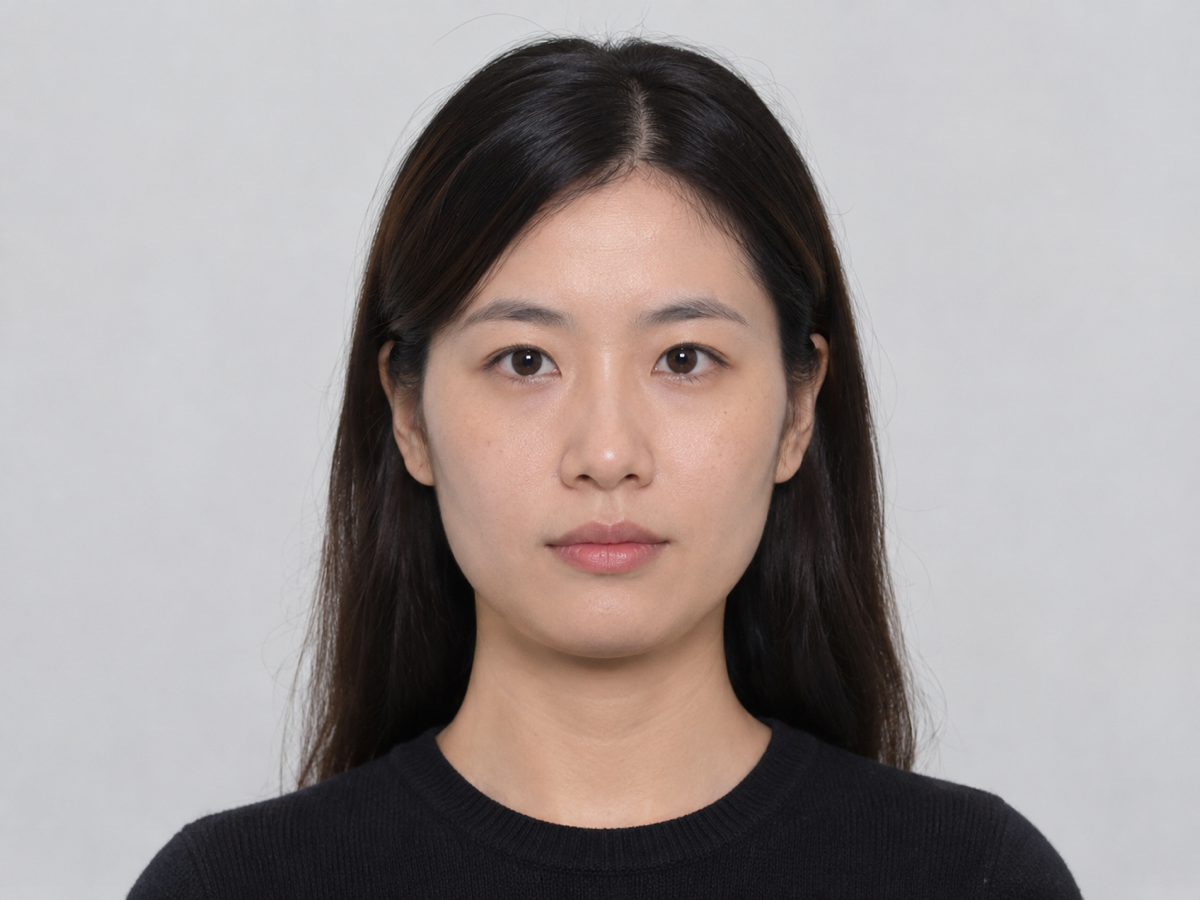
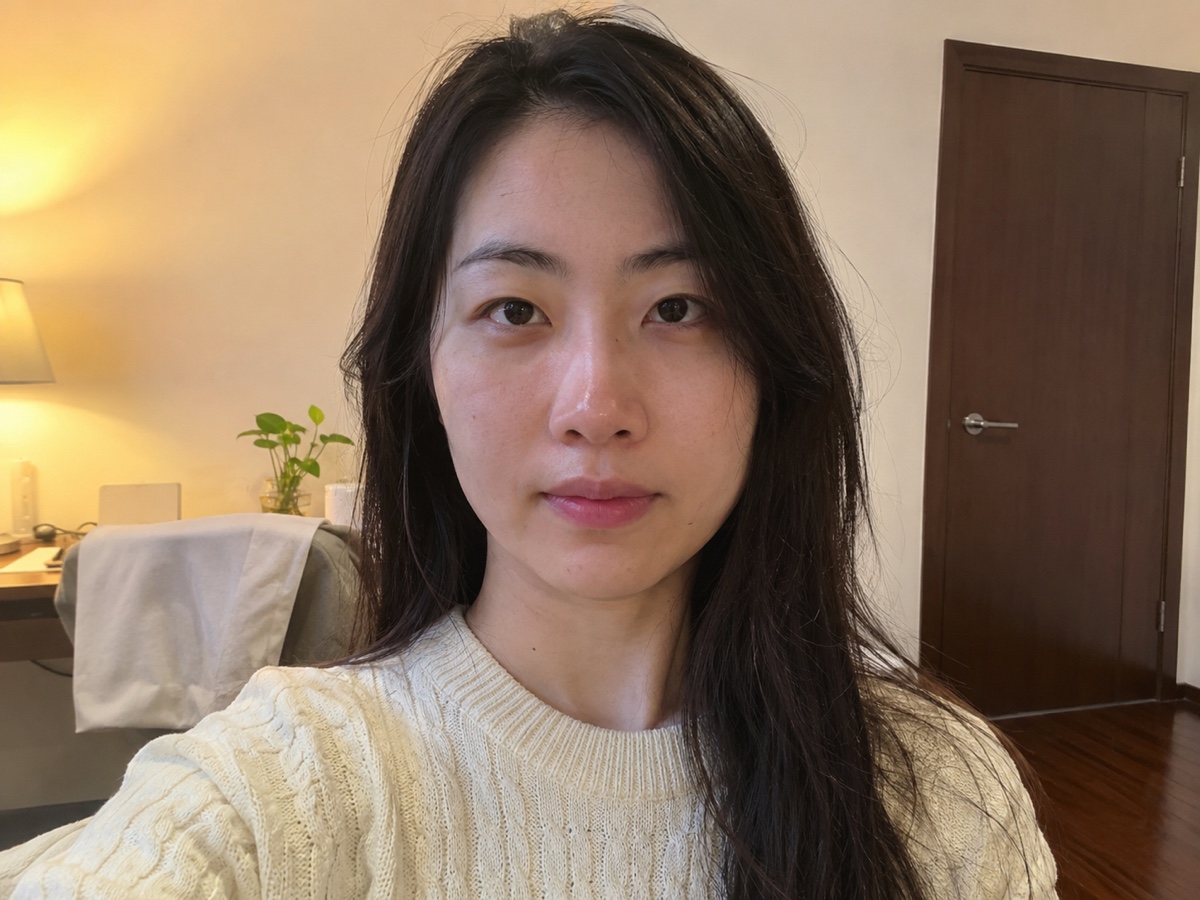
How it works
Step 1
Take a selfie
Face the camera, neutral expression, even light. Any background is fine.
Step 2
Pick your country
AI removes the background, sets the right color and crops to the official head size and position.
Step 3
Download or print
Get the digital file for online applications and a 4x6 sheet for printing at any pharmacy.
Works great for
US passport 2x2
Head 1–1 3/8 in, white background, 600x600 px digital.
UK passport
35x45 mm, light grey or cream background.
China 1-inch / 2-inch
White, blue or red background for ID and exams.
Schengen visa
35x45 mm, face 70–80% of the frame.
India passport & OCI
2x2 in white background, both ears visible.
Japan passport & visa
35x45 mm, plain white, no shadows.
Why youcut.ai
Official specs built in
Head size, eye position and margins for passports, visas, IDs and driver licenses.
Compliance checks
Warns about tilted head, closed eyes, shadows, glasses glare and open mouth.
Background replacement
Hair-accurate cutout onto white, grey, blue or red.
Print sheet
4x6 in or A4 sheets with 4–8 copies and cut guides.
Costs a fraction of a photo booth
2 credits versus $15+ at a pharmacy kiosk.
youcut.ai vs Photoroom
| Feature | youcut.ai | Photoroom |
|---|---|---|
| Country-specific specs | 100+ documents | Generic background removal |
| Compliance warnings | ✓ | — |
| Print sheet output | ✓ | — |
| Price per photo | 2 credits (~$0.06 on Pro) | Pro subscription |
Loved by creators and teams
“Got three kids' passport photos done at home in ten minutes. Accepted first try.”
“Needed a Chinese 2-inch blue background for an exam. Perfect.”
“Clients send selfies; I return compliant files. Rejections dropped to zero.”
“Schengen, US and Japan visas from one photo. Different crops each.”
“Staff badge photos all on the same blue background.”
“The compliance warnings caught a shadow I would have missed.”
Frequently asked questions
Can I really take a passport photo at home?+
Yes. Most countries accept photos taken at home as long as they meet the size, background and pose rules. The tool handles cropping and background; you handle lighting and expression.
Which countries are supported?+
Over 100 documents including US, UK, EU/Schengen, China, India, Japan, Canada, Australia and Korea passports, visas and ID cards. Choose from the dropdown.
Is it free?+
Preview is free. The final digital photo and print sheet cost 2 credits, and visitors get 3 free credits daily, so your first passport photo is free.
Will it be accepted by the government?+
The output follows official dimensions and the compliance checker flags common rejection reasons. Final acceptance depends on your photo quality and the issuing authority.
Can I change the background color?+
Yes: white, light grey, blue or red. The correct default is selected for each country.
How do I print it?+
Download the 4x6 sheet and print it at any pharmacy or photo kiosk as a regular 4x6 photo, then cut along the guides.
Can I use it for a baby?+
Yes. Lay the baby on a plain sheet and shoot from above. The tool removes the background and centers the face.
Does it retouch my face?+
No. Passport rules forbid retouching, so we only adjust background, crop and mild exposure.
Ready to try Passport Photo Maker?
Free preview in seconds. HD download from 2 credits.
Try it freePowered by: BiRefNet v2 · Bria RMBG 2.0