AI Talking Photo – Make a Picture Talk with Lip Sync
Make any photo speak with lip-synced AI video.
- Audio upload or text-to-speech
- Accurate lip sync with natural head motion
- People, pets, cartoons, paintings
- No signup required
from 20 credits · Uploads are deleted automatically after 24 hours.
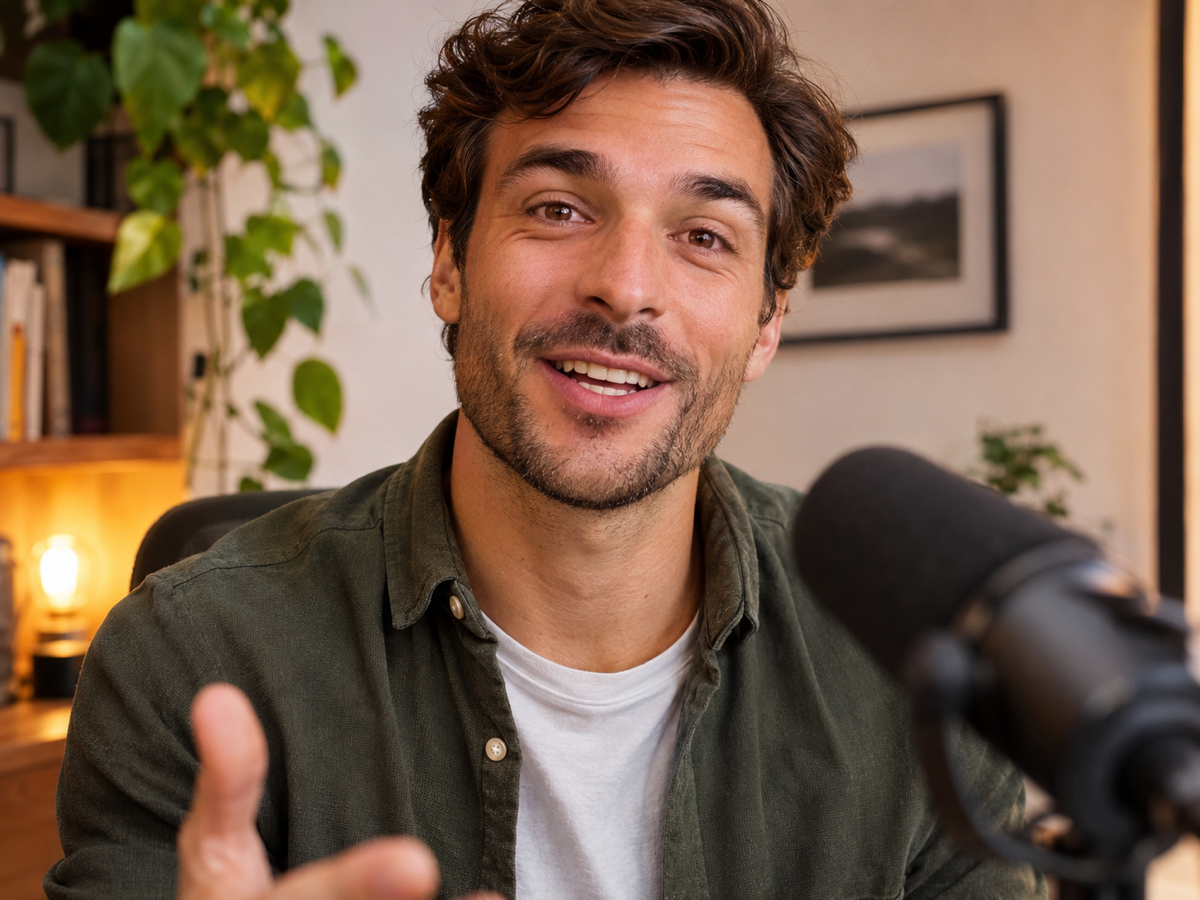
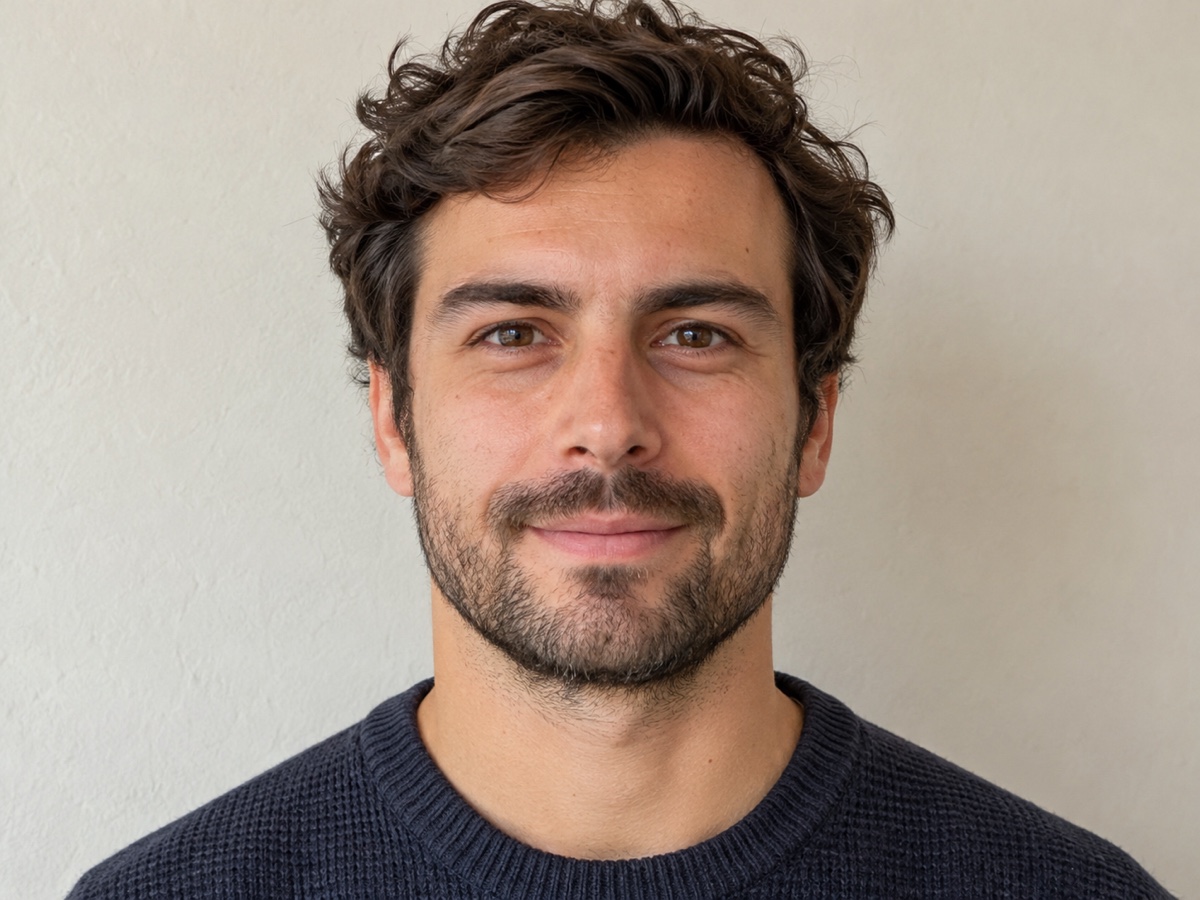
Legal notice: Only animate photos of yourself or people who have given explicit consent. Do not create deceptive, defamatory or impersonating content. Terms
How it works
Step 1
Upload a portrait
Front-facing, mouth visible. Photos, illustrations and pets all work.
Step 2
Add voice
Upload a recording or type a script and pick a voice.
Step 3
Generate the video
Lips, jaw and head move with the audio. Download MP4 with sound.
Works great for
Why youcut.ai
Precise lip sync
Phoneme-level mouth shapes for English, Chinese, Spanish and more.
Natural motion
Subtle head movement, blinks and eyebrows, not just a moving mouth.
Built-in voices
Type a script and choose from natural TTS voices in 20+ languages.
Non-human subjects
Pets, cartoons, statues and paintings are supported.
Consent-first
Only animate people who have agreed. Watermark-free downloads on paid plans.
youcut.ai vs Runway
| Feature | youcut.ai | Runway |
|---|---|---|
| Price per 10 s | 20 credits (~$0.62 on Pro) | Plan credits |
| Text-to-speech included | ✓ | Separate step |
| Pets and cartoons | ✓ | Limited |
| Entry plan | $9.99 / 250 credits | Higher-priced tiers |
Loved by creators and teams
“My headshot delivers the intro so I do not have to re-record.”
“Our mascot now greets visitors on the homepage.”
“Portraits narrating their own history. Students were riveted.”
“The talking-dog format got my best engagement this year.”
“Localized the same spokesperson video into four languages.”
“API makes personalized video greetings at scale.”
Frequently asked questions
How do I make a photo talk?+
Upload a front-facing portrait, then either upload an audio file or type a script and choose a voice. Generate, and you get an MP4 where the mouth and head move in sync with the speech.
How much does it cost?+
20 credits per 10 seconds of speech, about $0.62 on the Pro plan. Longer scripts are billed in 10-second blocks.
Why is it in beta?+
Lip sync quality varies with photo angle and lighting. We are tuning it and refund credits for failed generations.
Can I use my own voice?+
Yes, upload an MP3 or WAV recording. Voice cloning from a sample is not offered; typed scripts use our stock voices.
Which languages are supported?+
Lip sync works with any language audio. Text-to-speech voices are available in English, Chinese, Japanese, Korean, Spanish, Portuguese, German, French and more.
Does it work with pets and cartoons?+
Yes, as long as a mouth is visible. Results are stylized rather than perfectly realistic for animals.
Can I animate a photo of someone else?+
Only with their explicit consent. Impersonation, deceptive content and non-consensual use are prohibited and enforced.
What is the maximum length?+
60 seconds per generation during beta.
Ready to try Talking Photo?
Free preview in seconds. HD download from 20 credits.
Try it freePowered by: Kling LipSync
Only animate photos of yourself or people who have given explicit consent. Do not create deceptive, defamatory or impersonating content.