AI Cosmetics & Skincare Product Staging
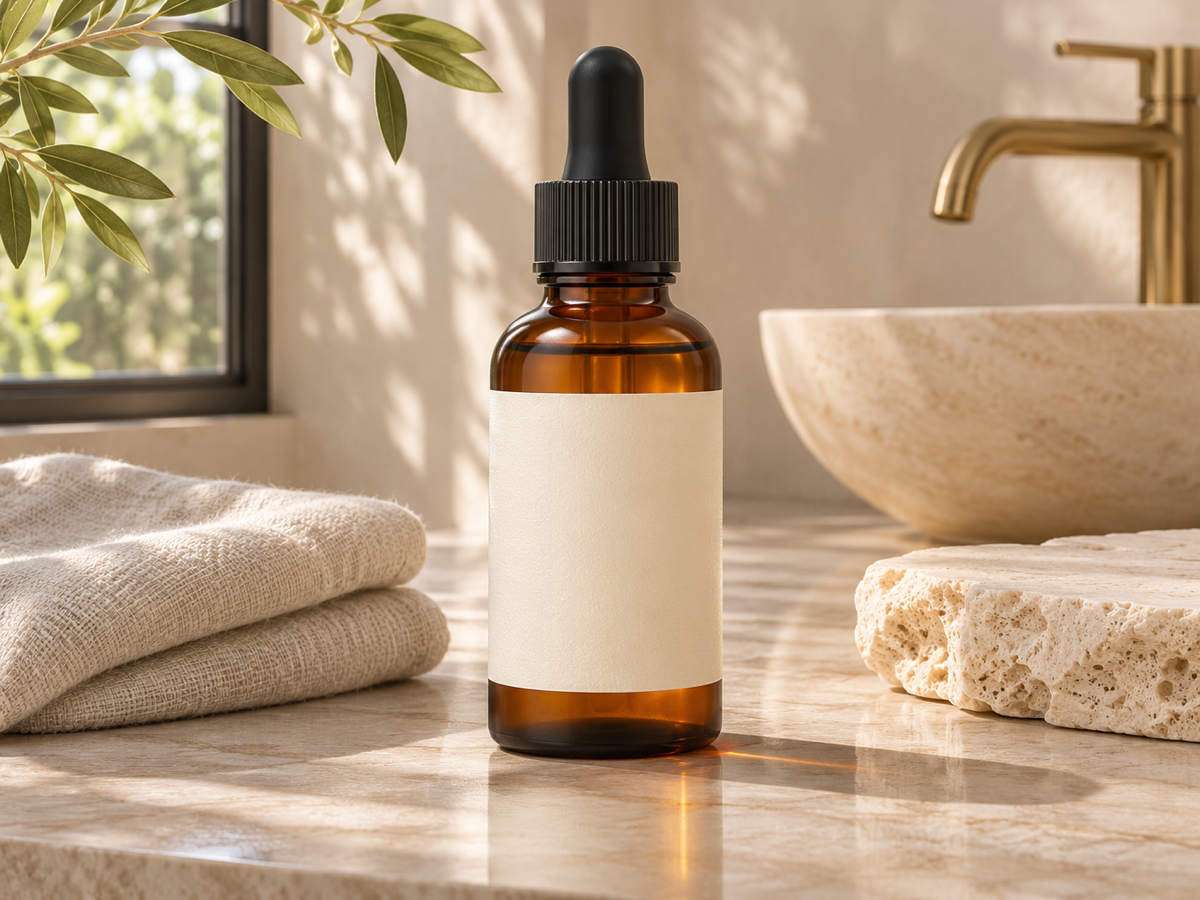
Beauty imagery has a language of its own: glossy podiums, water droplets, marble and stone textures, backlit glass, petals and botanicals, and soft pastel or moody dark palettes. AI Product Staging speaks it. Upload a clean photo of your bottle, jar, tube or compact, and choose the marble kitchen, bathroom shelf or studio podium preset, or describe a scene such as a frosted glass podium with water ripples and soft pink light, or a dark slate surface with a single eucalyptus sprig. The product is preserved exactly, including the label text, the cap finish and the transparency of glass, and the model generates matching reflections on the surface, caustics through the bottle and a soft shadow, so the shot reads as a real studio still life. Shoot the product straight-on at slight downward angle in even light; avoid fingerprints on glossy packaging since they are preserved too. Indie skincare brands, makeup lines, Amazon beauty sellers and salons use this for product pages, Instagram grids, launch campaigns and retail sell-in decks without hiring a still-life photographer. Generate variations to test palettes, then upscale 2x for print or large hero banners. Three credits per generation.
- Podiums, marble, bathroom shelf, water and botanicals
- Label text, cap finish and glass transparency preserved
- Surface reflections and caustics generated to match
- Product pages, grids, launches and sell-in decks
- No signup required
from 3 credits · Uploads are deleted automatically after 24 hours.
Other variants
How it works
Step 1
Upload the product
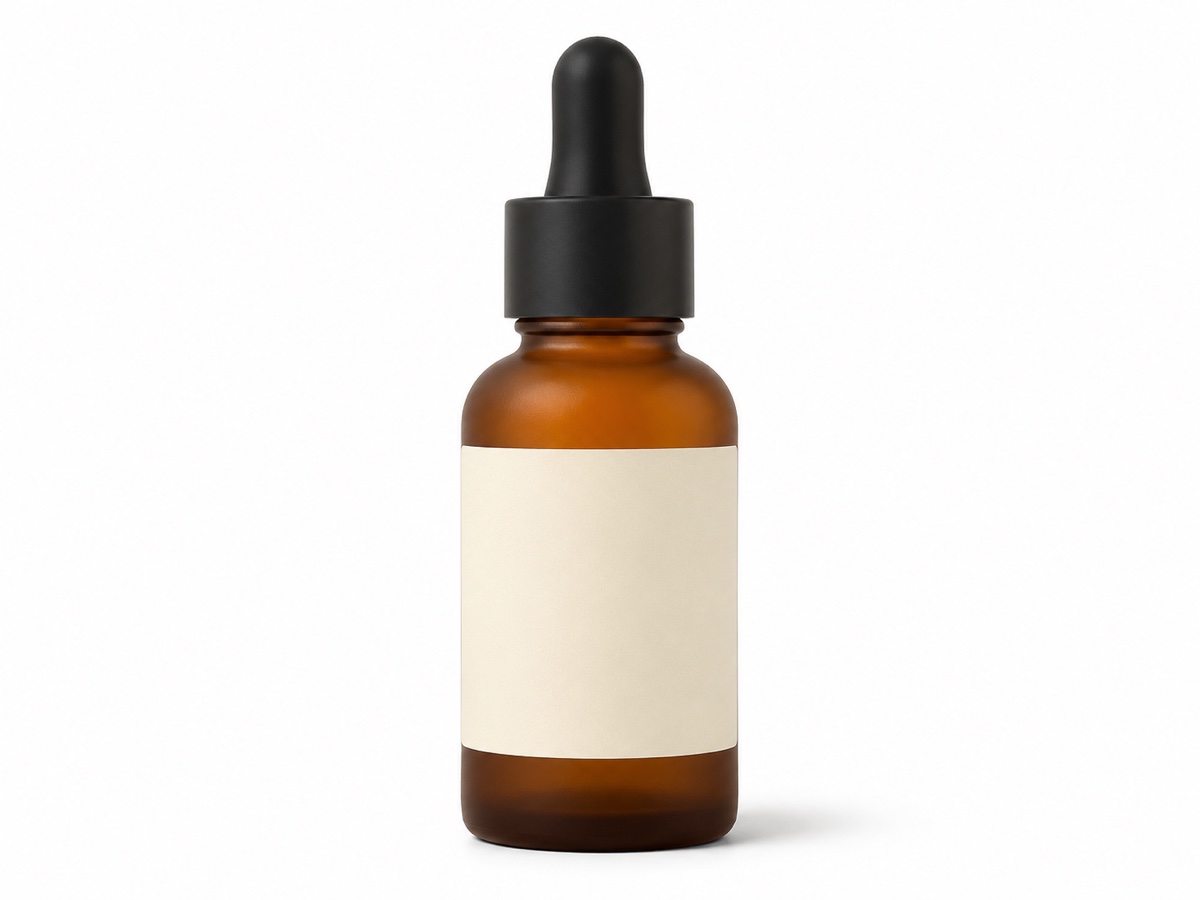
Cutout is automatic. Works with existing white-background images too.
Step 2
Pick a template
Browse scenes by category: kitchen, bath, desk, outdoor, studio.
Step 3
Position and generate
Drag to place and scale the product; AI blends shadows and reflections.
Works great for
Why youcut.ai
Curated templates
Scenes designed by product photographers with correct camera height and lens.
Drag to place
Move and scale the product; perspective is corrected automatically.
True-to-product
No hallucinated labels or altered colors.
Shadow and reflection synthesis
Contact shadows, soft ambient occlusion and surface reflections.
Consistent series
Stage a whole product line in the same template for a cohesive catalog.
youcut.ai vs Photoroom
| Feature | youcut.ai | Photoroom |
|---|---|---|
| Price per staged image | 3 credits (~$0.09 on Pro) | Pro subscription |
| Curated scene templates | ✓ | ✓ |
| Manual placement and scale | ✓ | ✓ |
| Prompt adjustments on templates | ✓ | Limited |
| Free credits without account | ✓ | — |
Loved by creators and teams
“Bathroom-shelf template looks like our $2k shoot from last year.”
“Same lamp in five rooms; customers can picture it at home.”
“The velvet podium scenes made my Etsy shop look premium.”
“Cafe table shots for every flavor without shipping samples to a studio.”
“Western-style kitchens for my US listings, done in China.”
“Drag-to-place saves me from fixing perspective by hand.”
Frequently asked questions
Will the label stay readable?+
Yes, the product is never regenerated. Upload a sharp, high-resolution photo so fine print survives.
Can I stage several products together?+
Upload a photo of the set arranged as you want; the whole group is staged together.
How do I get water droplets on the bottle?+
Droplets on the product itself must be real since the product is preserved; droplets on the surface and background can be generated.
Ready to try AI Product Staging?
Free preview in seconds. HD download from 3 credits.
Try it freePowered by: Nano Banana (Gemini 2.5 Flash Image) · FLUX.1 Fill [pro] · BiRefNet v2