Remove Crowds from Photos
A dense crowd is a different problem from a few tourists: bodies overlap, the ground is mostly hidden and the background must be reconstructed from small visible fragments. The People Remover handles this by detecting all person instances at once and inpainting them as a single region, so the model reasons about the whole floor, street or lawn rather than patching around each figure. Venue managers use it to produce an empty-hall photo of a space that is never empty, architects use it to document a public square, event organisers use it for a clean before shot, and city marketing teams use it to show a beach or market at its best without releasing images of identifiable strangers. It also solves a privacy problem: GDPR and similar laws make publishing crowd photos with recognisable faces risky, and removing the crowd is simpler than blurring every face. Shoot from an elevated position if you can, so more ground is visible between people, and expect the best results on paved, tiled, grassy or sandy surfaces. Auto mode is one credit per image; results with a main subject keep that person.
- All people inpainted as one region for coherent ground and walls
- Solves face-privacy issues in published crowd photos
- Best from an elevated viewpoint on paved or grassy surfaces
- Ideal for venues, public spaces and event before-shots
- No signup required
from 1 credits · Uploads are deleted automatically after 24 hours.
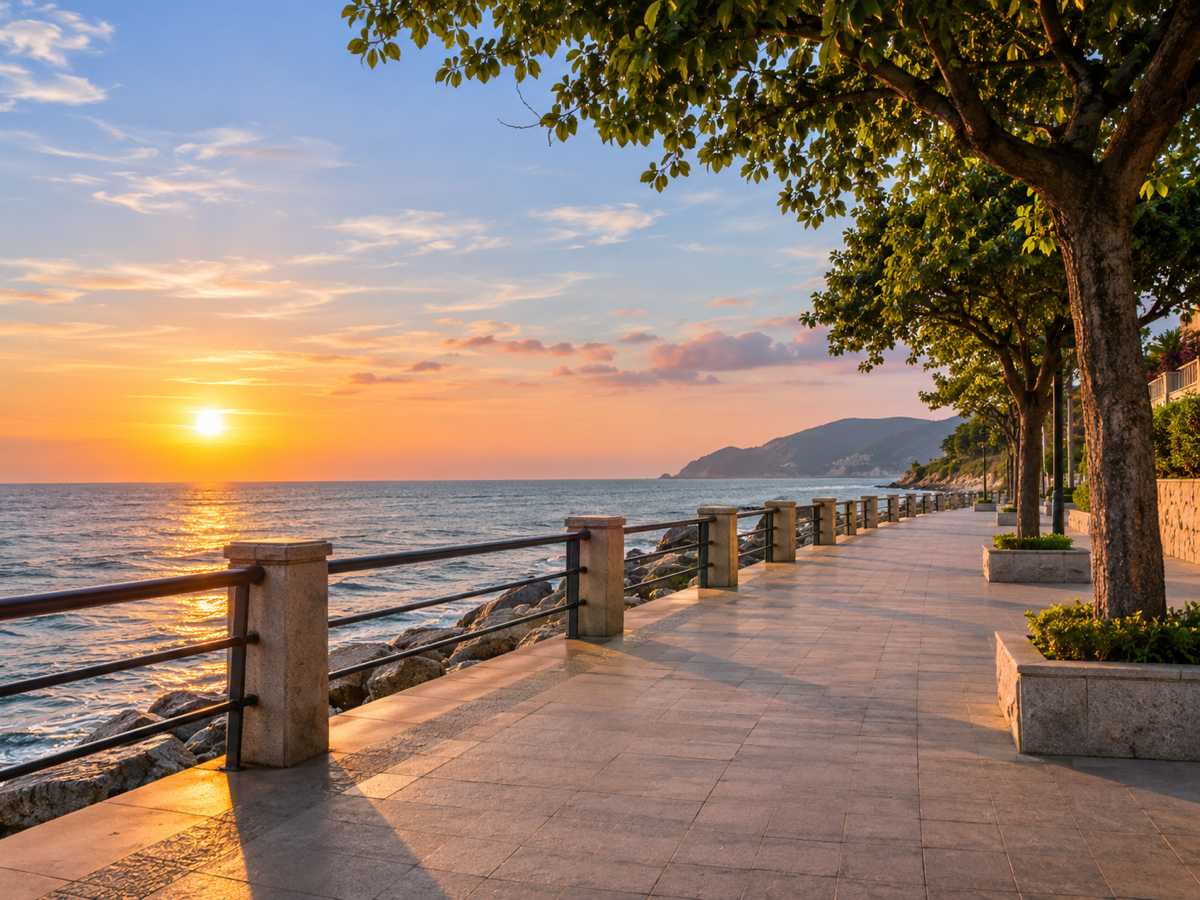
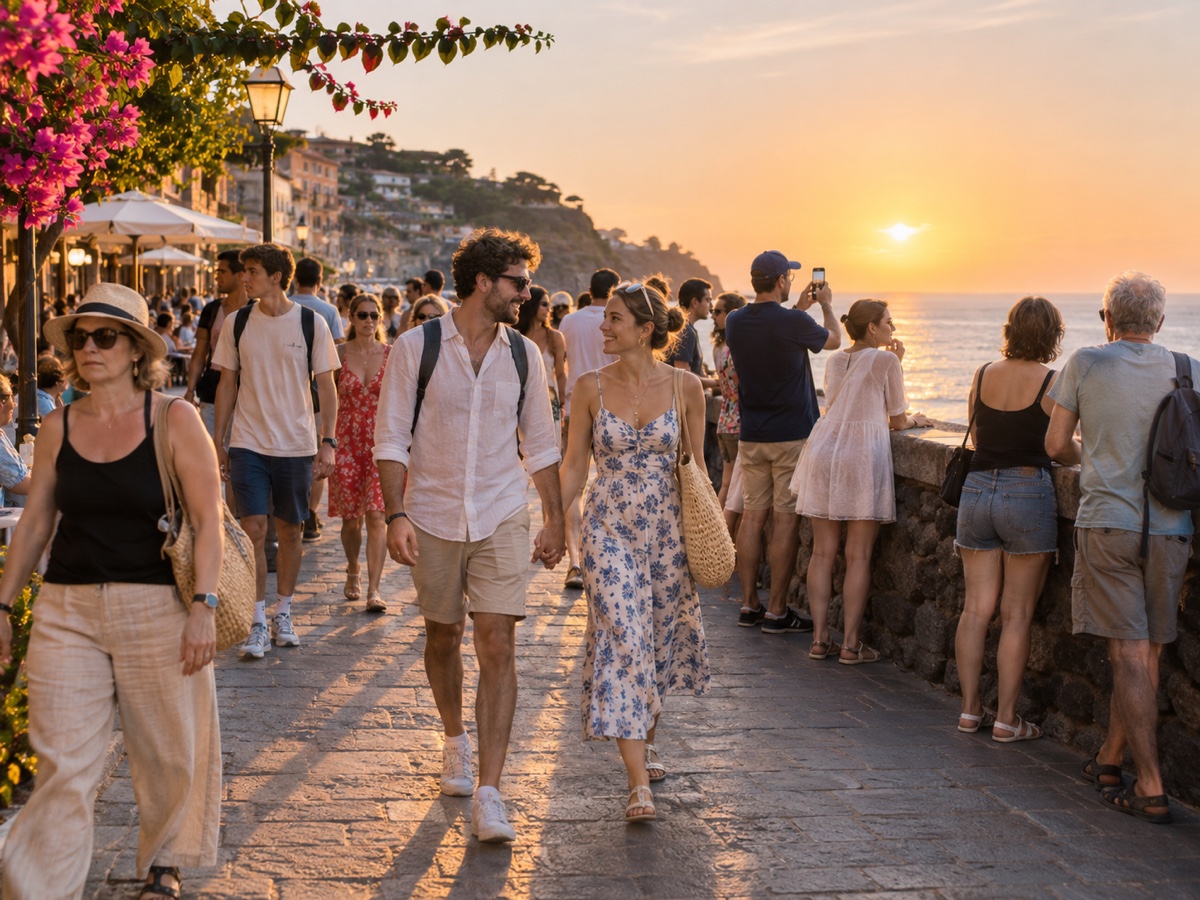
Other variants
How it works
Step 1
Upload the photo
Crowded landmark, busy street or a group shot with an extra guest.
Step 2
Choose who stays
AI outlines every person. Tap the ones you want to keep; everyone else is marked for removal.
Step 3
Remove and download
The background is rebuilt behind them. Download full resolution or refine with the Object Remover brush.
Works great for
Why youcut.ai
Person detection built in
No brushing. Every person is found automatically, including partial figures at the frame edge.
Selective keep
Keep one, two or a whole group and remove the rest.
Shadows handled
The mask is expanded to include shadows and reflections so nothing is left behind.
Refine with the brush
Send the result to the Object Remover for touch-ups on bags, tripods or leftover feet.
youcut.ai vs Adobe Photoshop
| Feature | youcut.ai | Adobe Photoshop |
|---|---|---|
| Automatic person detection | ✓ | — |
| Time per photo | ~10 seconds | 5–20 minutes of manual work |
| Price | Free preview, 1 credit HD | Monthly subscription |
| Runs in browser | ✓ | — |
Loved by creators and teams
“Santorini at noon, zero tourists. Clients think I woke up at 5am.”
“Neighbors walking through the shot are no longer a reshoot.”
“Removed a waiter from the first-kiss photo. Bride cried, happy tears.”
“Free credits were enough to fix all my exchange-semester photos.”
“Backgrounds look untouched, not smudged. That is the difference.”
“We clean event photos before posting so no attendee consent issues.”
Frequently asked questions
How dense can the crowd be?+
Any density is accepted. When the ground is almost fully hidden the model infers it from the edges, which works well for uniform surfaces.
Will it remove people in the far background too?+
Yes, every detected person is removed except an obvious main subject.
Is this a good alternative to blurring faces?+
For marketing and documentation photos, yes: the result looks natural and contains no personal data at all.
Ready to try People Remover?
Free preview in seconds. HD download from 1 credits.
Try it freePowered by: Bria Eraser · FLUX.1 Fill [pro]