AI 3D Render Generator
The 3D render style gives you the look of Blender, Cinema 4D or Octane output without modelling anything: soft global illumination, clean materials, subtle subsurface scattering on skin and plastic, and the depth of field of a virtual camera. Set the style selector to 3D and describe the object or character, the material such as matte clay, glossy plastic, brushed metal or frosted glass, the lighting such as studio softbox or golden hour, and the framing. FLUX Pro 1.1 produces the most photoreal product-style renders and handles reflective materials well; Seedream 4 is strong on stylised characters and colourful isometric scenes; GPT Image is useful when the render must include legible text or a precise layout such as an app icon grid. Common uses are app icons and 3D emoji, mascots, isometric room illustrations, concept product renders for pitch decks before industrial design exists, and hero images for SaaS landing pages. Use 1:1 for icons and mascots, 16:9 for hero images and 4:5 for social posts. Follow up with the Background Remover to get the object on a transparent background, and the Image Upscaler for print or retina-size assets.
- Global illumination, clean materials and virtual depth of field
- FLUX Pro for photoreal renders, Seedream 4 for stylised characters
- Icons, mascots, isometric scenes and concept products
- Remove background afterwards for transparent assets
- No signup required
from 1 credits · Uploads are deleted automatically after 24 hours.
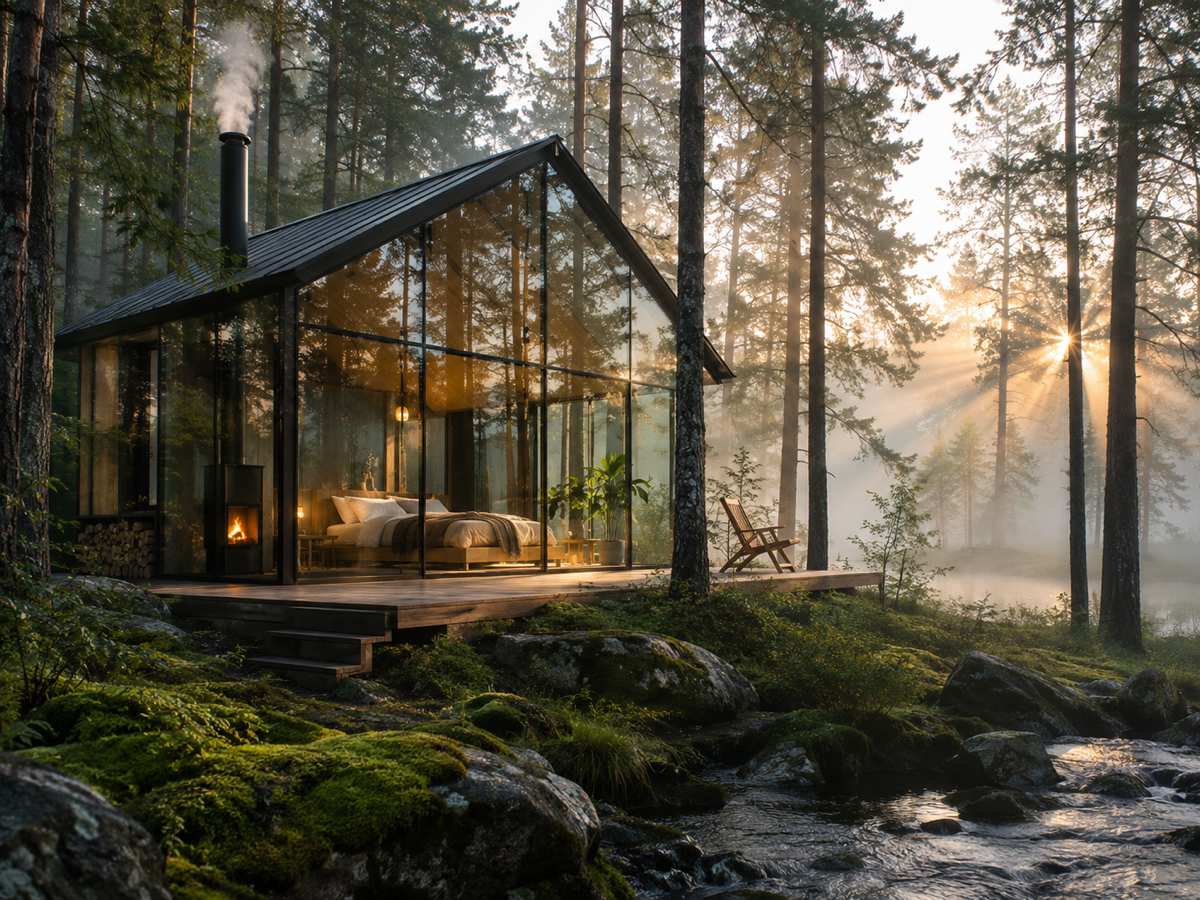
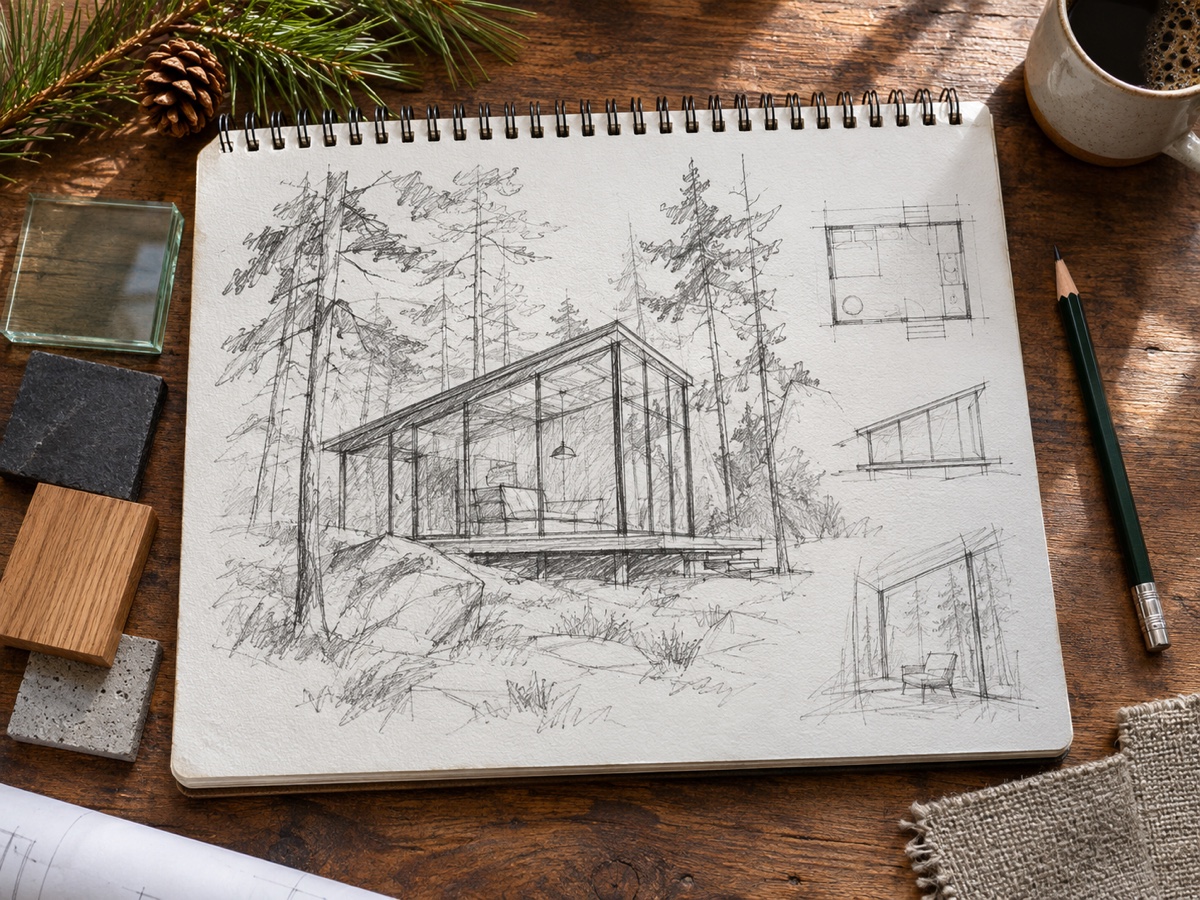
Other variants
Modes
How it works
Step 1
Write a prompt
Describe subject, setting, lighting and style. Use Prompt Enhance for help.
Step 2
Pick a model and ratio
Start with FLUX Schnell for drafts, switch to a premium model for the final.
Step 3
Generate and refine
Get up to 4 images, then upscale, expand or edit them in one click.
Works great for
Why youcut.ai
Best models side by side
FLUX Schnell, FLUX Pro 1.1, Seedream 4, Nano Banana and GPT Image without five subscriptions.
Prompt enhance
One click expands a short idea into a detailed prompt.
Transparent pricing
Credits per image are shown on the button before you generate.
Edit after generating
Send any result to the AI Photo Editor, Expander or Upscaler.
Style presets
Anime, 3D, watercolor, pixel art, cyberpunk and more.
Commercial license
Pro and Business plans include commercial rights for generated images.
youcut.ai vs cutout.pro
| Feature | youcut.ai | cutout.pro |
|---|---|---|
| Cheapest image | 1 credit (~$0.03 on Pro) | 3–12 credits |
| Models available | FLUX, Seedream 4, Nano Banana, GPT Image | Multiple, similar set |
| Free daily credits without account | ✓ | — |
| Subscription entry price | $9.99 / 250 credits | $5 / 80 credits |
Loved by creators and teams
“Draft with Schnell, finish with Seedream. Cheap iteration.”
“Nano Banana keeps our mascot consistent across posts.”
“GPT Image gets typography right on the first try.”
“Wallpaper and poster designs I actually sell.”
“Illustrations for worksheets in minutes.”
“One API for all the models instead of four vendor accounts.”
Frequently asked questions
Can I get a transparent background directly?+
Generate on a plain colour and run the Background Remover in Logo mode for a clean cutout.
Is it a real 3D model I can rotate?+
No, it is a 2D image in the style of a render. For another angle, describe it in a new prompt or use the AI Photo Editor with the first image as reference.
Which aspect ratio for an app icon?+
1:1, then upscale 2x for a 2048-pixel master.
Ready to try AI Image Generator?
Free preview in seconds. HD download from 1 credits.
Try it freePowered by: FLUX.1 [schnell] · FLUX 1.1 [pro] · Seedream 4.0 · Nano Banana (Gemini 2.5 Flash Image) · GPT Image