AI Watercolor Painting Generator
Watercolour is defined by what the medium does on its own: pigment blooming into wet paper, granulation in the shadows, hard edges where a wash dried and soft ones where it did not, and white paper left bare for highlights. Set the style selector to Watercolor and describe the subject along with those qualities: loose watercolour peonies with wet-on-wet blooms and lots of white space; misty mountain lake, granulating blues, cold-press paper texture; watercolour portrait of a golden retriever, soft edges, splatter accents. Seedream 4 produces the most painterly and expressive results and is the recommended default; FLUX Pro 1.1 gives tighter botanical-illustration precision; FLUX Schnell is the economical option for exploring compositions at one credit each. Watercolour is the go-to style for wedding invitations and save-the-dates, greeting cards, nursery prints, recipe illustrations, brand patterns and calm social graphics. Use 3:4 or 4:5 for cards and prints, 1:1 for patterns and 16:9 for headers. Ask for a white background if you plan to add text or cut out the motif; the Background Remover handles soft watercolour edges well. Upscale 4x for giclée-quality prints, where the paper texture becomes part of the charm.
- Wet-on-wet blooms, granulation and paper texture
- Seedream 4 for painterly, FLUX Pro for botanical precision
- Invitations, cards, nursery prints, patterns
- White background for text overlays and cutouts
- No signup required
from 1 credits · Uploads are deleted automatically after 24 hours.
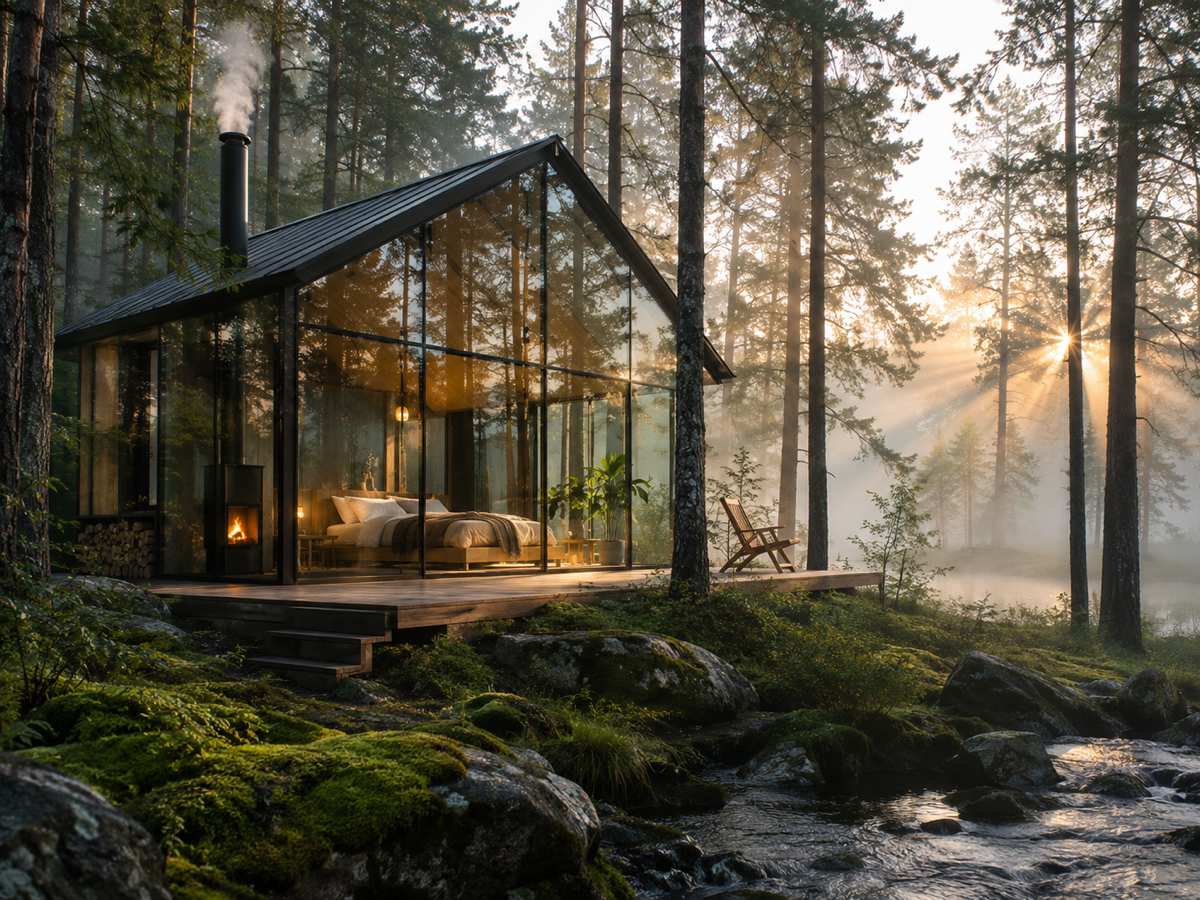
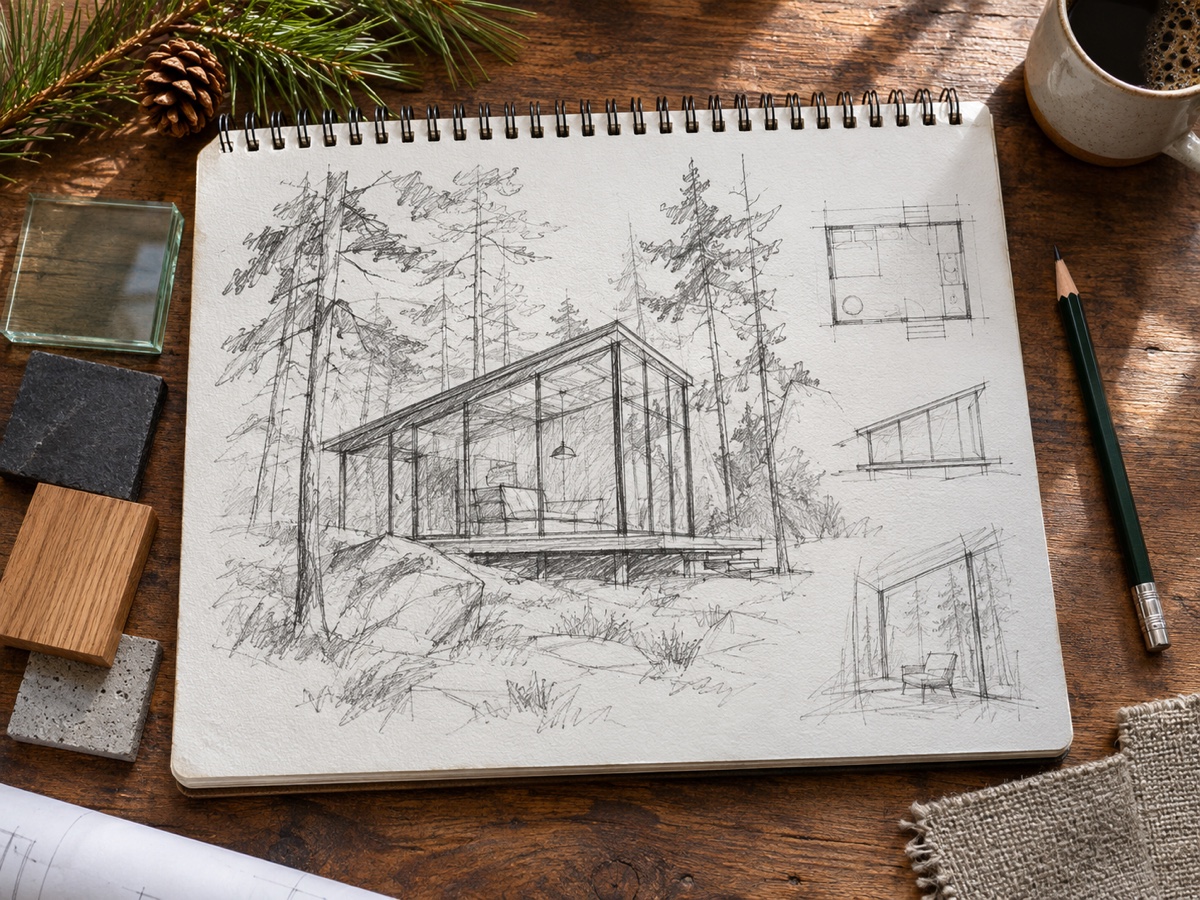
Other variants
Modes
How it works
Step 1
Write a prompt
Describe subject, setting, lighting and style. Use Prompt Enhance for help.
Step 2
Pick a model and ratio
Start with FLUX Schnell for drafts, switch to a premium model for the final.
Step 3
Generate and refine
Get up to 4 images, then upscale, expand or edit them in one click.
Works great for
Why youcut.ai
Best models side by side
FLUX Schnell, FLUX Pro 1.1, Seedream 4, Nano Banana and GPT Image without five subscriptions.
Prompt enhance
One click expands a short idea into a detailed prompt.
Transparent pricing
Credits per image are shown on the button before you generate.
Edit after generating
Send any result to the AI Photo Editor, Expander or Upscaler.
Style presets
Anime, 3D, watercolor, pixel art, cyberpunk and more.
Commercial license
Pro and Business plans include commercial rights for generated images.
youcut.ai vs cutout.pro
| Feature | youcut.ai | cutout.pro |
|---|---|---|
| Cheapest image | 1 credit (~$0.03 on Pro) | 3–12 credits |
| Models available | FLUX, Seedream 4, Nano Banana, GPT Image | Multiple, similar set |
| Free daily credits without account | ✓ | — |
| Subscription entry price | $9.99 / 250 credits | $5 / 80 credits |
Loved by creators and teams
“Draft with Schnell, finish with Seedream. Cheap iteration.”
“Nano Banana keeps our mascot consistent across posts.”
“GPT Image gets typography right on the first try.”
“Wallpaper and poster designs I actually sell.”
“Illustrations for worksheets in minutes.”
“One API for all the models instead of four vendor accounts.”
Frequently asked questions
Can I make a seamless watercolour pattern?+
Generate a 1:1 tile with "seamless repeating pattern" in the prompt; check the edges and use the Image Expander for wider repeats.
Can I add names and dates for an invitation?+
Generate the artwork with white space, then add typography in Canva or Figma for full control of fonts.
What size for a framed print?+
Upscale 4x for an A3 or 12 x 16 inch print at 300 dpi.
Ready to try AI Image Generator?
Free preview in seconds. HD download from 1 credits.
Try it freePowered by: FLUX.1 [schnell] · FLUX 1.1 [pro] · Seedream 4.0 · Nano Banana (Gemini 2.5 Flash Image) · GPT Image