Restore Old Photos with AI
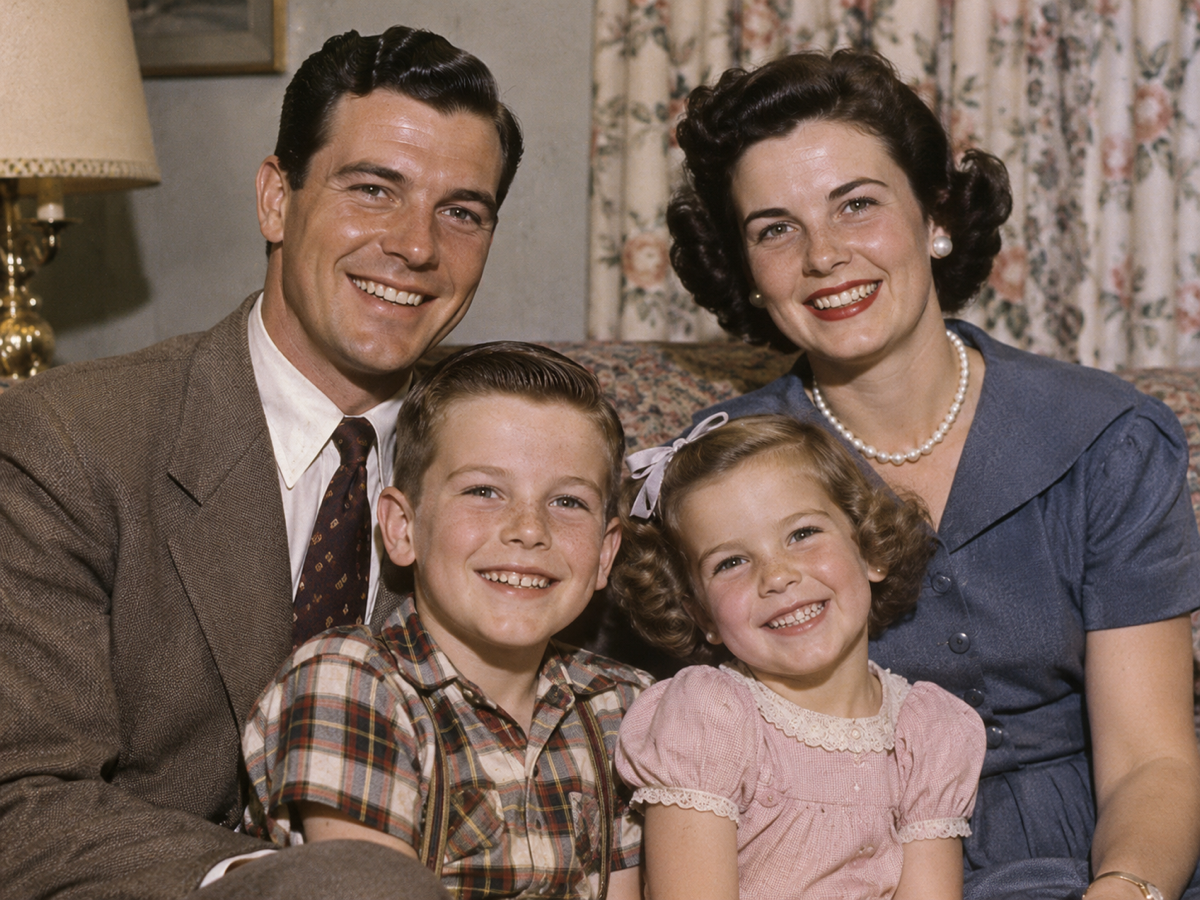
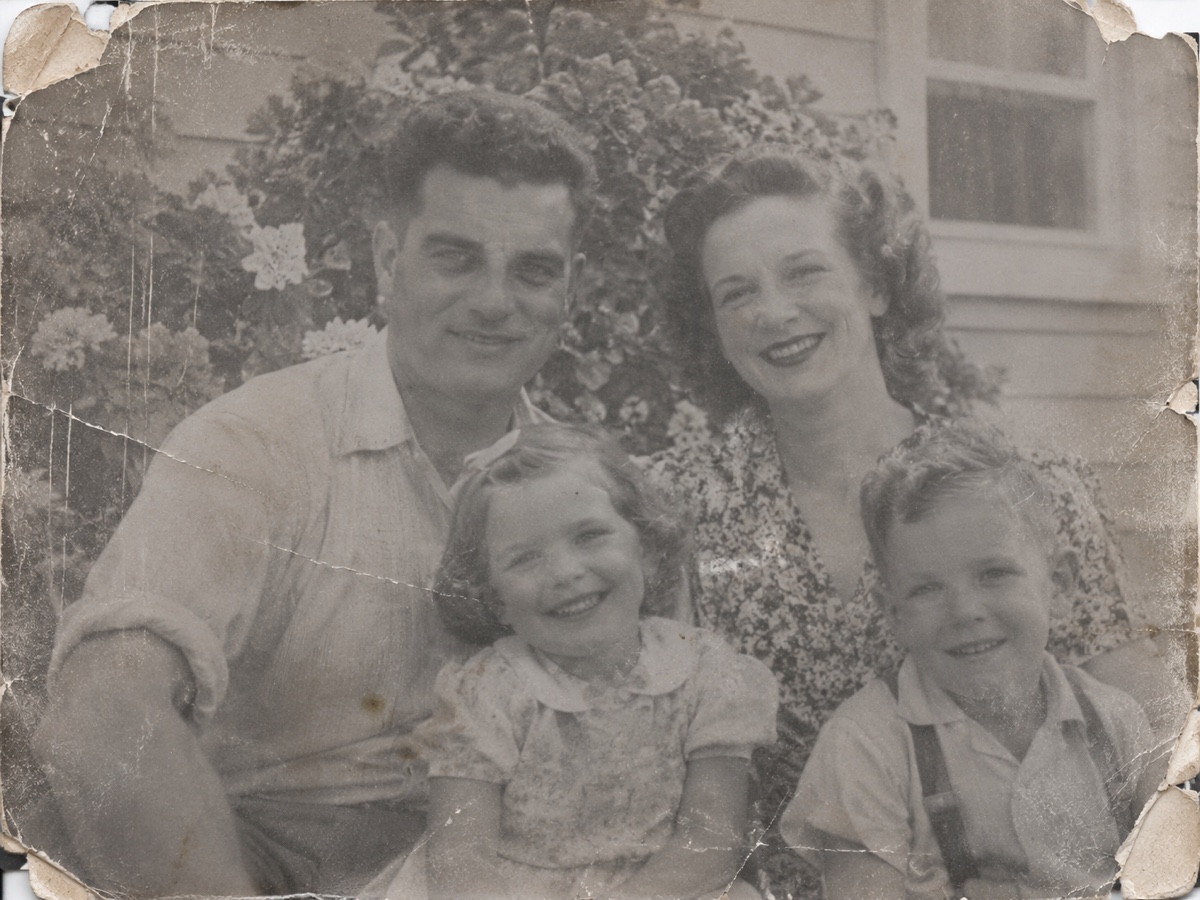
A box of prints from the 1950s to the 1990s carries every problem at once: soft focus from cheap lenses, grain from fast film, yellowing from decades in an album, small scratches and a slightly warped scan. Photo Restoration handles them in one pass. CodeFormer rebuilds faces so grandparents look like themselves again rather than like a painting; a dedicated restoration model removes grain and fills hairline scratches; tone and colour cast are corrected so a yellowed print regains neutral whites. Pick Restore for black and white or already colour photos, Colorize to add realistic colour to a monochrome print, or Both to do everything in a single job. Scan prints at 600 dpi, or photograph them flat in daylight without flash if you have no scanner, and crop away the album page. Old photos with severe tears or missing corners benefit from a manual pass with the Object Remover afterwards. Families use this before reprinting for anniversaries and memorials, genealogists for archive records, and museums for exhibition panels. Preview is free; Restore and Colorize cost two credits each and Both costs three.
- Faces rebuilt to look like the person, not a painting
- Grain, hairline scratches and yellow cast removed
- Restore, Colorize or Both in one job
- Scan at 600 dpi for the best result
- No signup required
from 2 credits · Uploads are deleted automatically after 24 hours.
Other variants
Modes
How it works
Step 1
Scan or photograph the print
Upload a scan or a straight-on phone photo of the old picture.
Step 2
Choose Restore, Colorize or Both
AI removes scratches and dust, sharpens faces and optionally adds color.
Step 3
Download and share
Save the restored image, then upscale it for printing if needed.
Works great for
Why youcut.ai
Damage repair
Scratches, dust, creases and stains are detected and filled automatically.
Face restoration
A dedicated model recovers eyes, mouths and skin while keeping identity.
Realistic colorization
Trained on historical photos so uniforms, cars and interiors get plausible colors.
Keeps the grain
Restoration removes damage, not the character of film.
Private processing
Family photos are never used for training and are deleted on request.
youcut.ai vs Adobe Photoshop
| Feature | youcut.ai | Adobe Photoshop |
|---|---|---|
| One-click restore | ✓ | Neural filter, manual cleanup |
| Automatic colorization | ✓ | ✓ |
| Price | Free preview, 2 credits HD | Monthly subscription |
| No install, works on phone | ✓ | — |
Loved by creators and teams
“My wedding photo from 1968, in color, on my wall. I cried.”
“Restored 200 archive scans for a family history book.”
“Face restoration keeps likeness. Other tools invent new people.”
“Colorization of street scenes is impressively plausible.”
“Made a restored photo book for my grandfather's 90th.”
“We offer restoration as a service now. Customers love it.”
Frequently asked questions
What scan resolution should I use?+
600 dpi for standard prints, 1200 dpi for small wallet photos. Higher gives the model more to work with.
Can it fix a torn photo?+
Small tears and scratches are filled automatically. Large missing areas need a manual pass with the Object Remover.
Will colours be historically accurate?+
Colorize predicts plausible colours from context. Skin, sky and foliage are usually right; clothing colours are an educated guess.
Ready to try Photo Restoration?
Free preview in seconds. HD download from 2 credits.
Try it freePowered by: CodeFormer · DDColor