Colorize Black and White Photos
Colourising a monochrome photograph is an act of interpretation, and the quality of the interpretation depends on how much the model understands about the scene. Photo Restoration uses DDColor, a model trained to reason about what objects are before deciding what colour they should be, so skin tones stay within a natural range, skies are blue rather than grey-purple, grass and trees are green, wooden furniture reads as wood and uniforms take on believable fabric shades. Colour bleeding across edges, the classic tell of cheap colourisation, is minimised. Choose Colorize alone when the photo is already sharp and clean, or Both to restore and colourise in one job for a typical aged print. It works on family portraits, street scenes, military photographs, school groups and postcards, and on film stills or historic press photos you have rights to use. Very small or heavily damaged photos should be restored first so the colour model has clean structure to work with. Family historians use this to make ancestors feel present; publishers and museums use it, with a disclosure, for educational material. Preview is free and Colorize costs two credits.
- Object-aware colour: skin, sky, foliage and wood look right
- Minimal colour bleeding across edges
- Choose Both to restore and colourise aged prints in one job
- Restore first for tiny or damaged originals
- No signup required
from 2 credits · Uploads are deleted automatically after 24 hours.
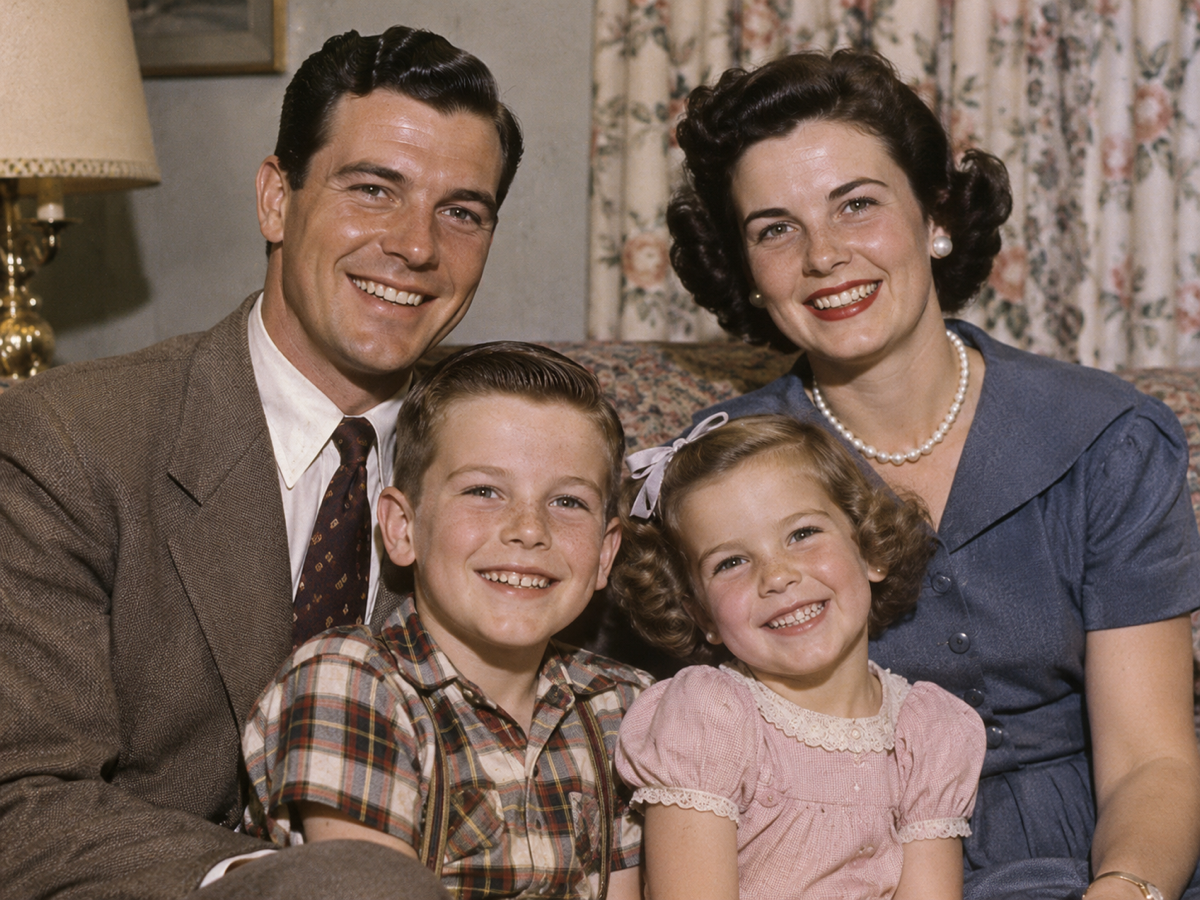
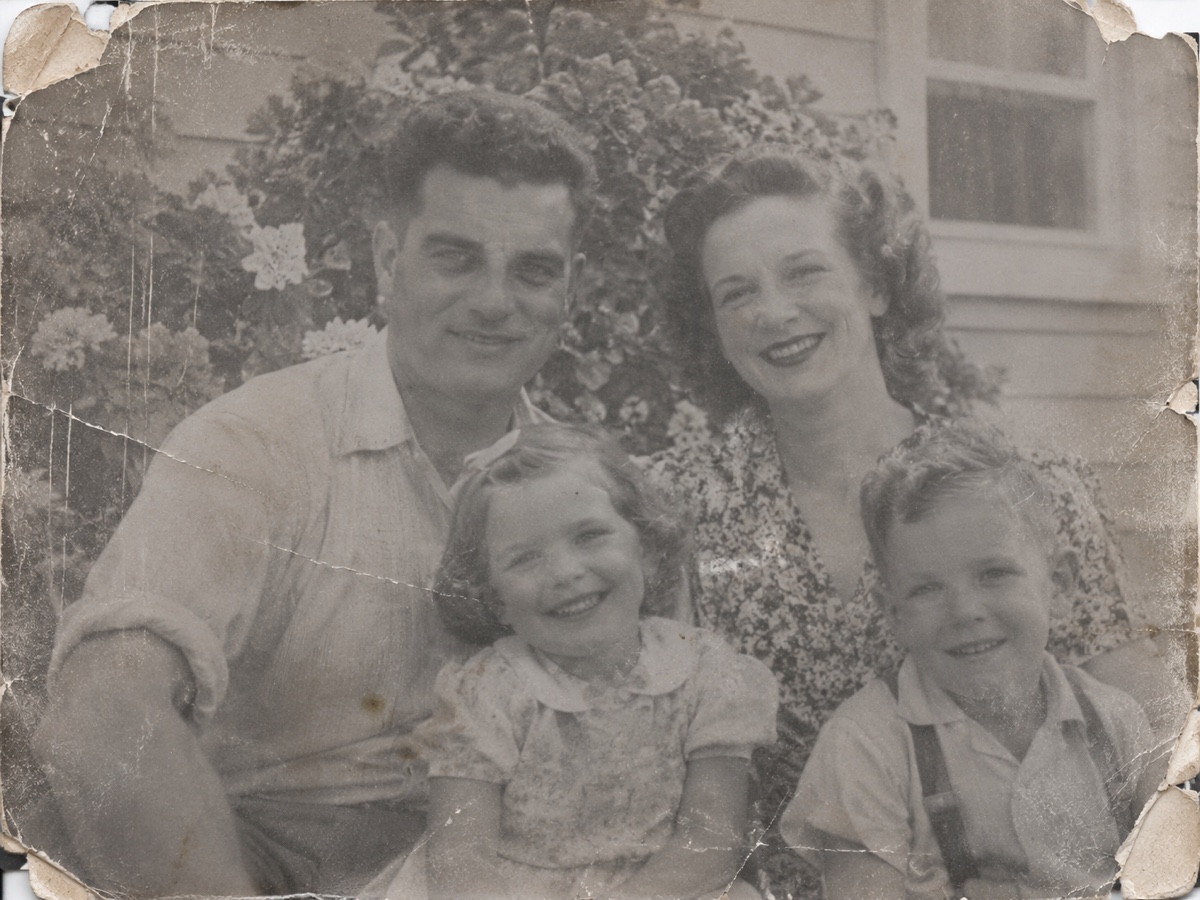
Other variants
Modes
How it works
Step 1
Scan or photograph the print
Upload a scan or a straight-on phone photo of the old picture.
Step 2
Choose Restore, Colorize or Both
AI removes scratches and dust, sharpens faces and optionally adds color.
Step 3
Download and share
Save the restored image, then upscale it for printing if needed.
Works great for
Why youcut.ai
Damage repair
Scratches, dust, creases and stains are detected and filled automatically.
Face restoration
A dedicated model recovers eyes, mouths and skin while keeping identity.
Realistic colorization
Trained on historical photos so uniforms, cars and interiors get plausible colors.
Keeps the grain
Restoration removes damage, not the character of film.
Private processing
Family photos are never used for training and are deleted on request.
youcut.ai vs Adobe Photoshop
| Feature | youcut.ai | Adobe Photoshop |
|---|---|---|
| One-click restore | ✓ | Neural filter, manual cleanup |
| Automatic colorization | ✓ | ✓ |
| Price | Free preview, 2 credits HD | Monthly subscription |
| No install, works on phone | ✓ | — |
Loved by creators and teams
“My wedding photo from 1968, in color, on my wall. I cried.”
“Restored 200 archive scans for a family history book.”
“Face restoration keeps likeness. Other tools invent new people.”
“Colorization of street scenes is impressively plausible.”
“Made a restored photo book for my grandfather's 90th.”
“We offer restoration as a service now. Customers love it.”
Frequently asked questions
How accurate are the colours?+
Plausible rather than documented. Natural elements are usually right; specific clothing or car colours are the model's best guess.
Can I guide the colours, for example a red dress?+
Not yet. Colour hints are planned; for now, adjust the result in the AI Photo Editor with a text prompt.
Does it work on sepia photos?+
Yes, sepia and toned prints are treated as monochrome and colourised the same way.
Ready to try Photo Restoration?
Free preview in seconds. HD download from 2 credits.
Try it freePowered by: CodeFormer · DDColor