Animate Old Photos – Bring Family Pictures to Life with AI
Bring old family photos to life with a gentle smile, blink or wave.
- Natural, subtle motion
- Keeps the original look
- 5 or 10 second clips
- No signup required
from 8 credits · Uploads are deleted automatically after 24 hours.
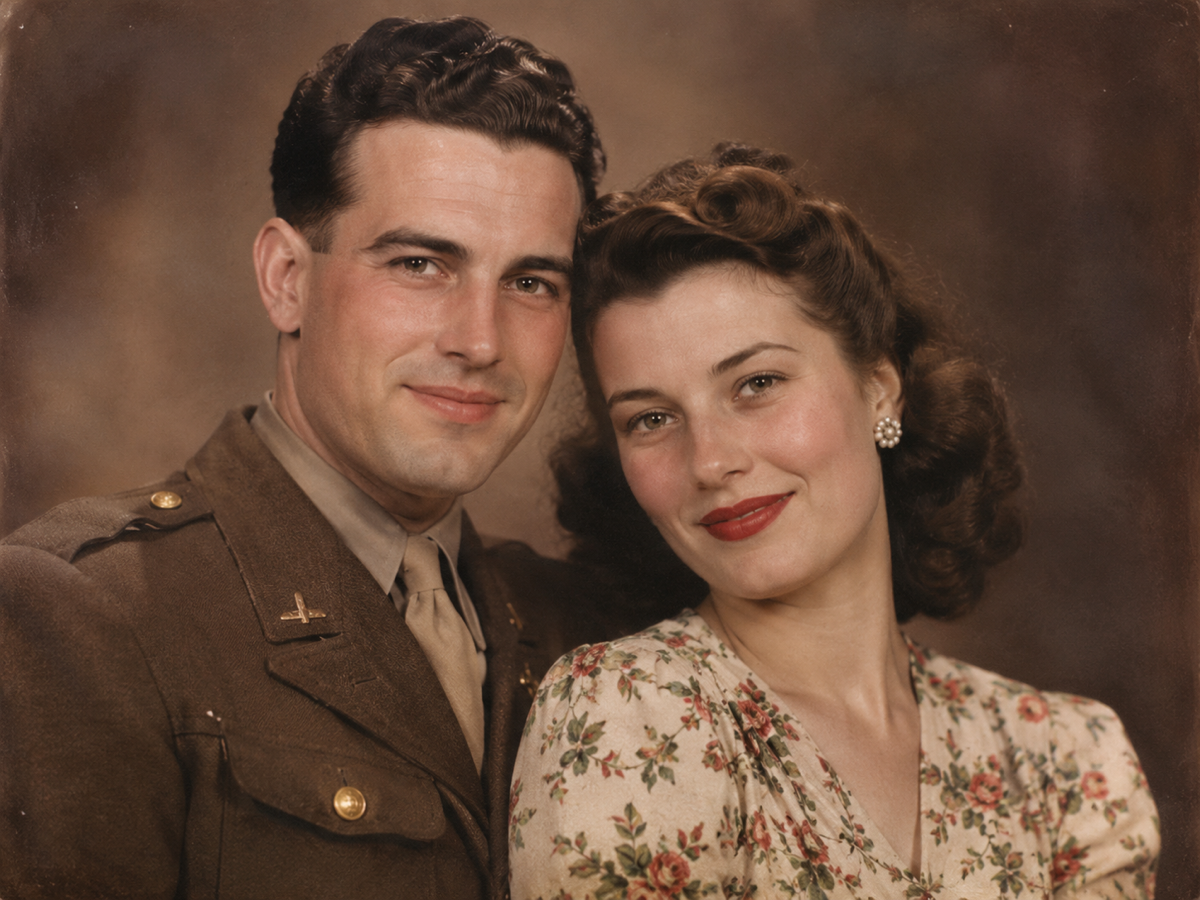
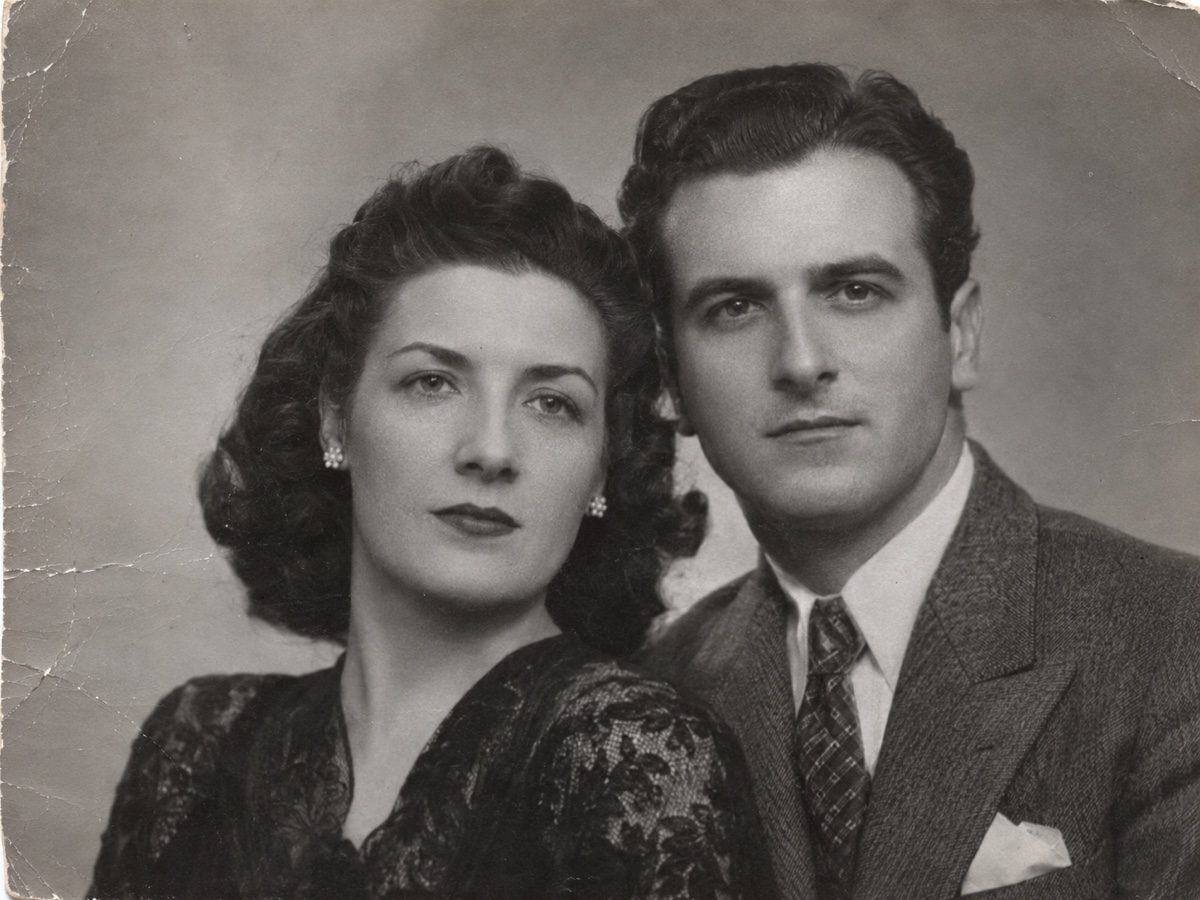
Modes
How it works
Step 1
Upload an old photo
Tip: run it through Photo Restoration first to fix scratches and add color.
Step 2
Choose a motion
Natural breathing, a smile, a wave or a glance at the camera.
Step 3
Share the memory
Download the MP4 and share it with family.
Why youcut.ai
Respectful by design
Identity and the photo's original character are preserved; no speech or new content is added.
Works with restoration
Pair with Photo Restoration and Photo Enhancer for the best clip.
youcut.ai vs Manual animation
| Feature | youcut.ai | Manual animation |
|---|---|---|
| Skills needed | None | After Effects |
| Time | ~2 minutes | Hours |
Frequently asked questions
Can I animate photos of people who have passed away?+
Many families use it to revisit memories. Please only animate photos you have the right to use and share results thoughtfully.
Why is login required?+
Video generation is compute-heavy, so it runs on account credits.
Is it free to try?+
Every visitor gets free daily credits, and new accounts get a signup bonus. Credits are only charged for successful results.
Ready to try Animate Old Photos?
Free preview in seconds. HD download from 8 credits.
Try it freePowered by: Wan 2.2 A14B · Kling 2.5 Turbo Pro