AI Image to Video – Animate Photos Online
Animate any photo into a 5–10 second video.
- Your photo is the first frame
- Describe camera and motion in words
- From 6 credits per clip
- No signup required
from 6 credits · Uploads are deleted automatically after 24 hours.
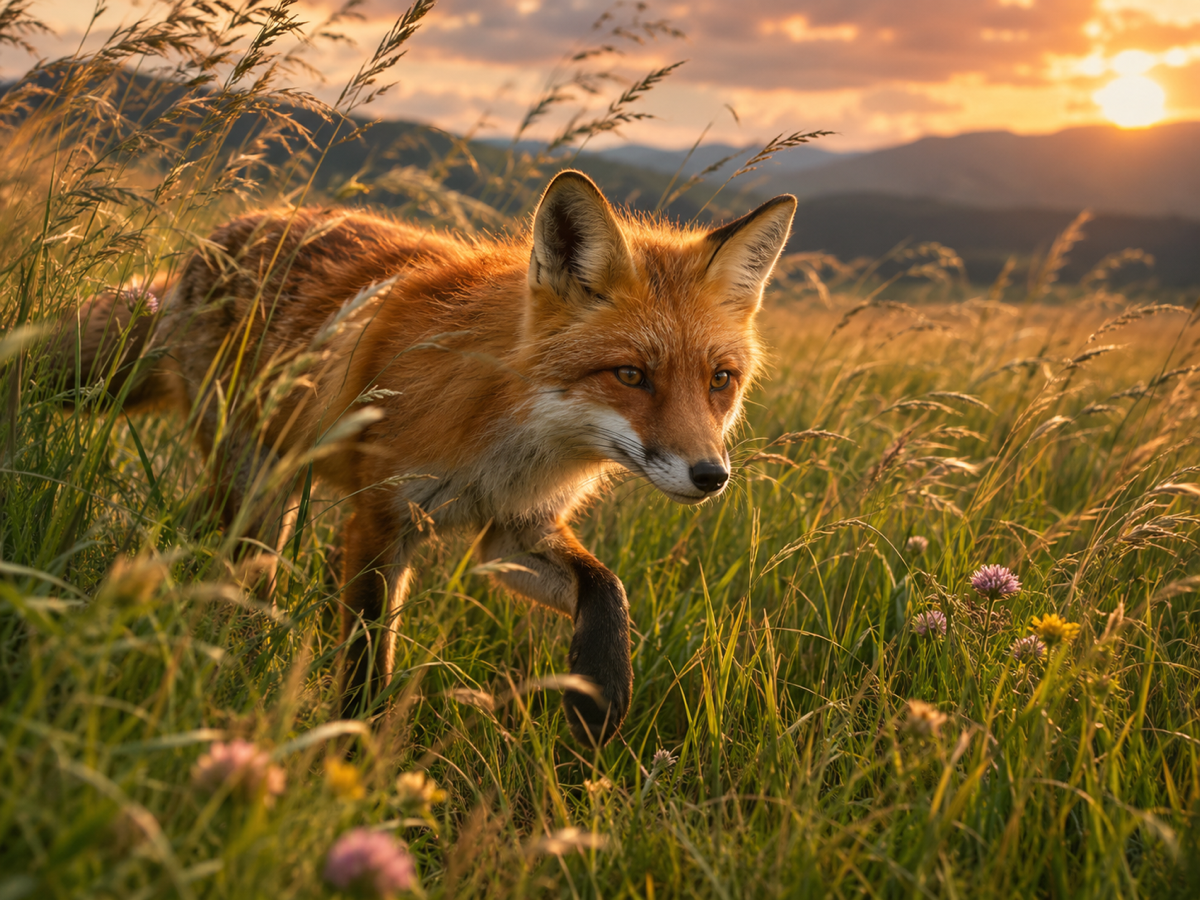
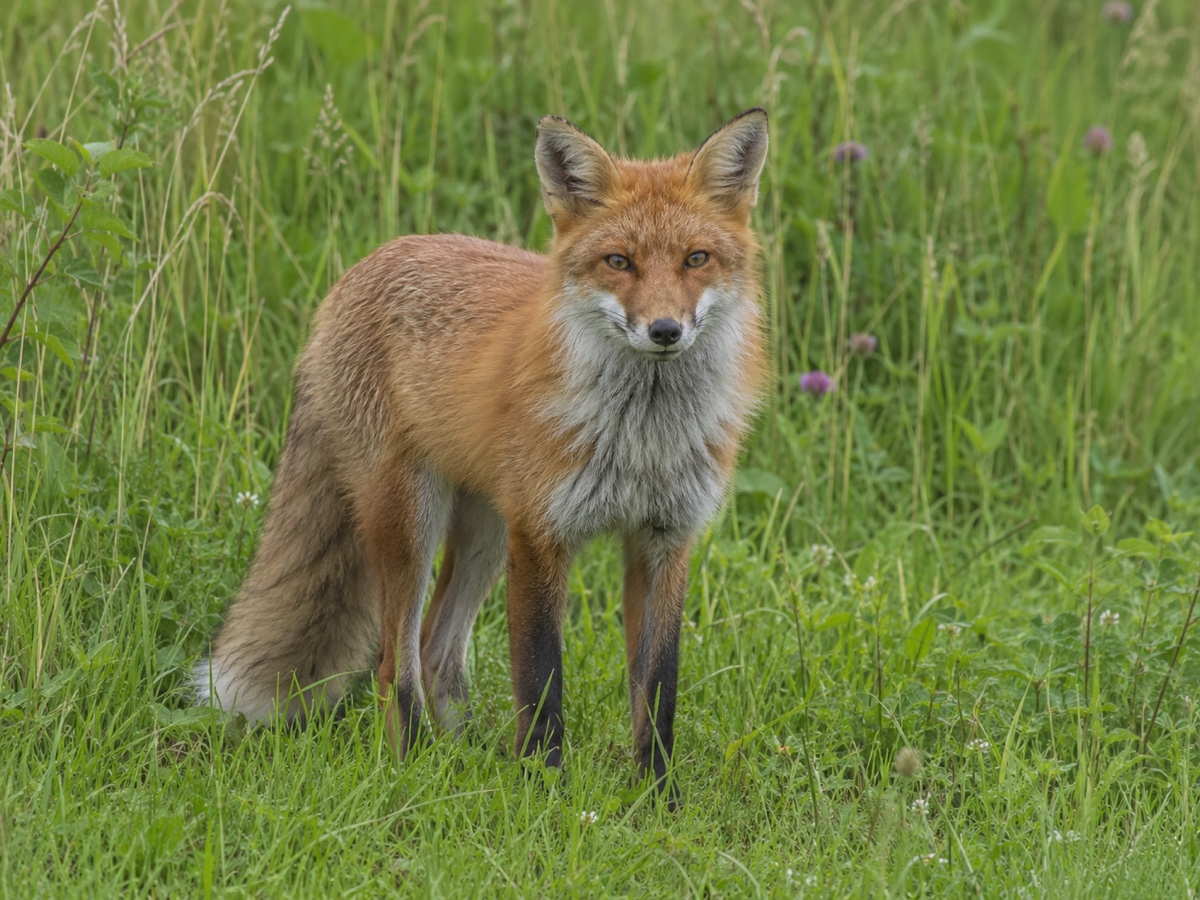
Modes
How it works
Step 1
Upload a photo
Portraits, products, landscapes, paintings or AI images.
Step 2
Describe the motion
What moves, how the camera behaves, and the mood.
Step 3
Generate
Pick a model and length; download the MP4 in a few minutes.
Works great for
Why youcut.ai
Exact first frame
The video starts from your image, so products and faces stay on-brand.
Five engines
Economy to premium, all with per-clip pricing.
Camera controls in text
Push in, orbit, pan, tilt and zoom are understood by all models.
Chain clips
Use the last frame as the next start to build longer sequences.
Works with generated images
Send any AI Image Generator result here in one click.
youcut.ai vs Runway
| Feature | youcut.ai | Runway |
|---|---|---|
| Cheapest image-to-video clip | 6 credits (~$0.18 on Pro) | Paid plan credits |
| Kling / Veo / Seedance access | ✓ | — |
| Per-clip price shown before generation | ✓ | Credits estimate |
| Image editing tools in same workspace | ✓ | Partial |
Loved by creators and teams
“My product photos now loop as short videos in listings.”
“Clients love the subtle "living portrait" effect.”
“My illustrations animate without me learning After Effects.”
“One exterior photo becomes a cinematic opener for every listing video.”
“Static campaign visuals turned into Reels in an afternoon.”
“Signup credits covered three clips for my film class.”
Frequently asked questions
How do I turn a photo into a video?+
Upload the image, describe the motion you want, choose a model and duration, then generate. The result is an MP4 that starts from your photo.
How much does it cost?+
LTX-2 6 credits, Wan 2.2 8, Seedance 12, Kling 2.5 15 and Veo 3.1 60 per clip. The button shows the exact cost before you confirm.
What kind of photos work best?+
Clear subjects with some depth: portraits, products on simple backgrounds, landscapes. Very busy collages and tiny text tend to warp.
Can I control the camera movement?+
Yes. Describe it in the prompt: "slow push in", "orbit left", "static camera, only the water moves".
Will faces stay the same?+
Kling, Seedance and Veo preserve identity well for subtle motion. Big head turns or expressions can drift; keep motion modest for portraits.
What resolution and length?+
480p, 720p or 1080p and 5, 8 or 10 seconds depending on the model.
Can I add sound?+
Veo 3.1 generates audio natively. For other models use the Talking Photo tool for voice or add music in your editor.
Do I own the output?+
Yes. Pro and Business plans include a commercial license for generated videos.
Ready to try Image to Video?
Free preview in seconds. HD download from 6 credits.
Try it freePowered by: Wan 2.2 A14B · LTX-2 (13B distilled) · Kling 2.5 Turbo Pro · Seedance 1.0 Pro · Veo 3.1