Animate Paintings and Artwork into Video
Animating a painting means adding motion without breaking the medium: brushstrokes must stay brushstrokes, a woodcut must not turn photographic, and the palette must hold. Image to Video respects the style of the input frame when the prompt asks it to: subtle parallax as the camera drifts, the painted sea rolling gently, clouds moving across an impressionist sky, candlelight flickering in a Dutch still life, snow falling through a ukiyo-e street, in the style of the original painting, brushwork preserved. Seedance 1.0 Pro and Kling 2.5 are the most faithful to stylised inputs; Wan 2.2 is the economical choice for slow ambient movement; LTX-2 is fast for testing. Keep camera moves slow and motion small, and use 5 seconds for the most stable result. Artists use this to promote prints and commissions, galleries and museums to make social content from their collection, AI artists to turn a generated still into a moving piece, and publishers to animate book covers and illustrations. Combine with the AI Image Generator in watercolour, anime or pixel styles for a fully generated pipeline, and upscale the source to at least 1080 pixels on the short side for crisp texture. Use 16:9 for screens and 4:5 or 9:16 for social.
- Brushwork, palette and medium preserved
- Parallax, rolling sea, drifting clouds, flickering candlelight
- Seedance and Kling most faithful to stylised inputs
- Full pipeline with AI Image Generator styles
- No signup required
from 6 credits · Uploads are deleted automatically after 24 hours.
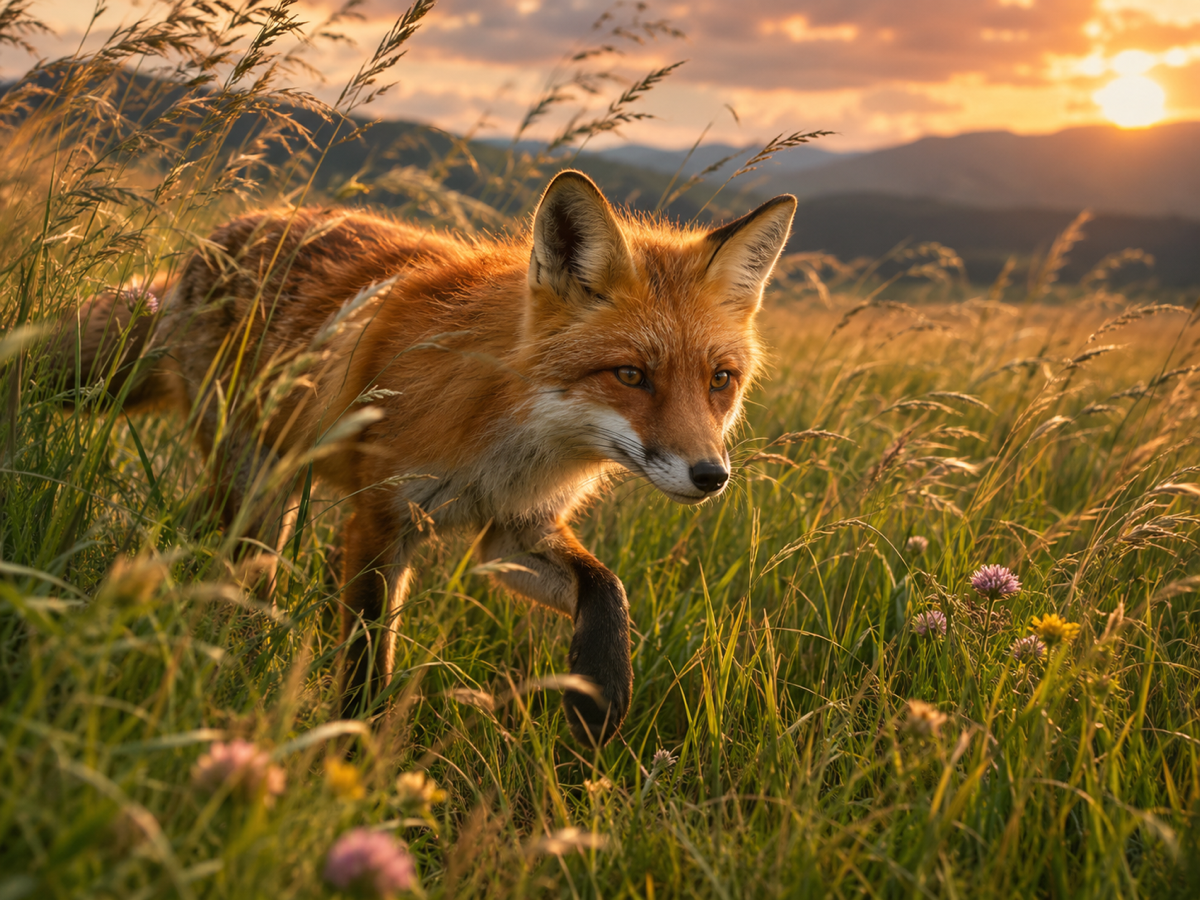
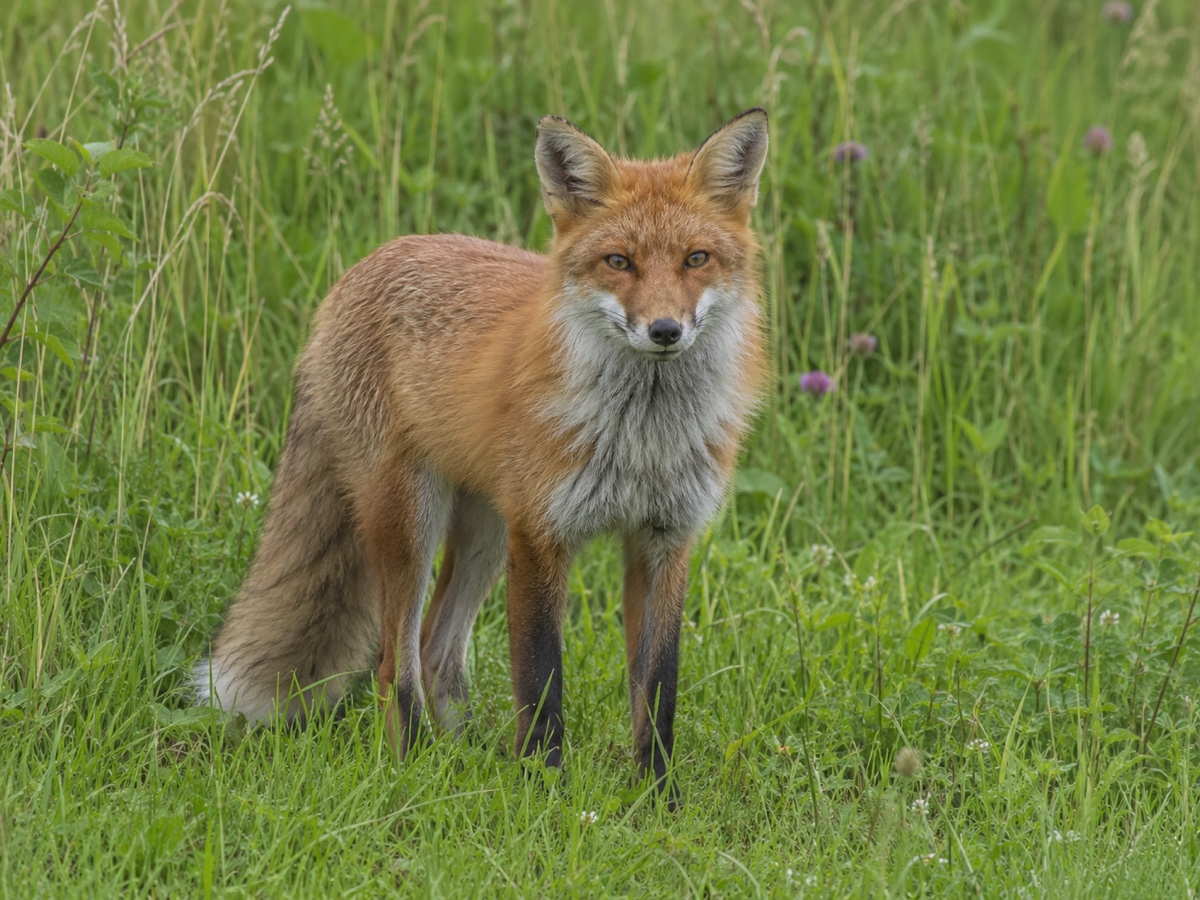
Other variants
Modes
How it works
Step 1
Upload a photo
Portraits, products, landscapes, paintings or AI images.
Step 2
Describe the motion
What moves, how the camera behaves, and the mood.
Step 3
Generate
Pick a model and length; download the MP4 in a few minutes.
Works great for
Why youcut.ai
Exact first frame
The video starts from your image, so products and faces stay on-brand.
Five engines
Economy to premium, all with per-clip pricing.
Camera controls in text
Push in, orbit, pan, tilt and zoom are understood by all models.
Chain clips
Use the last frame as the next start to build longer sequences.
Works with generated images
Send any AI Image Generator result here in one click.
youcut.ai vs Runway
| Feature | youcut.ai | Runway |
|---|---|---|
| Cheapest image-to-video clip | 6 credits (~$0.18 on Pro) | Paid plan credits |
| Kling / Veo / Seedance access | ✓ | — |
| Per-clip price shown before generation | ✓ | Credits estimate |
| Image editing tools in same workspace | ✓ | Partial |
Loved by creators and teams
“My product photos now loop as short videos in listings.”
“Clients love the subtle "living portrait" effect.”
“My illustrations animate without me learning After Effects.”
“One exterior photo becomes a cinematic opener for every listing video.”
“Static campaign visuals turned into Reels in an afternoon.”
“Signup credits covered three clips for my film class.”
Frequently asked questions
Will it turn my painting into a photo?+
Not if you include "in the style of the original painting, brushwork preserved" and keep motion subtle.
Can I animate a public-domain masterpiece?+
Yes, works whose copyright has expired are free to use; museum photographs of them may carry their own terms.
What source size should I use?+
At least 1080 pixels on the short side. Upscale scans or generated art first for crisp texture.
Ready to try Image to Video?
Free preview in seconds. HD download from 6 credits.
Try it freePowered by: Wan 2.2 A14B · LTX-2 (13B distilled) · Kling 2.5 Turbo Pro · Seedance 1.0 Pro · Veo 3.1