Remove Background from a Logo
Someone sent you the company logo as a JPG on a white box and you need it transparent for a slide, a website header or a merch mockup. Logo mode on youcut.ai is built for flat graphics rather than photos: it snaps to hard vector-like edges, keeps the counters inside letters such as O, A and R open, preserves thin rules and swooshes, and handles gradients and drop shadows without leaving a faint white fringe. Anti-aliased edges are re-rendered at the output resolution so the result looks sharp even on Retina displays. It also works for icons, badges, stamps, wordmarks and screenshots of logos captured from a PDF. For the best result upload the largest version you have; if the logo is small, run it through the Image Upscaler first at 4x and then remove the background. Logos with white elements on a white background are the one tricky case, because there is no edge to detect, so add a temporary coloured background if you can. Download as PNG for general use or WebP for web pages.
- Crisp edges on text, thin lines and gradients
- Letter counters and inner holes stay open
- No white fringe when placed on dark backgrounds
- Upscale small logos first for print-ready output
- No signup required
from 1 credits · Uploads are deleted automatically after 24 hours.
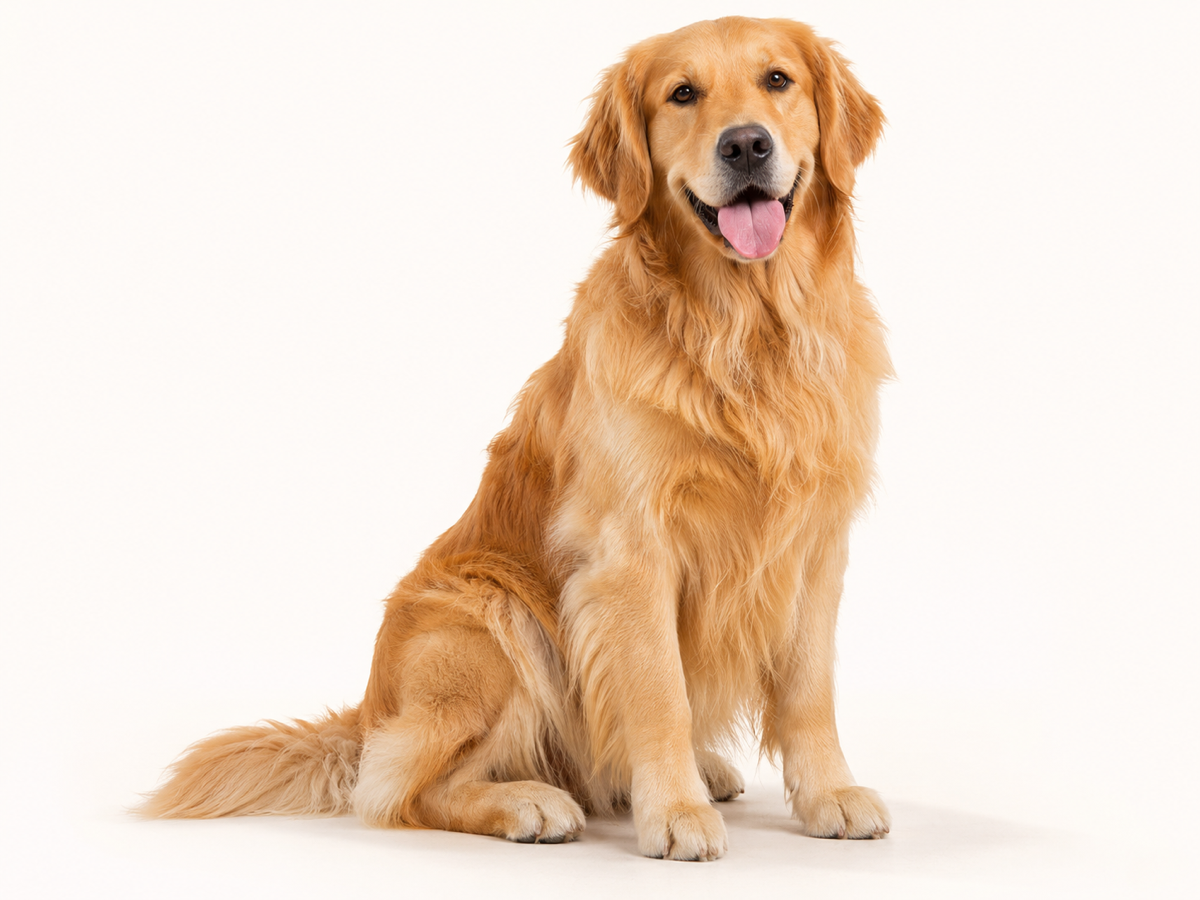
Other variants
Modes
How it works
Step 1
Upload an image
Drag & drop a JPG, PNG, WebP or HEIC, or paste from clipboard.
Step 2
AI removes the background
Our model detects the subject and cuts it out in about 5 seconds.
Step 3
Download or keep editing
Get a transparent PNG, add a new background, or upscale.
Works great for
People
Hair, fur and semi-transparent edges handled cleanly.
Products
Marketplace-ready white backgrounds for Amazon, Shopify and eBay.
Cars
Keep reflections and windows realistic.
Logos
Crisp vector-like edges for graphics and text.
Animals
Fine fur preserved.
Signatures
Turn a photo of a signature into a transparent PNG.
Why youcut.ai
Fully automatic
No manual selection or Photoshop skills required.
Batch processing
Upload up to 100 images and download a ZIP.
Up to 4K output
Full-resolution downloads for print and e-commerce.
Private by default
Guest uploads are deleted automatically after 24 hours.
youcut.ai vs remove.bg
| Feature | youcut.ai | remove.bg |
|---|---|---|
| Free HD preview | ✓ | — |
| Price per HD image | from $0.03 | $0.22 |
| AI background generation | ✓ | — |
| API | $0.02/image | $0.20/image |
Loved by creators and teams
“I process 200 product photos a week. The batch tool paid for itself on day one.”
“Hair edges are better than what I got from remove.bg.”
“Paste, cut, download. Three seconds per thumbnail.”
“Great for agent headshots on listing flyers.”
“Free preview is enough for my presentations.”
“The API replaced a much more expensive vendor.”
Frequently asked questions
Can it make a JPG logo transparent?+
Yes. Upload the JPG, keep Logo mode selected, and download a transparent PNG.
Does it convert the logo to vector SVG?+
No, the output is a raster PNG or WebP. Upscale to 4x first if you need large print sizes.
What if my logo has a white part?+
White elements on a white background cannot be distinguished. Place the logo on a coloured background before uploading, or use the manual refine brush.
Ready to try Background Remover?
Free preview in seconds. HD download from 1 credits.
Try it freePowered by: BiRefNet v2 · Bria RMBG 2.0