Blur Background Online – Portrait Mode for Any Photo
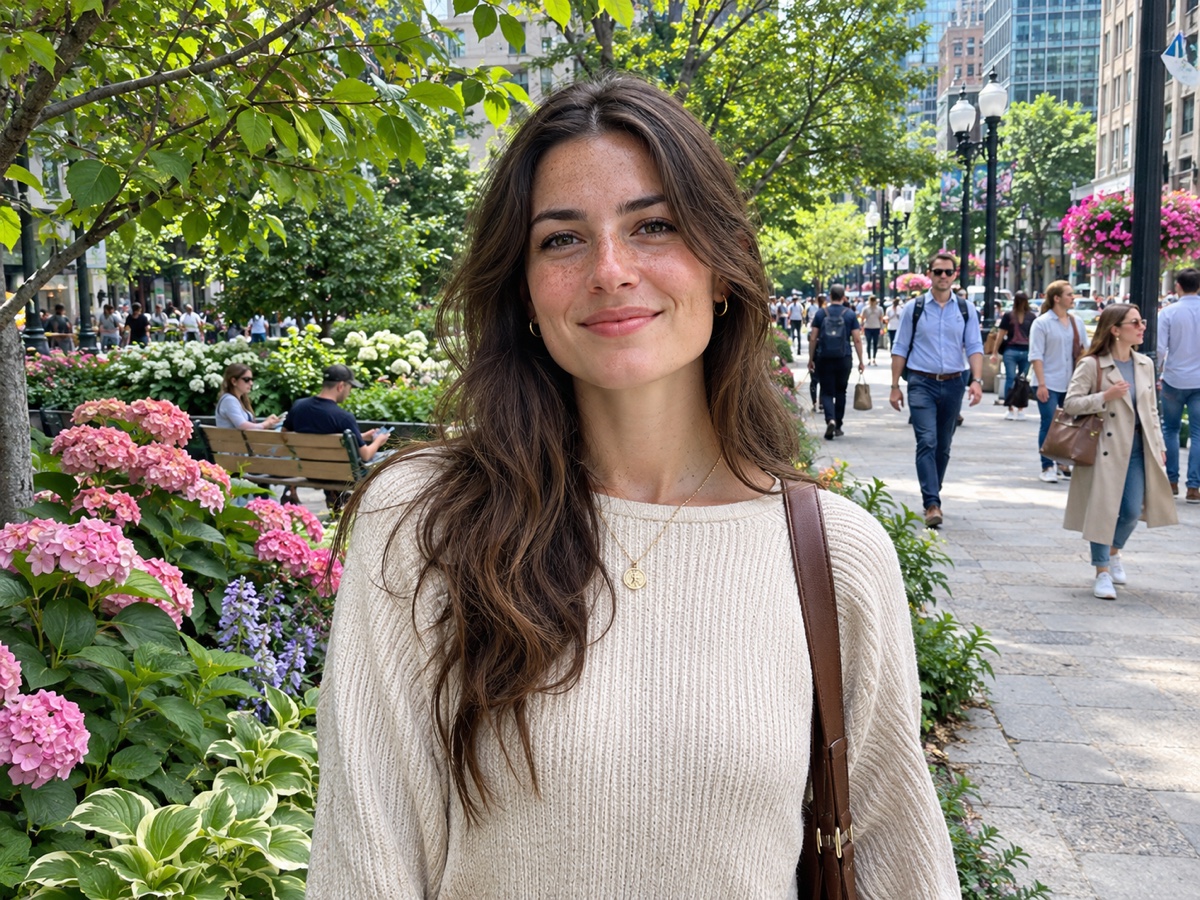
Give any photo a portrait-mode look: sharp subject, creamy blurred background.
- Automatic subject detection
- 3 blur strengths
- 1 credit per photo
- No signup required
from 1 credits · Uploads are deleted automatically after 24 hours.

How it works
Step 1
Upload a photo
People, pets, products or food — anything with a clear subject.
Step 2
Choose options
Pick light, medium or strong blur.
Step 3
Download
Download the sharp-subject, blurred-background photo.
Why youcut.ai
Clean edges
The same matting model as our Background Remover keeps hair and fur crisp.
Works on old phones
Add depth of field to photos taken without a portrait mode.
youcut.ai vs Photoshop
| Feature | youcut.ai | Photoshop |
|---|---|---|
| Manual masking | — | ✓ |
| Time per photo | ~5 seconds | 5–15 minutes |
Frequently asked questions
Can I keep the background but change it instead?+
Yes — use the Background Remover or AI Background Generator to replace it.
Are my photos stored?+
Guest uploads are deleted automatically after 24 hours. Logged-in users can delete files at any time.
Is it free to try?+
Every visitor gets free daily credits, and new accounts get a signup bonus. Credits are only charged for successful results.
Ready to try Blur Background?
Free preview in seconds. HD download from 1 credits.
Try it freePowered by: Bria RMBG 2.0 · BiRefNet v2