Remove Background from GIF Images
GIF is two formats in one: a static 256-colour image and an animation container, and background removal treats them differently. For a static GIF, such as an old logo, a clip-art graphic or a single frame saved from the web, upload it here and the Background Remover isolates the subject and exports a transparent PNG or WebP with smooth 8-bit alpha, which is far better than the hard 1-bit transparency GIF itself supports. Logo mode works well for these flat graphics. For an animated GIF, a meme, a reaction clip or a product loop, use the dedicated GIF Background Remover linked below: it processes every frame with consistent edges and re-encodes the result as animated WebP, APNG or GIF, up to 60 frames per job. If you need the final output to stay a GIF for a platform that accepts nothing else, remember that GIF transparency is on or off per pixel, so soft hair edges become hard; WebP or APNG keep them soft. GIFs are limited to 256 colours and often dithered, and the model is tolerant of that, but the cleanest results come from the largest, least re-shared copy you can find. Free preview for static GIFs without signup.
- Static GIF → smooth transparent PNG or WebP
- Animated GIF → dedicated GIF Background Remover, 60 frames
- Tolerant of 256-colour dithering
- Prefer WebP/APNG output to keep soft edges
- No signup required
from 1 credits · Uploads are deleted automatically after 24 hours.
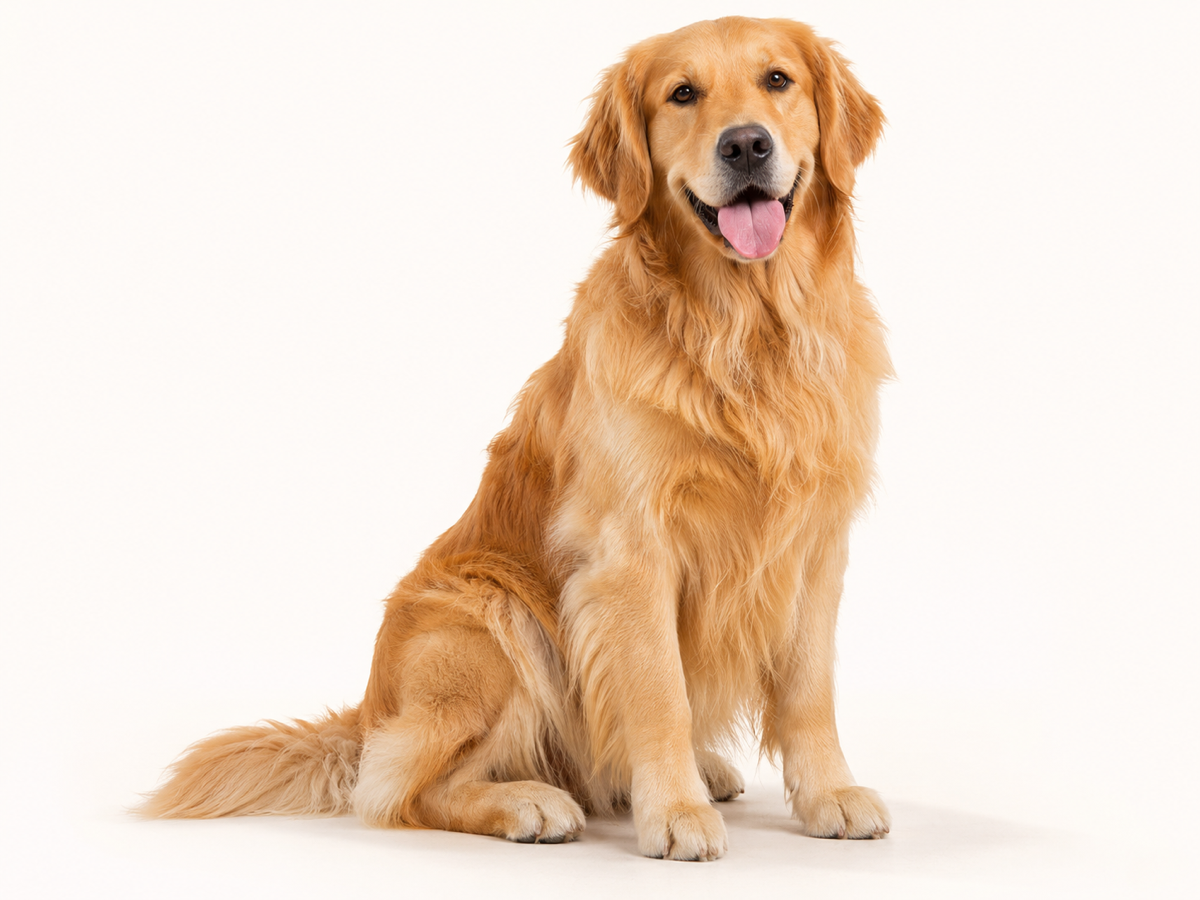
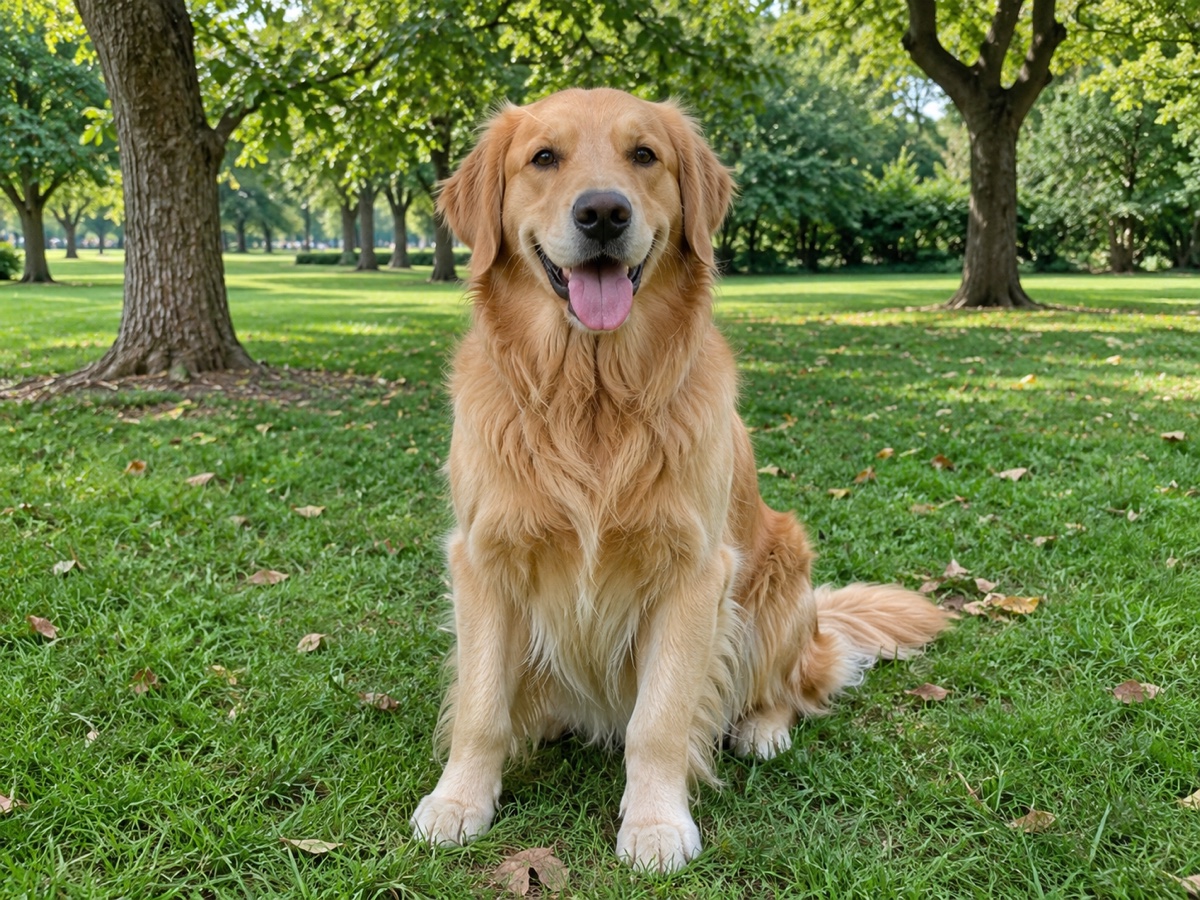
Other variants
Modes
How it works
Step 1
Upload an image
Drag & drop a JPG, PNG, WebP or HEIC, or paste from clipboard.
Step 2
AI removes the background
Our model detects the subject and cuts it out in about 5 seconds.
Step 3
Download or keep editing
Get a transparent PNG, add a new background, or upscale.
Works great for
People
Hair, fur and semi-transparent edges handled cleanly.
Products
Marketplace-ready white backgrounds for Amazon, Shopify and eBay.
Cars
Keep reflections and windows realistic.
Logos
Crisp vector-like edges for graphics and text.
Animals
Fine fur preserved.
Signatures
Turn a photo of a signature into a transparent PNG.
Why youcut.ai
Fully automatic
No manual selection or Photoshop skills required.
Batch processing
Upload up to 100 images and download a ZIP.
Up to 4K output
Full-resolution downloads for print and e-commerce.
Private by default
Guest uploads are deleted automatically after 24 hours.
youcut.ai vs remove.bg
| Feature | youcut.ai | remove.bg |
|---|---|---|
| Free HD preview | ✓ | — |
| Price per HD image | from $0.03 | $0.22 |
| AI background generation | ✓ | — |
| API | $0.02/image | $0.20/image |
Loved by creators and teams
“I process 200 product photos a week. The batch tool paid for itself on day one.”
“Hair edges are better than what I got from remove.bg.”
“Paste, cut, download. Three seconds per thumbnail.”
“Great for agent headshots on listing flyers.”
“Free preview is enough for my presentations.”
“The API replaced a much more expensive vendor.”
Frequently asked questions
Can I keep the output as a GIF?+
Yes, but GIF transparency is 1-bit so edges become hard. Use it only when the destination accepts nothing else.
What happens if I upload an animated GIF here?+
Only the first frame is processed. Use the GIF Background Remover for the full animation.
Why does my GIF look grainy after removal?+
That is the original dithering. Run the result through the Photo Enhancer or Image Upscaler to smooth it.
Ready to try Background Remover?
Free preview in seconds. HD download from 1 credits.
Try it freePowered by: BiRefNet v2 · Bria RMBG 2.0