Change Photo Background with a Text Prompt
There are two ways to change a background on youcut.ai. The Background Remover cuts the subject out and lets you drop in a colour or a generated backdrop behind an unchanged cutout. The AI Photo Editor goes further: it re-renders the whole picture so the subject is lit by the new scene, with matching shadows, reflections, colour temperature and depth of field, which is what makes a person moved to a sunset beach actually look like they are standing on it. Type an instruction such as change the background to a modern glass office, put him on a snowy Tokyo street at night, or replace the room with a tropical beach at golden hour, and Nano Banana or GPT Image repaints the environment while keeping the subject's identity, pose and clothing. Use it for travel-style content, for dating and social profile photos, for product hero images that need a lifestyle setting, and for team photos taken in different places that should look like one location. Describe the light as well as the place for the most convincing results, and keep the camera height consistent with the original shot. Three credits per edit with Nano Banana or Seedream Edit, five with GPT Image, and every edit can be refined with a follow-up instruction.
- Subject re-lit by the new scene – shadows and colour match
- Identity, pose and clothing preserved
- Describe the light as well as the place
- Refine with follow-up instructions
- No signup required
from 3 credits · Uploads are deleted automatically after 24 hours.
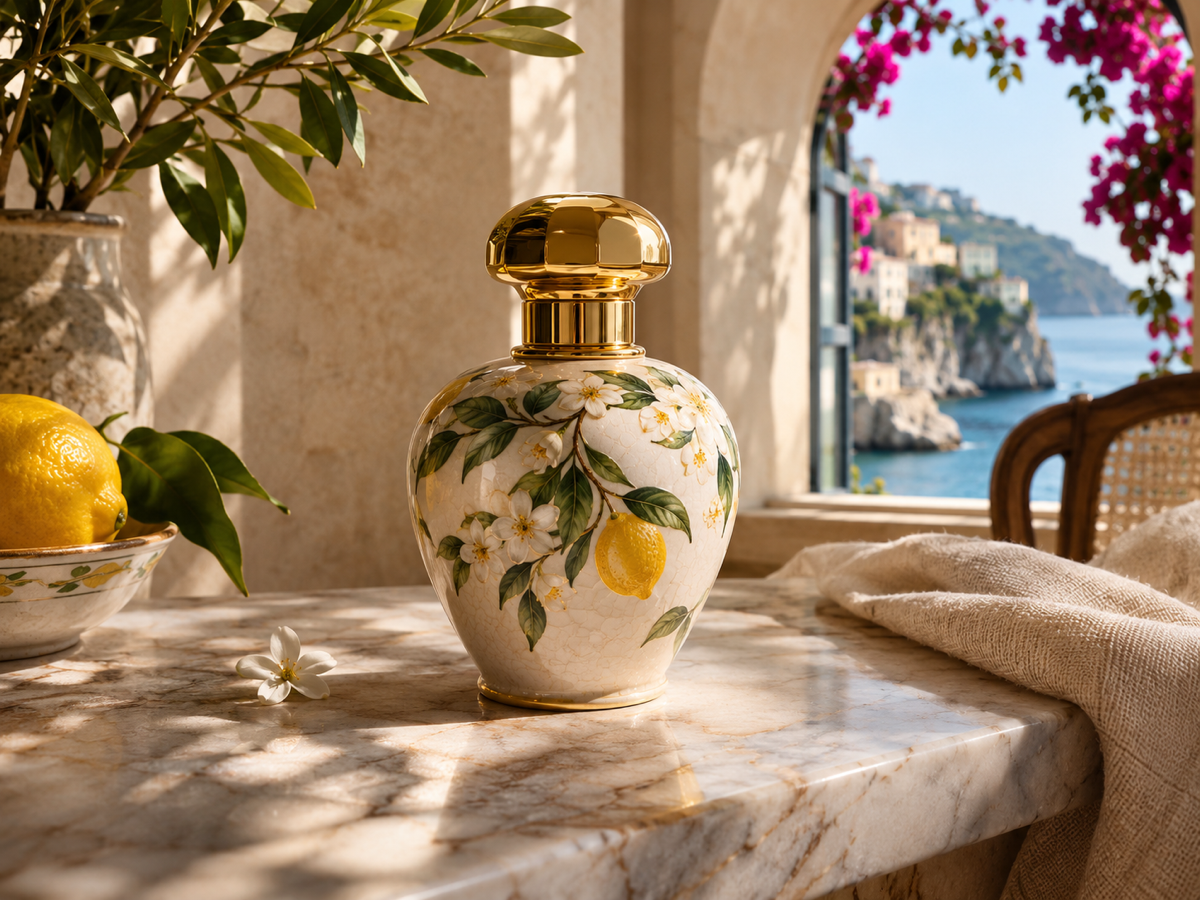
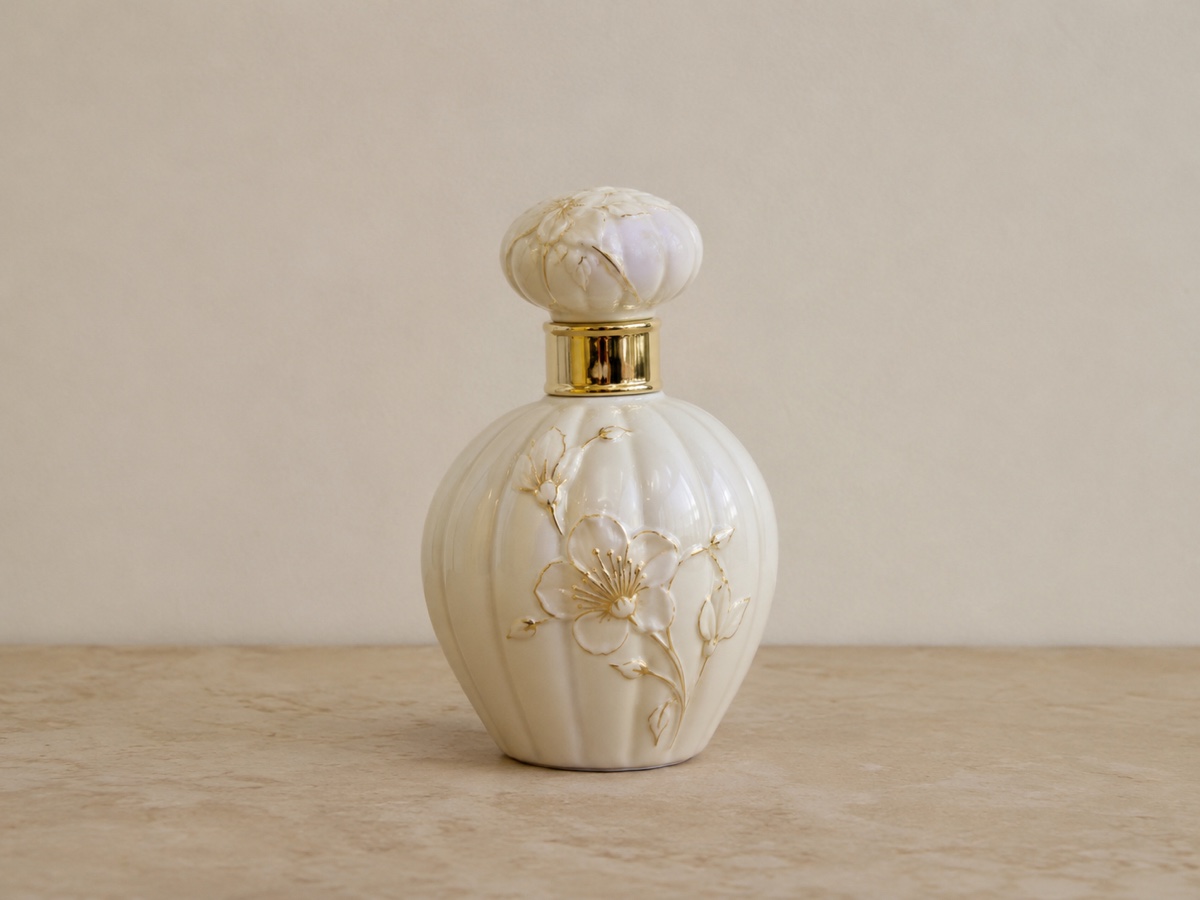
Other variants
Modes
How it works
Step 1
Upload a photo
Any JPG, PNG, WebP or HEIC.
Step 2
Describe the edit
Type what to change. Attach a reference image for a specific outfit, product or style.
Step 3
Refine in follow-ups
Keep chatting: "make it warmer", "remove the hat". Download any version.
Works great for
Why youcut.ai
Identity preserved
Faces, logos and product details stay recognizable across edits.
Conversation history
Every turn is saved; branch from any earlier version.
Reference images
Show the model the exact garment, color or style you mean.
Three engines
Switch between Nano Banana, GPT Image and Seedream 4 Edit per request.
Local edits too
Optionally brush a region to limit changes to that area.
youcut.ai vs Adobe Photoshop
| Feature | youcut.ai | Adobe Photoshop |
|---|---|---|
| Edit with natural language | ✓ | Limited (Generative Fill) |
| Skill required | None | Layers, masks, selections |
| Price | 3–5 credits per edit | Monthly subscription |
| Model choice | 3 models | Firefly only |
Loved by creators and teams
“Show the same top in five colors from one photo.”
“Client asked to remove a logo and change the sky. Two sentences.”
“Multi-turn editing feels like briefing a retoucher.”
“Virtual staging by typing "add a grey sofa and a rug".”
“Tried five hairstyles before committing to one.”
“GPT Image mode nails edits with text on packaging.”
Frequently asked questions
When should I use the Background Remover instead?+
When you need a plain colour, a transparent PNG, or must keep the subject pixel-identical, for example for passport or product compliance.
Can I use my own background photo?+
Yes, attach it as a reference image and ask the model to place the subject in it.
Does it work on product photos?+
Yes, though the Product Photo Generator has presets tuned for commerce and keeps the product pixel-exact.
Ready to try AI Photo Editor?
Free preview in seconds. HD download from 3 credits.
Try it freePowered by: Nano Banana (Gemini 2.5 Flash Image) · GPT Image · Seedream 4.0