AI Product Photos for eBay Listings
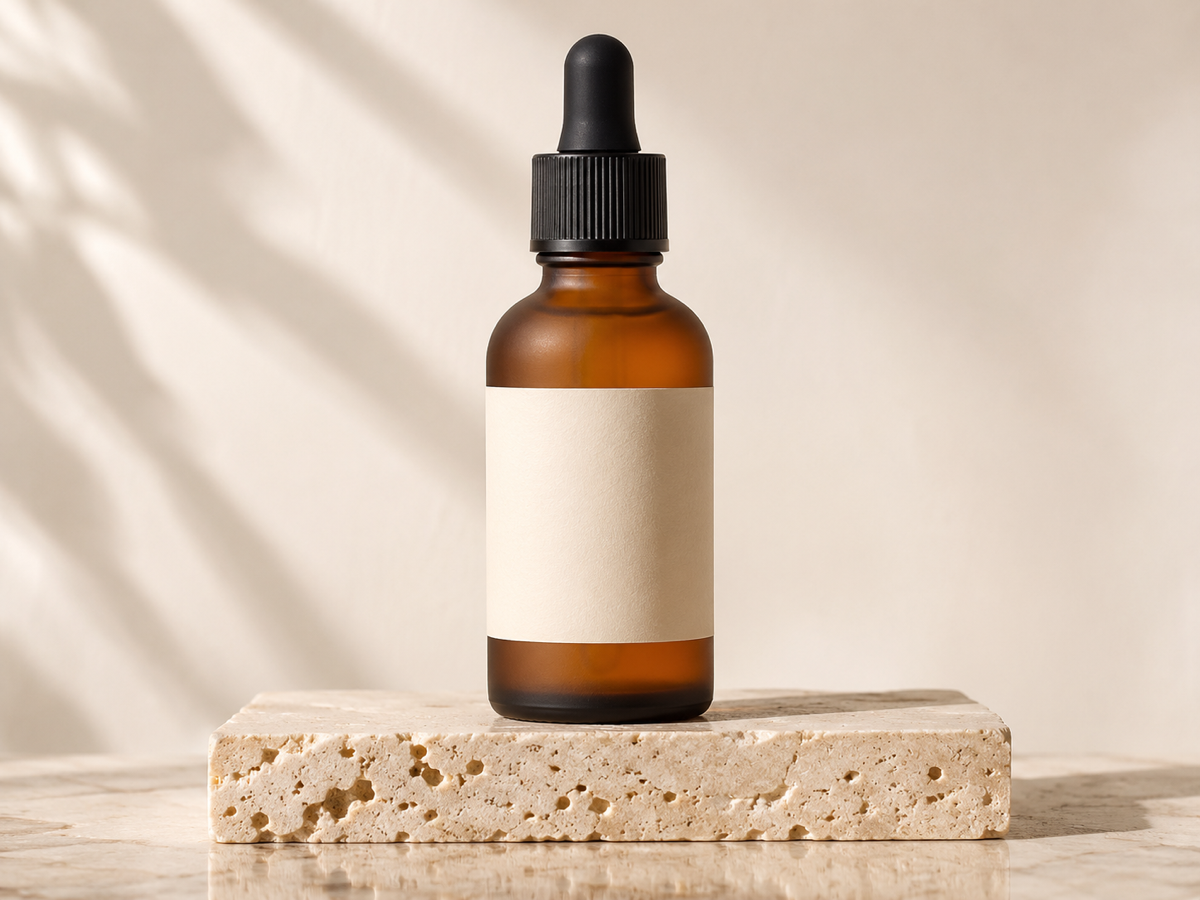
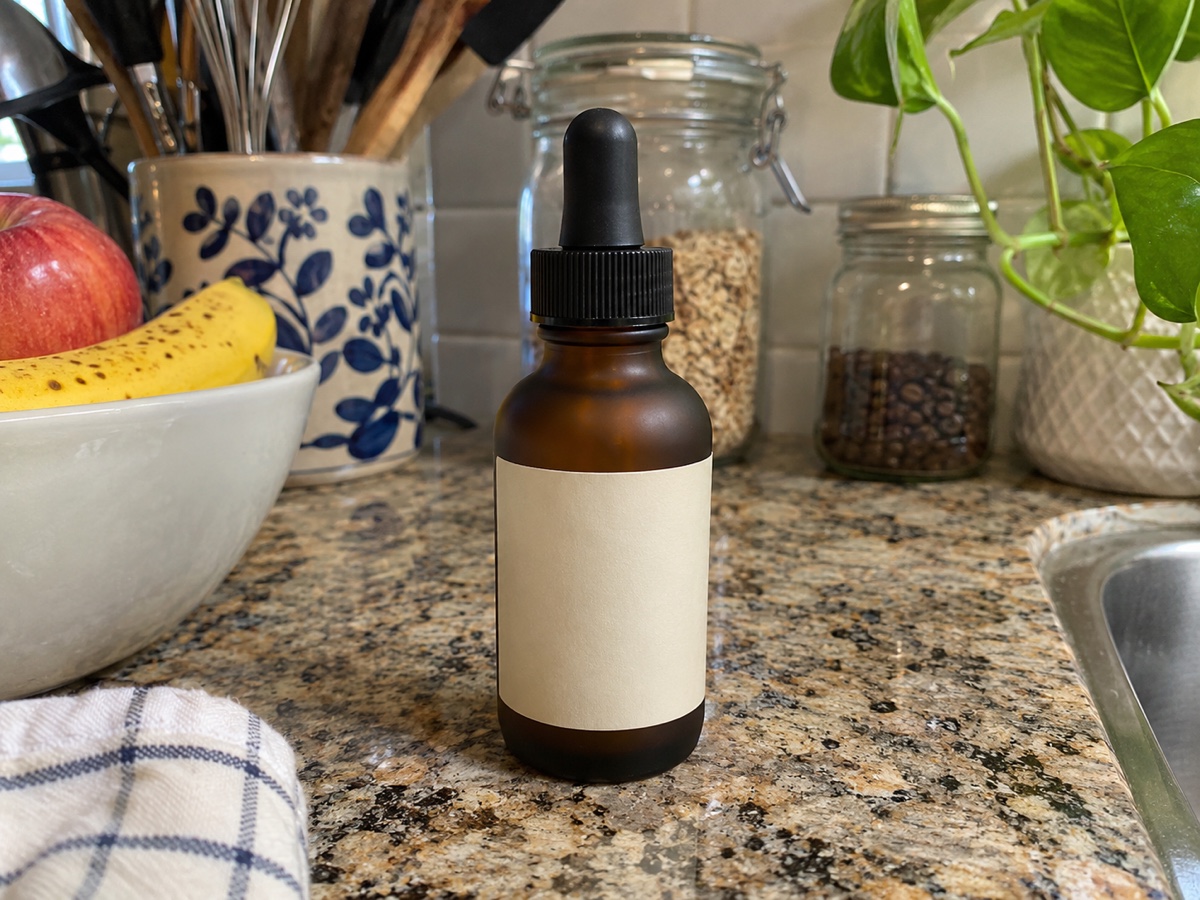
eBay's picture policy is simple but enforced: the first photo should show the actual item on a plain white or light background, no borders, text, watermarks or stock-photo look for used goods, at least 500 pixels on the longest side and ideally 1600 or more so buyers can zoom. Up to 24 photos are allowed and listings with more, clearer photos sell faster. The Product Photo Generator produces the compliant first image by cutting out your item and placing it on pure white or studio grey at 2000 pixels, and then generates gallery variants on a podium, a wood surface or a neutral backdrop to show the item from a more attractive angle without misrepresenting it. Because the item pixels are preserved exactly, scratches, wear and details stay honest, which matters for eBay's condition rules and for avoiding returns. Resellers use this for sneakers, electronics, collectibles, vintage clothing and car parts; refurbishers use it to standardise hundreds of similar items; and small shops use it to make used goods look professionally listed. Shoot the item in even light from a consistent angle, generate two variations and pick the cleanest. Three credits per generation, and the Batch Background Remover handles white backgrounds for bulk inventory at one credit per image.
- White or light grey first image, no borders or text
- 2000 px output exceeds the 1600 px zoom recommendation
- Wear and scratches preserved – honest condition photos
- Podium and wood variants for the 24 gallery slots
- No signup required
from 3 credits · Uploads are deleted automatically after 24 hours.
Other variants
How it works
Step 1
Upload a product photo
A phone photo on any background works. The product is cut out automatically.
Step 2
Choose scenes
Pick white background for the main image plus lifestyle presets for gallery slots.
Step 3
Generate the set
Download individually or as a ZIP sized for Amazon (2000 px), Shopify or Etsy.
Works great for
Why youcut.ai
Pixel-locked product
Labels, textures and colors are never regenerated, so listings stay accurate.
Realistic shadows and reflections
Contact shadows and surface reflections are synthesized to match each scene.
Marketplace presets
Amazon 2000 x 2000 white, Etsy 2700 x 2025, Shopify 2048 square, and more.
Batch across SKUs
Apply the same scene set to your whole catalog for consistency.
Seasonal refresh
Holiday and seasonal presets let you refresh listings without a reshoot.
API and Shopify integration
Automate on Business plans.
youcut.ai vs Photoroom
| Feature | youcut.ai | Photoroom |
|---|---|---|
| Price per generated image | 3 credits (~$0.09 on Pro) | Pro plan (8000 AI credits/yr) |
| Marketplace size presets | ✓ | ✓ |
| Choice of image model | Nano Banana / Seedream 4 | Proprietary |
| Free daily credits without account | ✓ | — |
| API price (cutout) | $0.02/image | $0.02/image |
Loved by creators and teams
“Seven listing images from one phone photo. Conversion up 18%.”
“We skipped a $4,000 lifestyle shoot for the spring launch.”
“The wood-table preset matches my brand perfectly.”
“Supplier photos become unique listing images in minutes.”
“Consistent scenes across 300 SKUs for a client relaunch.”
“Automated the whole pipeline through the API and Shopify.”
Frequently asked questions
Will eBay flag the image as a stock photo?+
No, it is your actual item on a clean background. Stock photos are prohibited for used items; this is a photo of the specific unit.
What size does eBay want?+
Minimum 500 px on the longest side, 1600 px or more recommended for zoom, maximum 12 MB.
Can I do this for 200 items at once?+
Use the Batch Background Remover for white backgrounds in bulk, then this tool for hero images of key items.
Ready to try Product Photo Generator?
Free preview in seconds. HD download from 3 credits.
Try it freePowered by: Nano Banana (Gemini 2.5 Flash Image) · Seedream 4.0 · BiRefNet v2