AI Green Screen Without a Green Screen
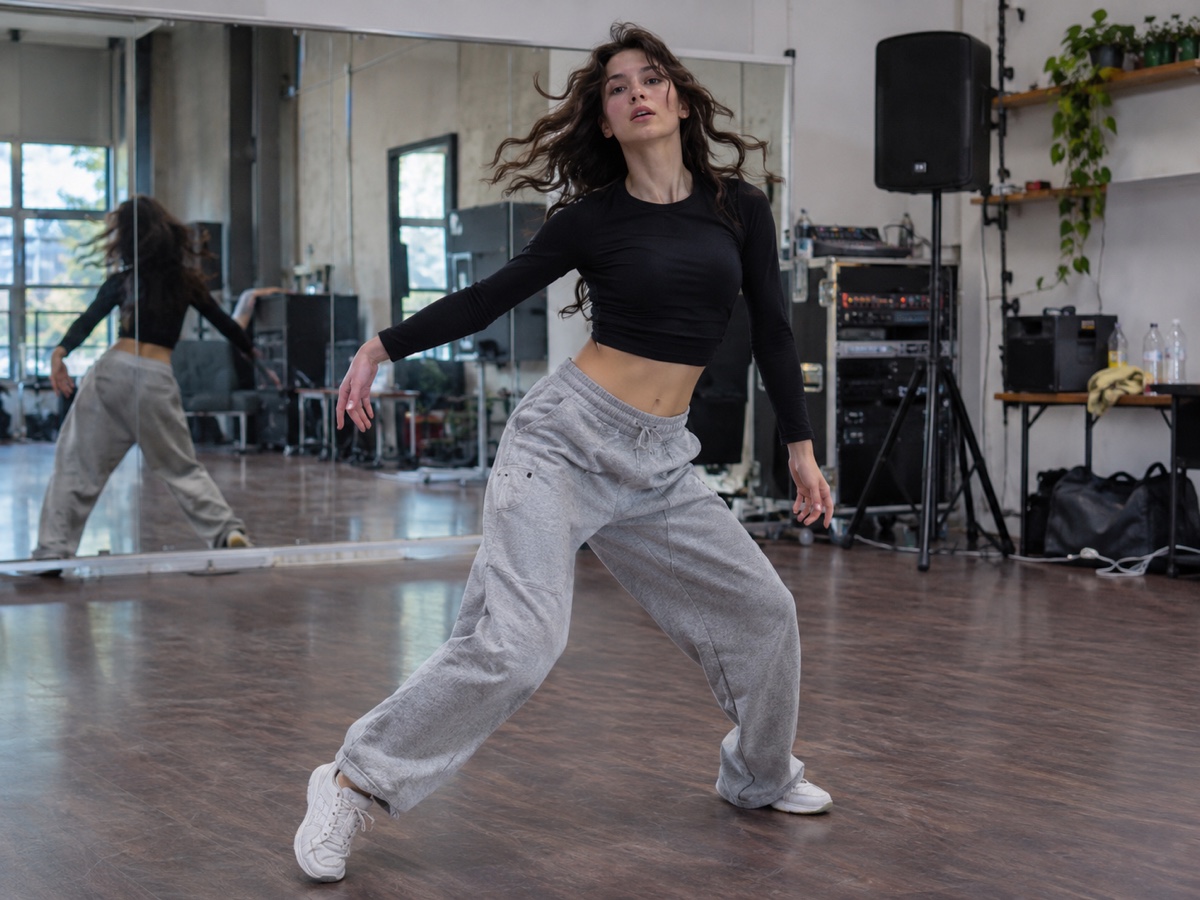
Chroma keying needs an evenly lit green cloth, no green in the wardrobe and enough distance to avoid spill. AI matting needs none of that. Upload a clip filmed in your bedroom, a cafe or an office and the Video Background Remover separates you from the scene frame by frame, producing either a transparent WebM with alpha or, if your editor prefers it, the same footage on a pure green background that you can key with zero tolerance. Bria video matting handles hair, glasses and hand gestures, and temporal smoothing keeps the edge stable between frames so it does not crawl. Use it for talking-head clips you want to place over slides, for product demos you want on a brand background, for streamers without a physical screen, and for reaction videos to be layered over gameplay. Film in steady light with the subject in focus and avoid backgrounds that match your clothing exactly. The tool is in beta, costs ten credits per ten seconds, and currently accepts MP4 and MOV up to 1080p and two minutes.
- No cloth, no lighting rig, no spill – shoot anywhere
- Transparent WebM or pure green output for any editor
- Temporal smoothing keeps edges from crawling
- Beta: MP4/MOV up to 1080p and 2 minutes, 10 credits per 10 s
- No signup required
from 10 credits · Uploads are deleted automatically after 24 hours.

Legal notice: Only upload videos you own or have permission to edit. Do not use this tool to strip watermarks, logos or attribution from third-party footage. Terms
Other variants
How it works
Step 1
Upload a video
MP4 or MOV, up to 2 minutes and 1080p. Credits are shown before you start.
Step 2
AI tracks the subject
Every frame is segmented with temporal smoothing so edges stay stable.
Step 3
Export
Download transparent WebM for editors, or MP4 with green or solid background.
Works great for
Why youcut.ai
No green screen
Works with any background: office, bedroom, street.
Alpha channel output
Transparent WebM (VP9 alpha) imports directly into Premiere, DaVinci and CapCut.
Stable edges
Temporal smoothing prevents the flicker common in per-frame tools.
Transparent pricing
10 credits per 10 seconds, shown before you click.
Beta with fast iteration
Currently in beta: report edge cases and get credits back for failed jobs.
youcut.ai vs Runway
| Feature | youcut.ai | Runway |
|---|---|---|
| Price per 10 s clip | 10 credits (~$0.30 on Pro) | Requires paid plan credits |
| Transparent WebM export | ✓ | ✓ |
| No account for preview of other tools | ✓ | — |
| Max length | 2 minutes | Plan dependent |
Loved by creators and teams
“Recorded in my kitchen, dropped myself onto slides. Nobody noticed.”
“Replaced my green screen setup completely.”
“Product spin videos on white now match our listing photos.”
“The alpha WebM imports into DaVinci without any conversion.”
“Cheaper per clip than the app subscriptions I was paying for.”
“Good enough for ads; the beta label undersells it.”
Frequently asked questions
Which output should I choose for Premiere or DaVinci?+
Pure green is the safest: import and apply an Ultra Key or Delta Keyer with minimal settings. Transparent WebM works in editors that read VP9 alpha.
Does it work with a moving camera?+
Yes, matting is per frame and does not rely on a static background.
What resolution is supported?+
Up to 1080p during beta; 4K is planned for the Business plan.
Ready to try Video Background Remover?
Free preview in seconds. HD download from 10 credits.
Try it freePowered by: Bria RMBG 2.0 · BiRefNet v2
Only upload videos you own or have permission to edit. Do not use this tool to strip watermarks, logos or attribution from third-party footage.