Sketch to Image AI – Turn Drawings into Realistic Renders
Render a rough sketch into a photo, 3D render, illustration or product shot.
- Follows your lines
- 4 render looks
- Phone photo of paper is fine
- No signup required
from 3 credits · Uploads are deleted automatically after 24 hours.
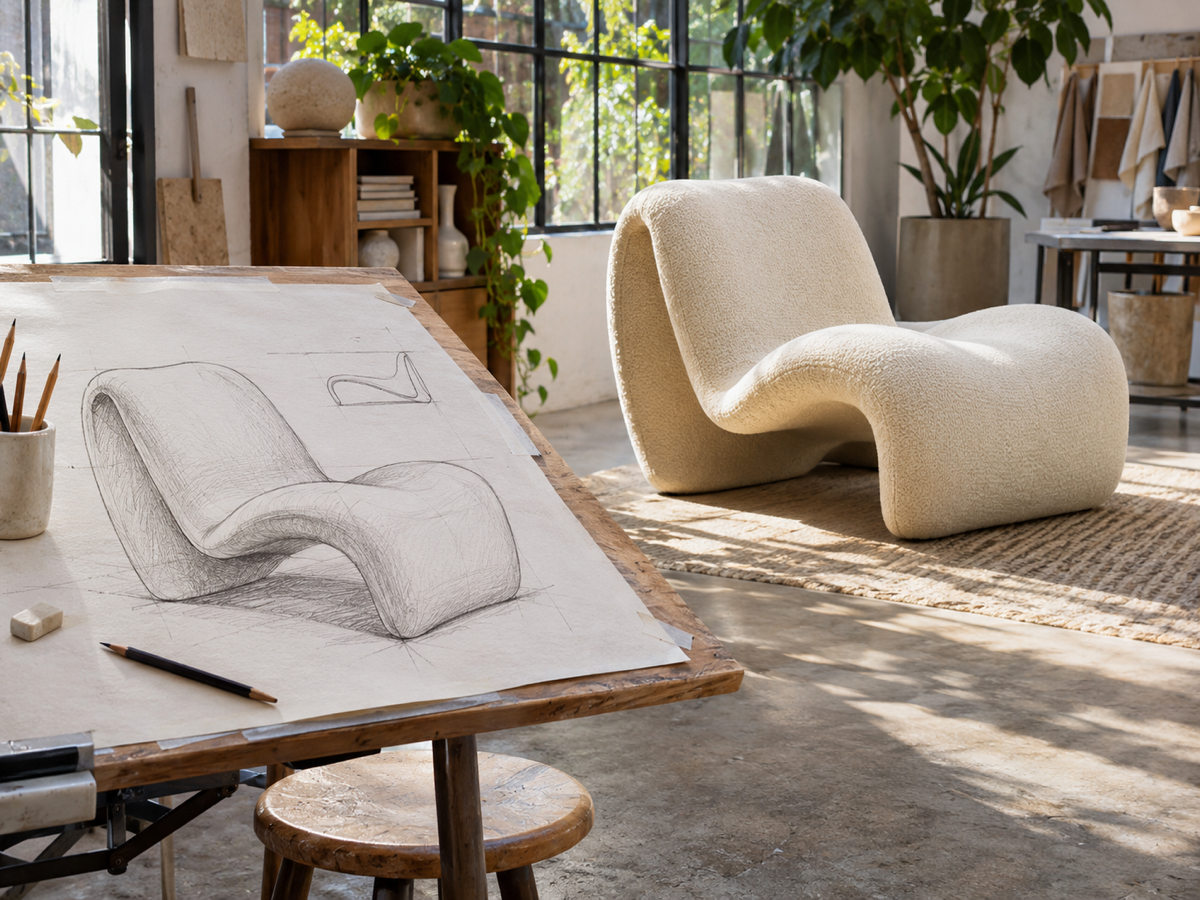
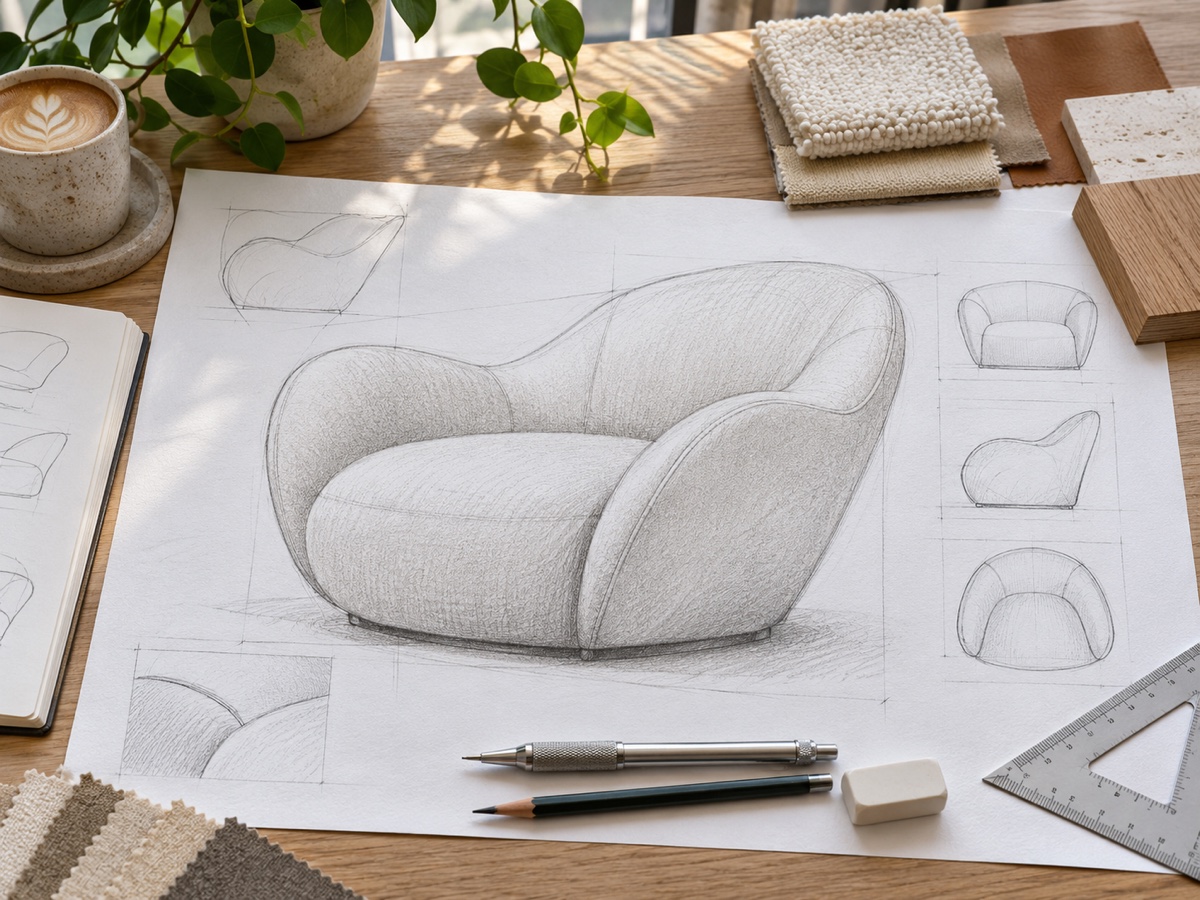
Modes
How it works
Step 1
Upload a photo
Scan or photograph your sketch; clear dark lines work best.
Step 2
Choose options
Pick photo, 3D, illustration or product render and describe materials.
Step 3
Download
Download the render and iterate.
Why youcut.ai
For designers
Show clients a realistic concept minutes after the first sketch.
Interior & product
Works for furniture, rooms, packaging, characters and more.
youcut.ai vs 3D modeling
| Feature | youcut.ai | 3D modeling |
|---|---|---|
| Time to first render | ~20 seconds | Hours to days |
| Editable 3D model | — | ✓ |
Frequently asked questions
Do I need a clean drawing?+
No, but clear outlines give more faithful results. Add materials and colors in the text field.
Can I use the results commercially?+
Yes. HD downloads on paid plans include a commercial license. Make sure you have rights to any photos, logos or characters you upload or reference.
Is it free to try?+
Every visitor gets free daily credits, and new accounts get a signup bonus. Credits are only charged for successful results.
Ready to try Sketch to Image?
Free preview in seconds. HD download from 3 credits.
Try it freePowered by: Nano Banana (Gemini 2.5 Flash Image) · Seedream 4.0